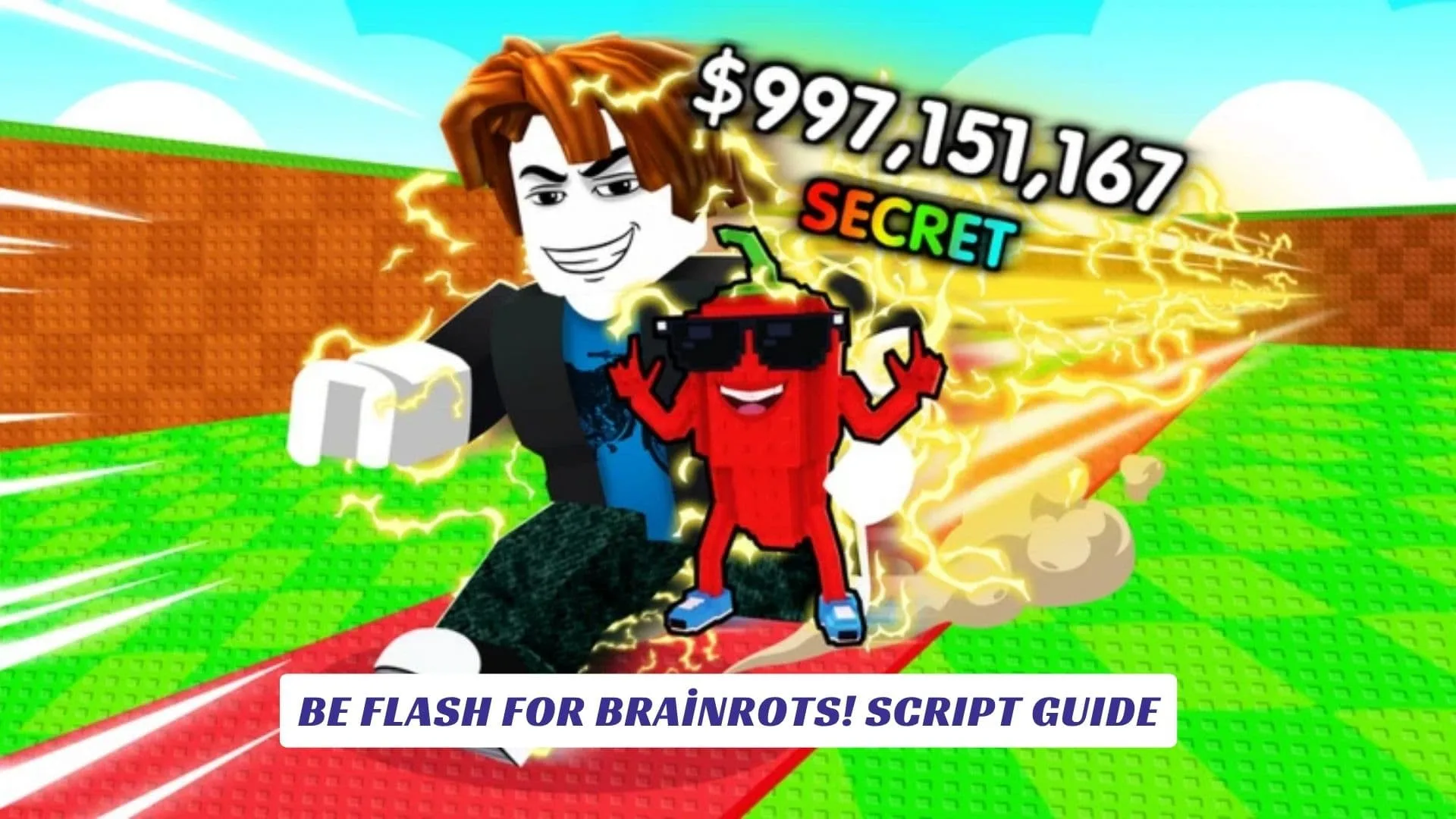
If you have been searching online for a solid Be Flash For Brainrots! Script Guide, this is the place to bookmark and come back to, because this page breaks down every working Lua script currently circulating in the Roblox community for Be Flash For Brainrots!, covering features like Auto Charge, x2 Train, Auto Farm, Collect Cash, Auto Upgrade, Auto Rebirth, Instant Mutation, and more. Be Flash For Brainrots! is a fast-paced, speed-driven Roblox experience where players race to collect Brainrots, bring them back to base, earn cash, train their character, and rebirth for bigger progression multipliers, all while using dash mechanics and quick-time event inputs to move faster than everyone else. That core loop is engaging but repetitive, and that is exactly why so many players look for scripts, cheats, and executor tools to automate or accelerate their runs. Whether you are a veteran of Roblox exploit culture or just getting started with script executors, this guide will walk you through everything you need to know, including what features these scripts unlock, how to run them safely, and what risks come with using any cheat tool in a Roblox game. Our website also includes an earlier post with the related codes for the game, Be Flash For Brainrots! Codes, so be sure to check that out too if you want free in-game rewards without any executor needed.
What These Scripts Actually Do
Before diving into the code, it is worth understanding why players look for scripts in Be Flash For Brainrots! in the first place. The game is built around repeated grinding, charging your speed bar, training stats, collecting cash, and looping rebirths to increase your multipliers. Scripts automate all of that. Instead of manually clicking through charge bars and running collection laps, the script handles it silently in the background, which is exactly what makes cheats like these appealing in grind-heavy Roblox games.
The most commonly advertised feature set across all public script hubs includes x2 Train, Auto Charge to 100%, Collect Cash, Upgrade All, Auto Rebirth, and Instant Mutation. Some scripts also include a clean GUI panel so you can toggle features on and off without reloading the game.
Script 1: Hexiron Hub Script (Auto Train, Auto Farm, Mutation)
This is one of the most widely shared scripts for Be Flash For Brainrots! in the community. It loads the Hexiron Hub, a GUI-based interface that covers Auto Train, Auto Farm, and Mutation functions. You run this using a Roblox script executor on PC or mobile.
lualoadstring(game:HttpGet("https://raw.githubusercontent.com/Benmuhammed7/Hexiron/refs/heads/main/Be%20Flash%20For%20Brainrots/Main.lua"))()
To use it, paste the script into your executor, attach it to the Roblox process while Be Flash For Brainrots! is running, and execute. The Hexiron Hub GUI should appear on screen and let you enable specific features one by one.

Script 2: GUI Script (Auto Charge, Collect Cash, x2 Train)
This second script is a lighter alternative that loads a simple GUI with the most-used farming features. It is popular because it does not require a key system, which means you can paste and run it without going through any link-locker or verification step.
lualoadstring(game:HttpGet("https://raw.githubusercontent.com/gumanba/Scripts/main/BeFlashForBrainrots"))()
Features included:
- x2 Train
- Auto Charge (100%)
- Collect Cash
- Upgrade All
- Auto Rebirth
Script 3: Auto Farm Pastebin Script
This one is hosted directly on Pastebin and was confirmed functional as of May 2026 by the video that shared it. It is one of the cleaner options for players who want straightforward Auto Farm, Collect Cash, and Upgrade All without a complex GUI.
lualoadstring(game:HttpGet("https://pastebin.com/raw/DFZkd1pa"))()
The three core features are Auto Farm Brainrots, Collect Cash, and Upgrade All, and according to the source, it was fully functional at the time of its release in mid-May 2026.
How To Run These Scripts
You will need a working Roblox executor to run any of these scripts, since Roblox itself does not allow external Lua injection through its default interface. Executors are third-party tools that attach to the Roblox client and allow you to paste and run custom Lua code during an active game session.
The general process is straightforward:
- Open Be Flash For Brainrots! on Roblox and wait for it to load.
- Open your executor and attach it to the Roblox process.
- Copy one of the scripts above and paste it into the executor’s script box.
- Click Execute or Inject, depending on your executor.
- The script’s GUI will appear in-game and you can toggle features from there.
Always make sure your executor is up to date before attempting to inject, since Roblox pushes updates that can break older executor builds.
Using Roblox Studio to Test Script Logic
If you are interested in the development side rather than just using cheats, Roblox Studio is the right place to experiment with similar automation logic in a safe environment. Inside Roblox Studio, you can build a mock version of Be Flash For Brainrots! style mechanics, write your own Lua scripts for auto-collection or charge-bar filling, and run them in a local test session without violating any Roblox terms of service.
This is especially useful for developers who want to understand how these kinds of scripts work under the hood, or content creators who want to showcase script behavior for tutorial purposes without risking a live account.
Risks and Things To Know
Scripts, cheats, and any kind of executor use come with real risk in Roblox, and it is important to be clear about that. Roblox has an anti-cheat system, and even scripts that appear safe initially can trigger detection, especially after game updates that patch known vulnerabilities.
A few key points worth keeping in mind:
- Roblox can ban accounts that are caught using exploits or cheats, including temporary and permanent bans.
- Scripts loaded from external GitHub or Pastebin links can be edited or replaced by the repository owner at any time.
- Some third-party executor sites bundle malware or use script links as bait for ad revenue or data collection.
- No-key scripts are not automatically safer than keyed ones, the absence of a lock does not mean the code is clean.
Using a secondary or test account is a common precaution in the scripting community, and it is worth considering if you want to explore these tools without putting your main profile at risk.
Why Be Flash For Brainrots! Attracts Script Hunters
Be Flash For Brainrots! launched in early May 2026 and almost immediately attracted a wave of script activity, which is typical for any Roblox game that goes viral quickly. The game’s dash-based, timed gameplay loop creates a natural demand for automation, since players who grind manually are at a disadvantage compared to those using auto-charge and auto-farm cheats.
The fact that scripts for this game are already available as no-key, cross-platform (PC and mobile) tools less than two weeks after launch shows how fast the Roblox scripting community moves on trending games. For players who just want to enjoy the game’s progression without the repetitive grind, it is easy to understand the appeal.
Play Be Flash For Brainrots! now