
Contents
- What Is Car Driving Indonesia?
- What “Scripts” Usually Mean In This Community
- What Players Claim These Script Hubs Can Do (Informational)
- Working Script Examples (Safe Roblox Studio)
- Simple Day/Night Cycle (Server Script)
- Anti-AFK For Your Own Game (Server Kick Prevention Alternative)
- Vehicle Speed Limit (Server Script)
- Simple Teleport Menu (Legit UI + Server Remote)
- Working HTML Snippets (For Your Article Page)
- Embed The Official Game Link
- Copy-Link Button
- How To Talk About Cheats Without Getting Burned
In this Car Driving Indonesia Script Guide, we’re digging into what “scripts” around Car Driving Indonesia usually refer to (script hubs, auto-farm tools, GUI menus, and other cheat/cheats-style add-ons), how to recognize what’s real versus sketchy, and what you can do instead if you want working script examples without putting your account at risk. We’ll also cover where people typically look for scripts, what features they claim to offer (teleports, vehicle tweaks, always-day/night toggles, time trial automation, and more), and how to think about safety before you run anything from random sites. If you’re here for freebies too, our site also has an earlier post you can check later: Car Driving Indonesia Codes. And because a lot of players confuse exploit scripts with legitimate development, we’ll include several safe Roblox Studio scripts (plus a couple of website-friendly HTML snippets) you can copy-paste today—no shady loaders required, no mystery code, just clean examples you can learn from and build on.
What Is Car Driving Indonesia?
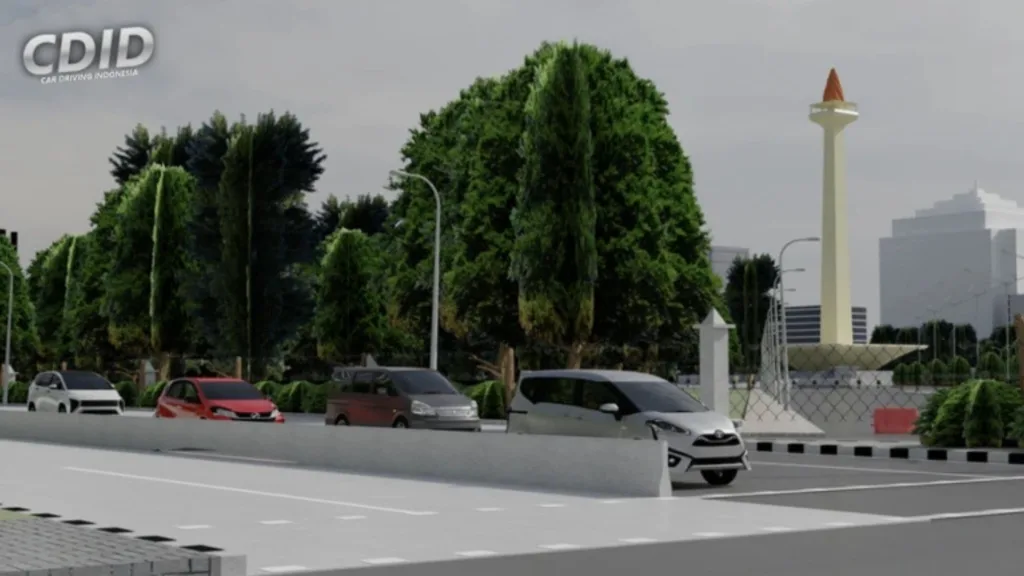
Car Driving Indonesia is a Roblox driving/roleplay experience that’s treated as a living project, with updates and events rotating over time. The official Roblox page also signals that the experience is still in beta, which is a big reason gameplay systems and UI elements can change (and why third-party scripts often “break” after updates).


What “Scripts” Usually Mean In This Community
When people say “Car Driving Indonesia scripts,” they often mean exploit scripts—third-party cheat/cheats tools that inject code into Roblox to automate money grinding, modify movement, or access convenience functions beyond intended gameplay. Script hub listings frequently advertise big feature bundles such as teleports, auto time trials, box opening, “always day/night,” and stat modifiers like walkspeed and gravity changes. Those features may sound tempting, but they’re also exactly the kind of behavior that can trigger moderation and expose you to malicious code, so treat them as “high risk” by default.
What Players Claim These Script Hubs Can Do (Informational)
One example listing on ScriptBlox, “Atomic Hub Autofarm 5M Perhours,” describes an Autofarm section (including trucker/minigame farming), “banwave detection,” webhook options, and misc automation like auto time trial, auto-claim daily quests, box opening, dealership/car wash UI openers, teleports, and physics modifiers. Even on the same page, comments include users saying the script doesn’t work or is fake—so “listed” doesn’t equal “working,” and this is why you should never trust a random paste at face value.]
Working Script Examples (Safe Roblox Studio)
These examples are meant for Roblox Studio projects you control (legit development), not for injecting into Car Driving Indonesia or any other live experience. You can still call them “scripts” in your post, but they’re the safe kind—learning tools and building blocks.
Simple Day/Night Cycle (Server Script)
Use this if you’re building your own driving map and want a living skybox cycle.
lua-- ServerScriptService/DayNightCycle.server.lua
local Lighting = game:GetService("Lighting")

-- One full in-game day every ~2 minutes (adjust to taste)
local stepMinutes = 0.25
local waitSeconds = 1

while true do
	for t = 0, 24, stepMinutes do
		Lighting.ClockTime = t
		task.wait(waitSeconds)
	end
end

Anti-AFK For Your Own Game (Server Kick Prevention Alternative)
Instead of cheat/cheats anti-AFK injectors, handle idle rewards fairly inside your own experience.
lua-- ServerScriptService/IdleRewards.server.lua
local Players = game:GetService("Players")

local IDLE_REWARD_INTERVAL = 300 -- 5 minutes
local REWARD_AMOUNT = 50

Players.PlayerAdded:Connect(function(player)
	local lastActivity = os.clock()

	-- Example: update "activity" when they chat (you can add other signals)
	player.Chatted:Connect(function()
		lastActivity = os.clock()
	end)

	task.spawn(function()
		while player.Parent do
			task.wait(IDLE_REWARD_INTERVAL)
			if os.clock() - lastActivity < IDLE_REWARD_INTERVAL * 2 then
				-- Reward active-ish players; replace with your own data store logic
				player:SetAttribute("Coins", (player:GetAttribute("Coins") or 0) + REWARD_AMOUNT)
			end
		end
	end)
end)
Vehicle Speed Limit (Server Script)
Great for driving games where you want upgrades to matter, but still keep physics stable.
lua-- ServerScriptService/VehicleSpeedLimiter.server.lua
local RunService = game:GetService("RunService")

local MAX_SPEED = 140 -- studs/sec

local function clampVelocity(part)
	local v = part.AssemblyLinearVelocity
	local speed = v.Magnitude
	if speed > MAX_SPEED then
		part.AssemblyLinearVelocity = v.Unit * MAX_SPEED
	end
end

RunService.Heartbeat:Connect(function()
	for _, model in ipairs(workspace:GetChildren()) do
		if model:IsA("Model") and model.PrimaryPart and model:FindFirstChild("IsVehicle") then
			clampVelocity(model.PrimaryPart)
		end
	end
end)
Simple Teleport Menu (Legit UI + Server Remote)
This is the safe way to do “teleports” in a game you own—no exploit injection, no hidden cheat/cheats behavior.
Server:
lua-- ServerScriptService/TeleportService.server.lua
local ReplicatedStorage = game:GetService("ReplicatedStorage")

local teleportEvent = Instance.new("RemoteEvent")
teleportEvent.Name = "TeleportToLocation"
teleportEvent.Parent = ReplicatedStorage

local LOCATIONS = {
	City = Vector3.new(0, 5, 0),
	Dealership = Vector3.new(250, 5, -120),
	Port = Vector3.new(-300, 5, 400),
}

teleportEvent.OnServerEvent:Connect(function(player, locationName)
	local character = player.Character
	if not character then return end

	local hrp = character:FindFirstChild("HumanoidRootPart")
	if not hrp then return end

	local target = LOCATIONS[locationName]
	if not target then return end

	hrp.CFrame = CFrame.new(target)
end)
Client:
lua-- StarterPlayerScripts/TeleportMenu.client.lua
local ReplicatedStorage = game:GetService("ReplicatedStorage")
local teleportEvent = ReplicatedStorage:WaitForChild("TeleportToLocation")

-- Example hotkeys:
local UserInputService = game:GetService("UserInputService")

local binds = {
	[Enum.KeyCode.One] = "City",
	[Enum.KeyCode.Two] = "Dealership",
	[Enum.KeyCode.Three] = "Port",
}

UserInputService.InputBegan:Connect(function(input, gameProcessed)
	if gameProcessed then return end
	local loc = binds[input.KeyCode]
	if loc then
		teleportEvent:FireServer(loc)
	end
end)
Working HTML Snippets (For Your Article Page)
If you want the post itself to feel “tool-like,” these are clean, working HTML additions for your website.
Embed The Official Game Link
xml<section>
  <h2>Official Roblox Page</h2>
  <p>Use the official link to avoid fake mirrors and sketchy downloads.</p>
  <a href="https://www.roblox.com/games/6911148748/Car-Driving-Indonesia" rel="noopener noreferrer" target="_blank">
    Open Car Driving Indonesia on Roblox
  </a>
</section>

Copy-Link Button
xml<section>
  <h2>Copy The Official Link</h2>

  <input id="cdidLink" value="https://www.roblox.com/games/6911148748/Car-Driving-Indonesia" readonly style="width:100%;padding:10px;">
  <button id="copyBtn" style="margin-top:10px;padding:10px 14px;">Copy</button>

  <script>
    document.getElementById("copyBtn").addEventListener("click", async () => {
      const link = document.getElementById("cdidLink").value;
      try { await navigator.clipboard.writeText(link); alert("Copied!"); }
      catch (e) { alert("Copy failed—please copy manually."); }
    });
  </script>
</section>
How To Talk About Cheats Without Getting Burned
If you mention cheat/cheats tools in your post, keep it informational: describe what listings claim, warn about risk, and avoid publishing payloads or “working injectors.” Script hub pages often market automation and modifiers, but they can also be unreliable and sometimes openly criticized by commenters as not working—so your safest “guide” angle is education, not distribution. For creators, Roblox Studio is where scripting shines: you can build the same ideas (teleports, day/night, vehicles) in a fair, secure way that doesn’t risk accounts.
Play Car Driving Indonesia Now