Contents
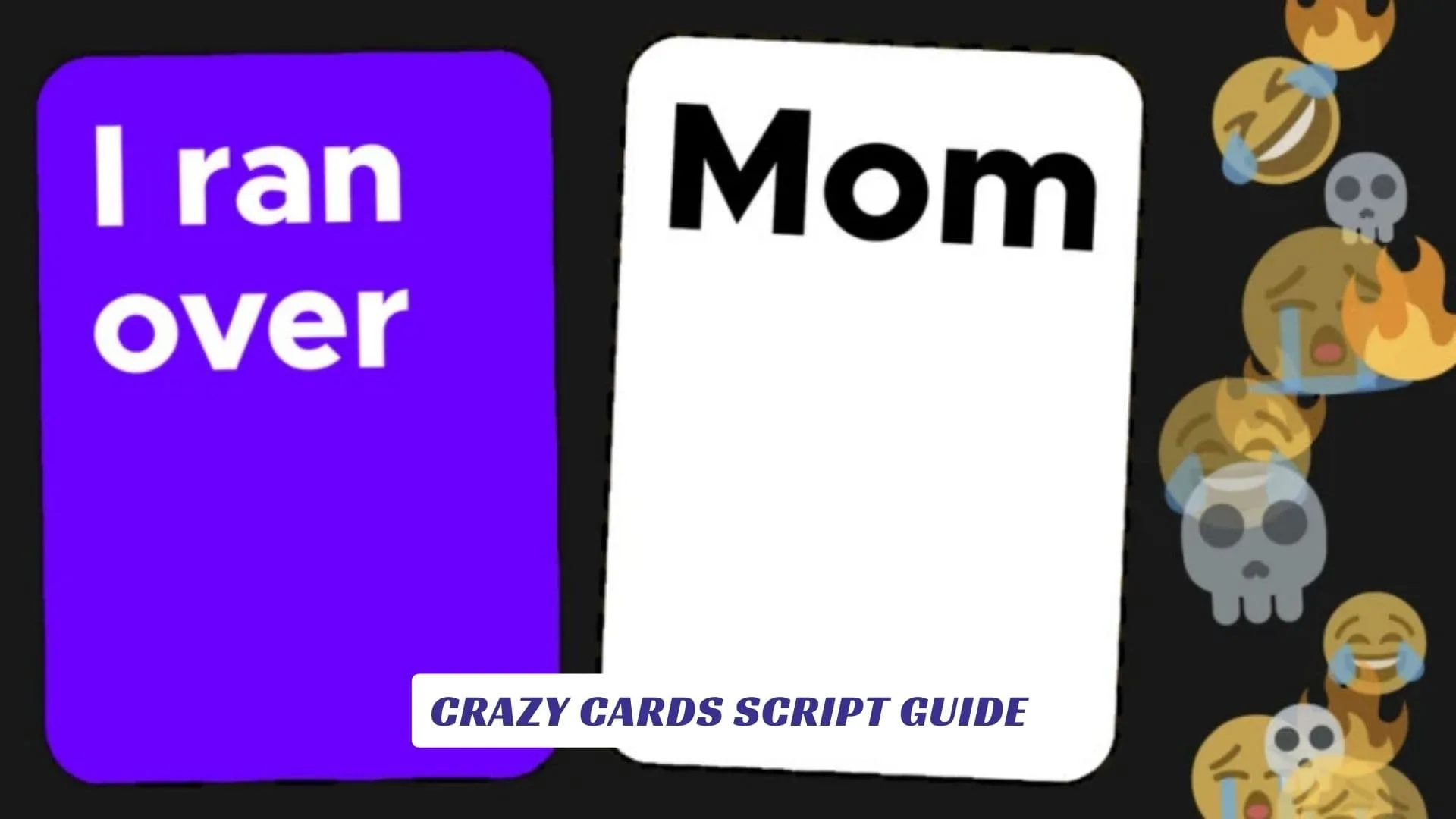
If you’re diving into Crazy Cards Script Guide to understand how scripting works with Crazy Cards on Roblox, how funny cards, game logic, cheats, and Roblox Studio tie together — you’re in the right place. This in-depth article breaks down what Crazy Cards is, how the game plays, what scripting possibilities exist (and what doesn’t) for this card-based social experience, plus tips on how Roblox scripting in general works for developers and curious players alike. For players also looking for rewards and tools, we’ve got another related post covering Crazy Cards Codes on our site, so be sure to check that out for freebies like gems, card skins, and bonus unlocks. First released on Roblox by developer jotslo, Crazy Cards is a comedy card game where players match funny response cards to prompts judged each round, racing to reach 12 points before others in a party-style session full of laughs, chaos, and creativity.
What Is Crazy Cards On Roblox?
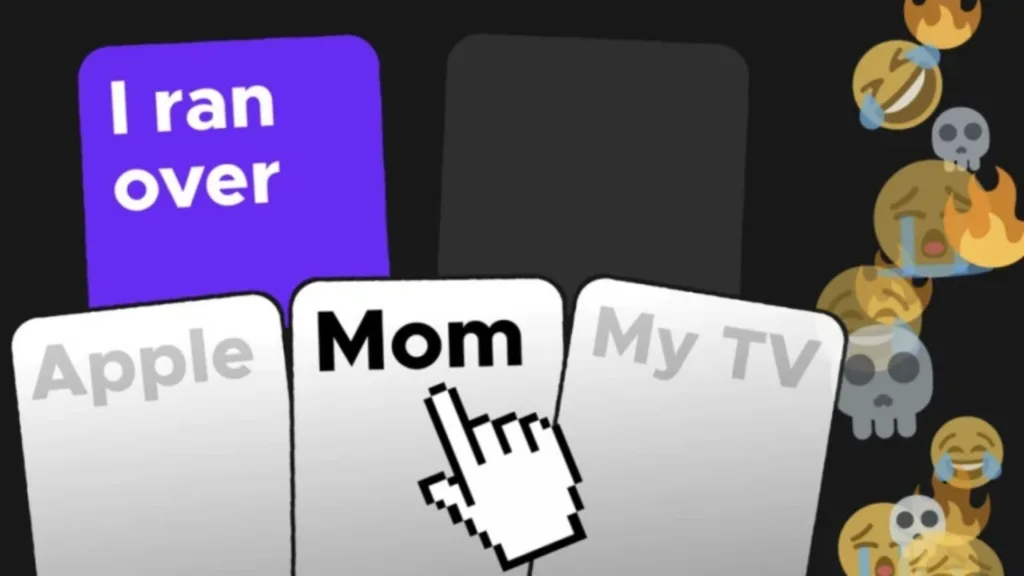
Crazy Cards is a massively popular Roblox title created by jotslo that has racked up over 120 million visits and has become one of the favorite card party games in the Roblox universe. In this witty multiplayer game, one player acts as the judge, who selects a prompt with a blank space. The other players then choose one of their humorous card responses to fill that blank, and the judge picks the funniest answer to award points. It’s simple, social, and endlessly replayable — much like a Roblox version of Cards Against Humanity.
Some versions of Crazy Cards include a more adult-oriented 18+ edition playable if players meet age requirements.

Script Reality Check: What Scripts Exist For Crazy Cards?
Unlike some Roblox games that have public script pages or accessible Lua modules, Crazy Cards doesn’t offer official public game scripts to inject cheats or automation — and using cheat scripts or exploits in any Roblox game is strongly discouraged. Scripts that promise auto win features, instant scoring, or card manipulation are generally not real official scripts and often violate Roblox’s Terms of Service, leading to account penalties. Roblox Studio scripting is meant as a legitimate creator tool, not a cheat engine. Real scripting in Roblox Studio involves learning Lua to build game systems, mechanics, UI behavior, and custom game logic — not exploiting gameplay for unfair advantage.
Developers like jotslo have also created tools like ScriptMate to help creators learn and practice scripting in Roblox Studio, which is a wholesome way to get into coding and game design.
How Roblox Scripts Work (The Safe, Legal Way)
If you’re eager to start with scripting yourself (rather than using them as a cheat), here’s how safe and legit scripting with Roblox Studio typically works:
- Lua Language: Roblox uses Lua, a powerful but beginner-friendly code language, to control game behavior. Roblox Studio’s script editor lets you create scripts that run on either the server or client side.
- Events & Services: Scripts interact with Roblox services like ReplicatedStorage, Players, HttpService, and more to trigger game events, update UI, or customize player experiences.
- Learning Tools: You can experiment and test scripts directly in Roblox Studio using local test servers so you learn the mechanics without affecting real players.
- Community Tutorials: There are tons of official and community tutorials on YouTube and developer forums to get started with basic scripts, advanced behaviors, and interactive game elements.
Using scripts ethically empowers you to build your own Roblox games, add dynamic features, and learn to customize gameplay — rather than seeking out questionable cheat code hacks.
Are Cheats Or Cheats Scripts A Good Idea?
While the phrase cheats might sound fun when you’re browsing Roblox forums or third-party sites, using cheats, exploits, or unauthorized scripts is not recommended. Roblox’s anti-exploit systems can detect cheat scripts — especially when injected using external executors — and this can result in:
- Account Warnings or Bans
- Loss Of Progress
- Security Risks Or Malware
As a general rule: don’t run unverified scripts promising auto win, instant score, hacked cards, or other exploits — they aren’t supported by Roblox and are against the terms. If you’re curious about scripts for educational purposes, stick to safe coding in Roblox Studio.
What You Can Do With Scripts In Card Games
Even though there’s no official script hub for Crazy Cards, you can still learn scripting techniques that are widely applicable in card-style Roblox experiences:
1. Create Custom UI Elements
Learn how to script custom menus and prompt UIs so players can see cards, filters, and responses dynamically.
2. Play Sounds & Effects
Add celebratory effects when a player wins a round or a new card is played.
3. Track Scores & Leaderboards
Use server scripts to keep running totals of player points, display leaderboards, and store player progress.
4. Build Your Own Card Game Prototype
With Roblox Studio, you can experiment with your own card games, mechanics, and scoring logic — really understanding the game design behind something like Crazy Cards.
These are safe and creative uses of scripting without cheating other players.
Tips For Roblox Studio Beginners
If coding scripts sounds intimidating, here’s how to begin:
- Start With Tutorials: YouTube and the Roblox Developer Hub have beginner guides to Lua scripting.
- Experiment In Studio: Create a new place and test simple scripts like printing messages or changing player variables.
- Join Developer Communities: Forums and Discords for Roblox creators are great for feedback and support.