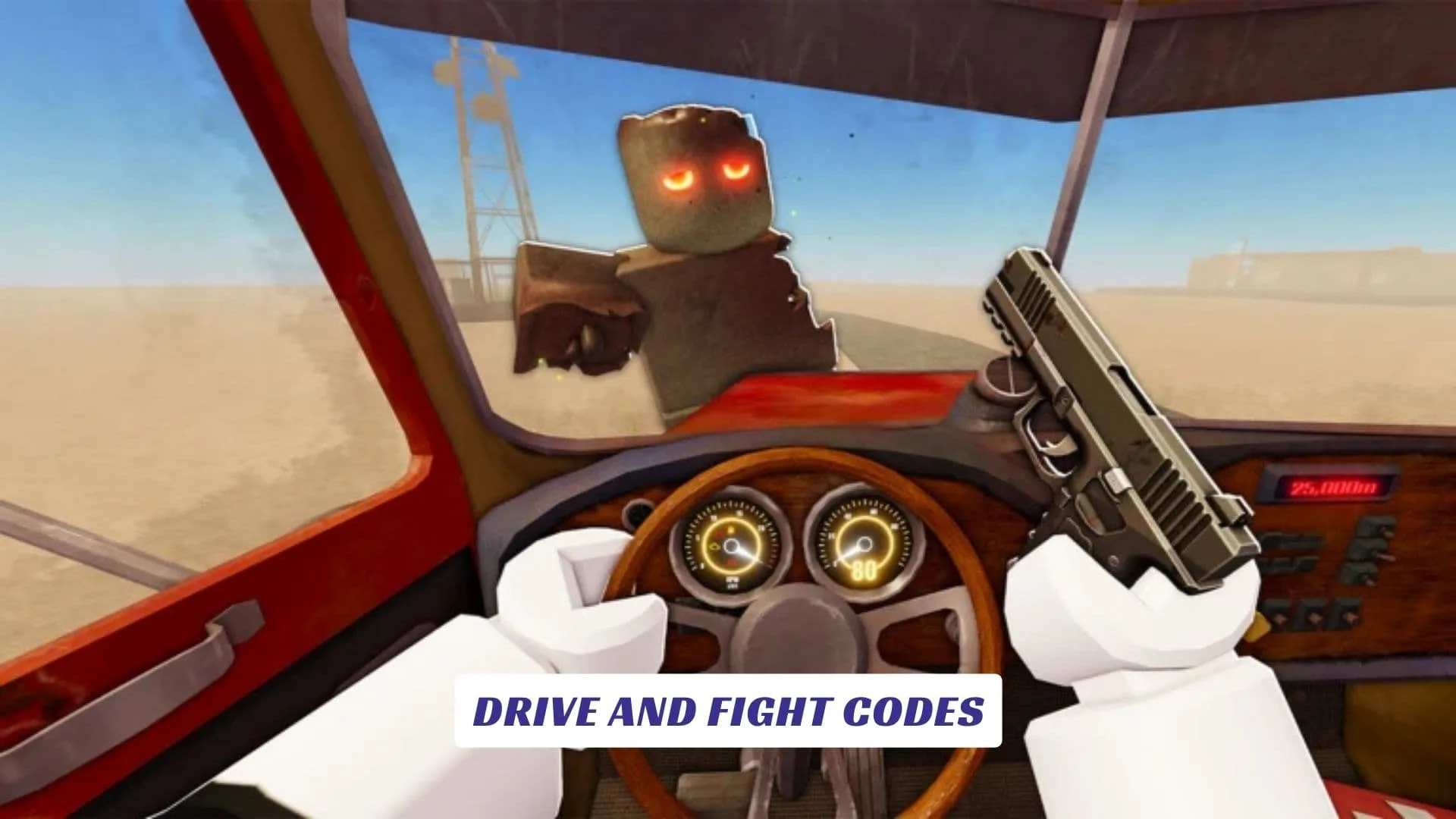
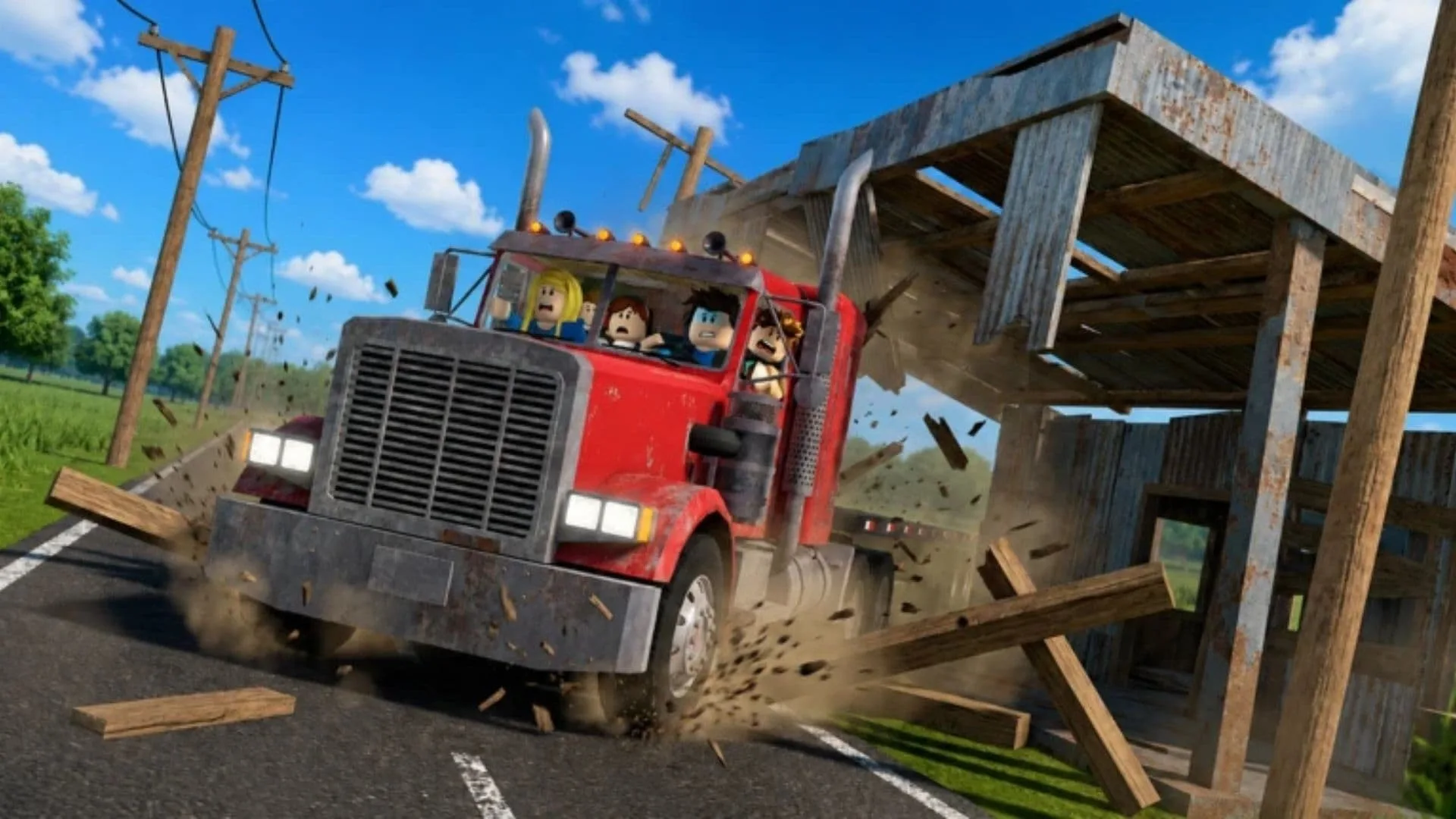
Welcome to our Drive and Fight Codes guide, your checkpoint for fresh rewards, working redemption steps, and useful updates for this action-packed Roblox survival experience. Developed by 646 Studios, Drive and Fight drops players into an apocalyptic world where the truck-driving business is still alive, even if almost everything else is trying to destroy you. You can hit the road with up to three other players, search dangerous areas for weapons, armor, and supplies, improve your vehicle, attach useful trailers, and slowly turn your truck into a moving base. Between runs, you can level up, learn new skills, unlock rare weapon skins, and customize your ride for the next stretch of wasteland. This page will be updated whenever the developers release new codes, so check back after major updates and community milestones. Our website also features an earlier Drive and Fight Script Guide for readers looking for related game content.
Active Drive and Fight Codes
The following code is currently advertised in the game’s official Roblox description:
| Code | Reward | Status |
|---|---|---|
15000LIKES | Unspecified in-game reward | Working |
The official description does not name the exact reward, so the game’s confirmation message and your updated inventory are the best ways to verify what you received. The developers have also announced another code for when the experience reaches 25,000 likes.
Expired Drive and Fight Codes
7500LIKE is an older milestone code that was previously promoted for the game. It may now return an expired or invalid message because the official listing has moved on to 15000LIKES.
What Is Drive and Fight?
Drive and Fight combines vehicle progression, survival looting, combat, and cooperative exploration. Your truck is more than transportation. It becomes the center of your run, carrying upgrades, supplies, trailers, and the tools needed to survive longer.
The game is currently in beta, so players may encounter bugs, balance changes, interface adjustments, and frequent updates. That also means code menus, rewards, and gameplay systems may change as development continues.
How To Redeem Drive and Fight Codes
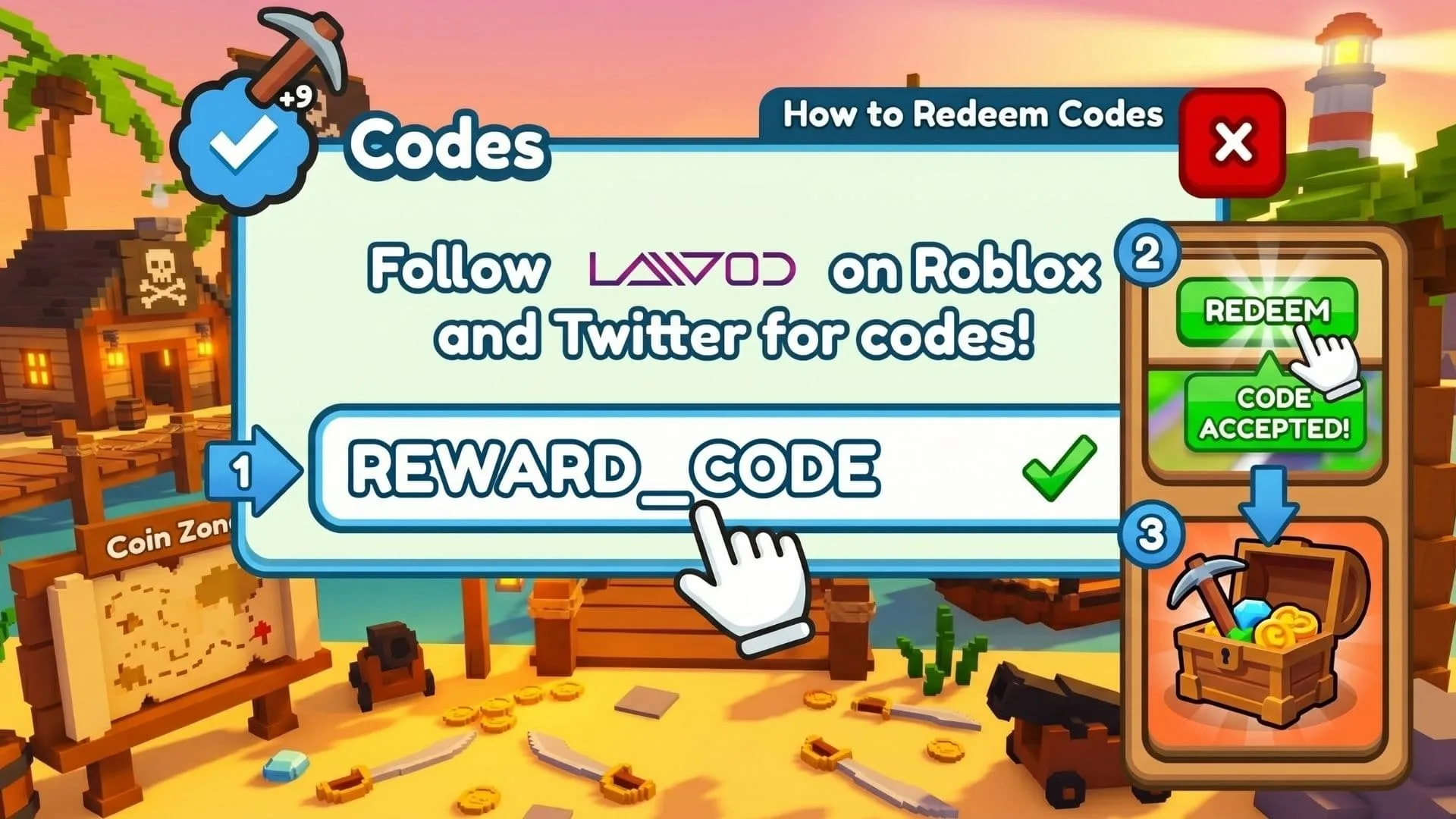
Follow these instructions carefully:
- Open Roblox and launch the official Drive and Fight experience.
- Wait for the game to load completely.
- Select the Socials button on the left side of the screen.
- Find the code entry box.
- Type or paste
15000LIKESexactly as shown. - Press the redeem button and check the confirmation message or inventory.
These codes are redeemed inside the experience rather than through the general page used for roblox promo codes. The Socials menu placement may change during beta updates, but current guides consistently identify it as the route to the code box.
Why Is My Code Not Working?
First, check the spelling and capitalization. Extra spaces can also cause a valid code to fail. A code may have expired, already been claimed on your account, or temporarily stopped working after a server update.
When a newly released code fails, leave the experience, reopen Roblox, and join a fresh server. Newer servers are more likely to be running the latest game version.
How To Find More Codes
New rewards may appear after like milestones, major patches, events, or content releases. The official Roblox description is the most reliable first place to check because 646 Studios currently publishes the active milestone code there. You can also follow the game’s community channels for update previews, free rewards, and event announcements.