Welcome to our Movie Maker 4 Codes guide, a regularly updated production desk for players searching for free rewards, working codes, Movie Money, Hype, animation tools, props, effects, sounds, and other filmmaking bonuses. Instead of following a traditional combat or grinding loop, Movie Maker 4 gives you the freedom to create and animate original Roblox movies using an expanding collection of characters, scenery, objects, audio, and visual effects. Once your masterpiece is ready, you can publish it through the built-in search system, watch films created by other animators, leave ratings, and write reviews. This post will be updated whenever Bonic releases new codes or removes older ones, so aspiring directors can return before beginning their next production. Our website also includes an earlier Movie Maker 4 Script Guide for readers exploring related game resources. Whether you are filming a comedy, staging an action sequence, testing text-to-speech, or simply browsing community creations, there is plenty to do while waiting for the next reward code or feature update. The official Roblox page also explains that the game is actively being improved and welcomes bug reports and suggestions from its community.
Active Movie Maker 4 Codes
Recent code trackers list one working code for Movie Maker 4. Redeem it exactly as written because the game’s codes are case-sensitive.
| Code | Reward |
|---|---|
BONICNEEDSTOTESTTHINGSMORE | 500 Hype |
Some older guides describe the reward as 500 Movie Money, while a tracker checked on July 13, 2026, labels the current reward as 500 Hype. This may reflect a currency rename or a later game update.
Expired Movie Maker 4 Codes
There are no publicly listed expired codes at the moment. The active code could stop working without warning, so it is best to claim it before spending too much time arranging your first scene.
How To Redeem Movie Maker 4 Codes
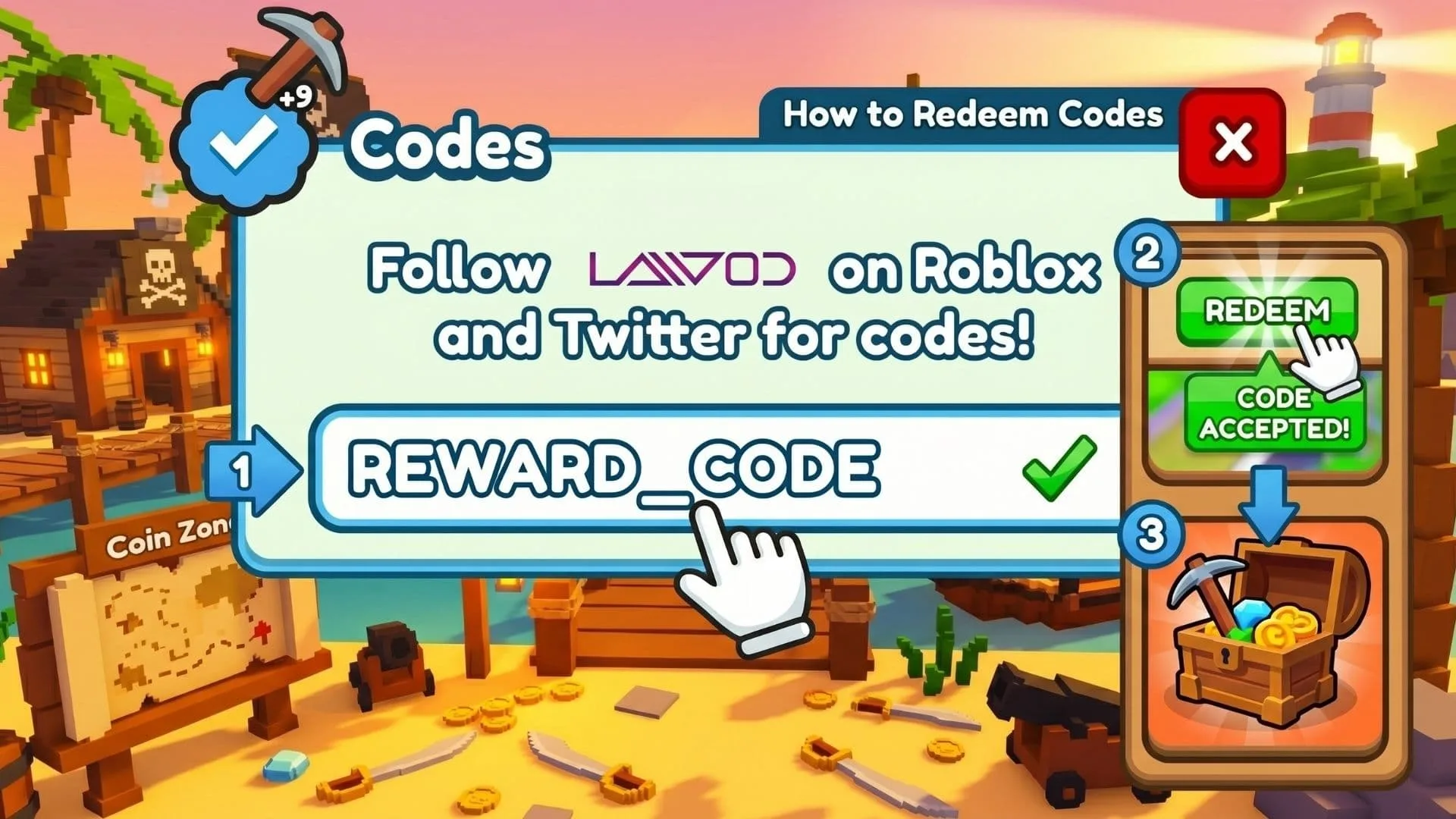
Redeeming codes only takes a few steps:
- Launch Movie Maker 4 through Roblox.
- Wait for the main menu to appear.
- Select the purple tag icon in the bottom-left corner.
- Type the code into the Enter promo code field.
- Press REDEEM to claim the reward.
Check for accidental spaces and incorrect capitalization if the code is rejected. These experience-specific rewards are different from general roblox promo codes, which usually unlock avatar items rather than filmmaking currency.
What Is Movie Maker 4?
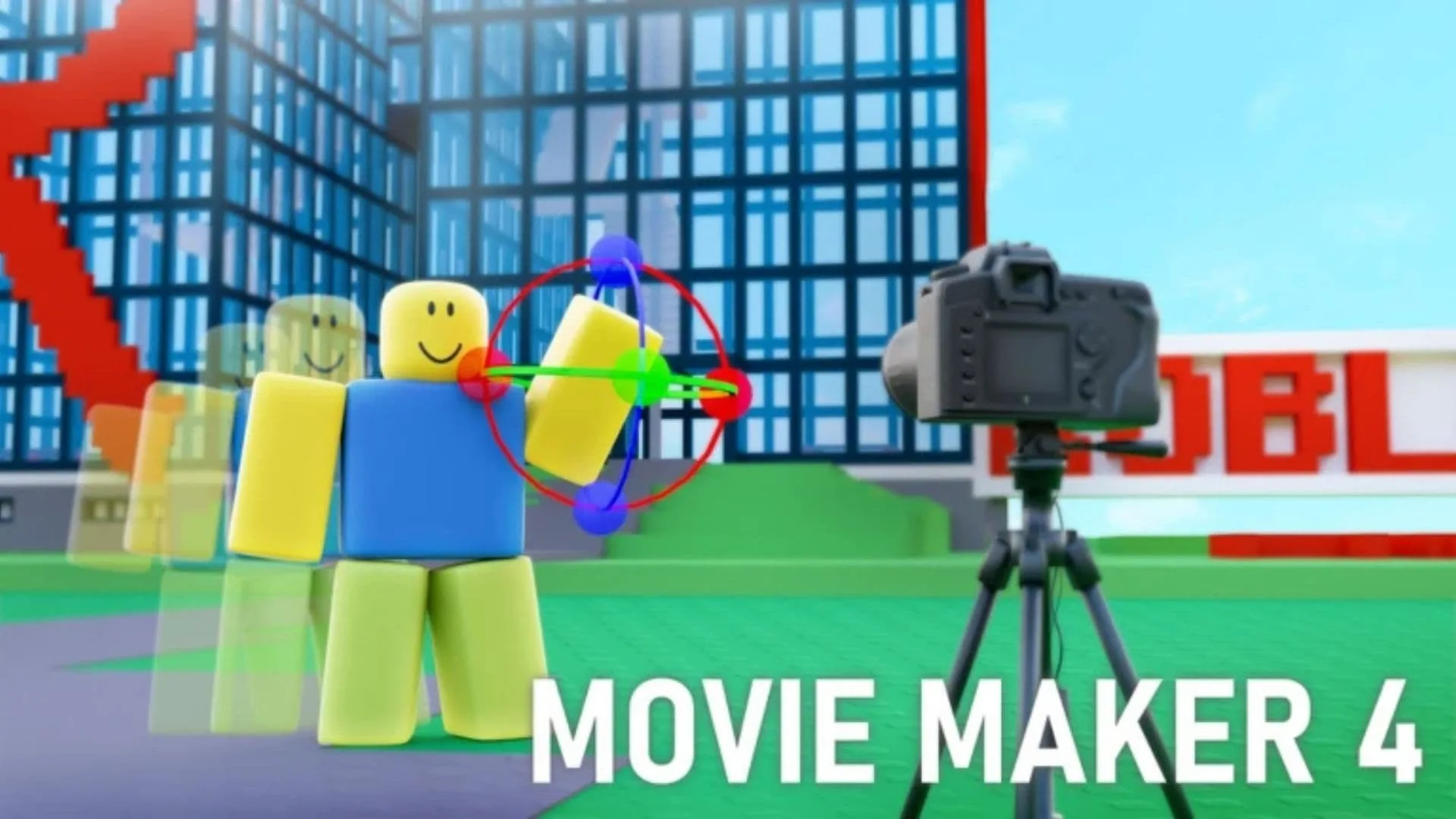
Movie Maker 4 is a creative animation experience developed by Bonic. Players can choose characters, position props, select scenery, add effects, include sounds, and animate scenes to produce their own Roblox films. The available library continues to grow, giving creators more ways to experiment with stories, camera setups, dialogue, comedy, and action.
Creating the movie is only half of the experience. Finished projects can be published to the game’s built-in search engine, where other players can watch, rate, and review them. This community-focused system makes the game feel like a small filmmaking platform rather than a standard building sandbox.
Creators who want a chance to appear on the game’s channel can add ShortsEntry to their movie description. Being selected is not guaranteed, but the feature gives ambitious animators another reason to polish short and memorable productions.
How To Get More Codes
New codes may appear alongside major updates, new animation features, community milestones, or developer announcements. The game’s community channels are the most likely place for surprise codes, previews, and production news.
You can also bookmark this guide. We will add newly released rewards and move inactive entries into the expired section when their status changes.
Tips For Creating Better Movies
Begin with a short scene instead of attempting a huge film immediately. A simple project makes it easier to learn character movement, timing, camera placement, scenery, and sound.
Give each scene a clear purpose. Small details such as a well-timed effect, suitable prop, or carefully positioned character can make an animation feel far more polished. Watching and reviewing community films may also reveal techniques you can adapt for your next production.