Contents
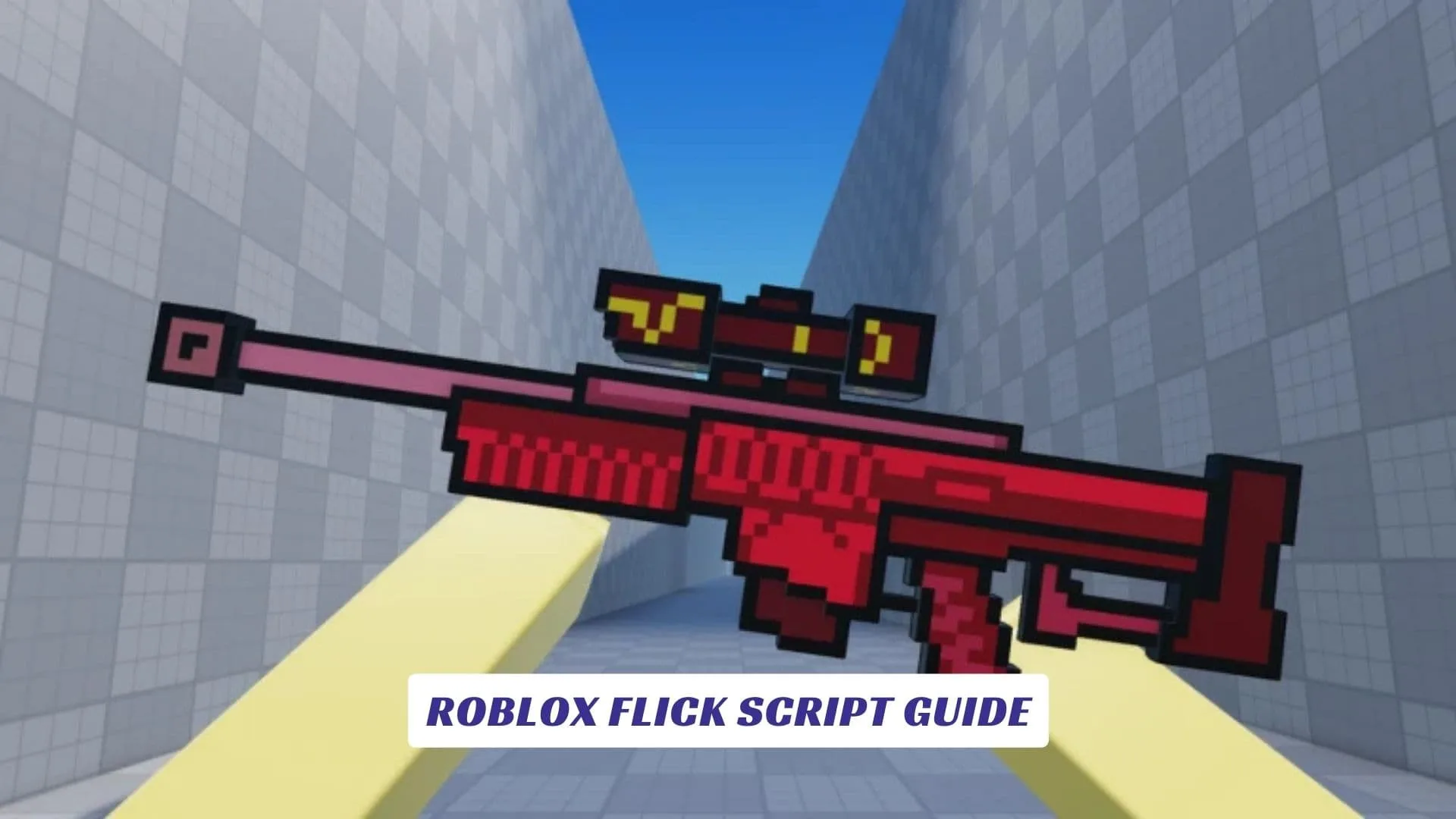
Unlock the full potential of your sharpshooting skills with our comprehensive Roblox Flick Script Guide, designed to help you dominate the fast-paced arena of Flick. In this intense free-for-all sniper game where every player is armed with a high-powered rifle and must hunt enemies to survive, having the right tools can mean the difference between being the hunter or the hunted. Our guide explores various script features like Aimbot, ESP, and Hitbox Expanders that can drastically improve your accuracy and situational awareness. If you are looking for legitimate rewards, check out our earlier post on Roblox Flick Codes to grab some free in-game items without external tools. Whether you are a seasoned veteran or a newcomer looking to climb the leaderboards, understanding how these scripts function within Roblox Studio environments is crucial.
What Is Flick?
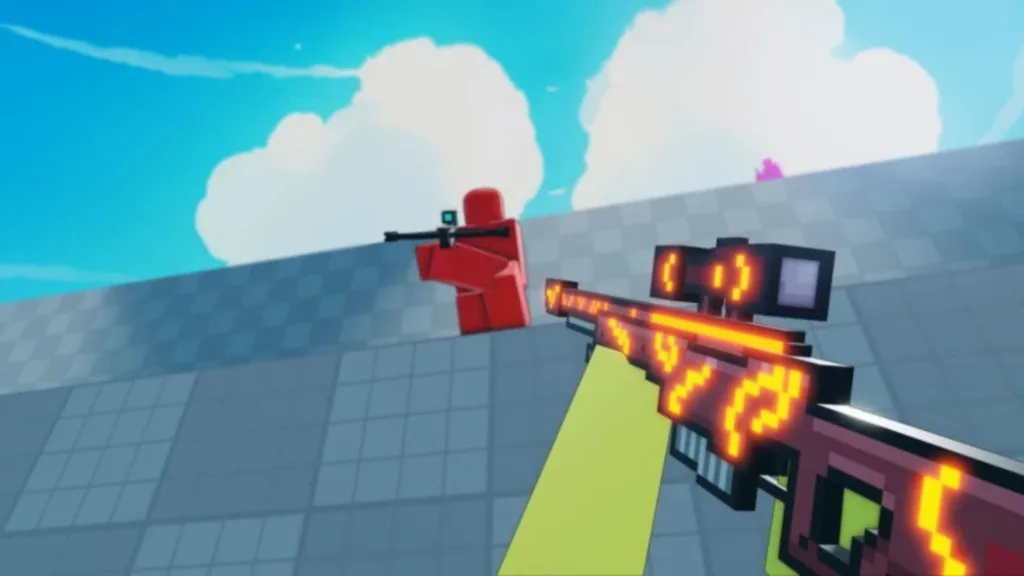
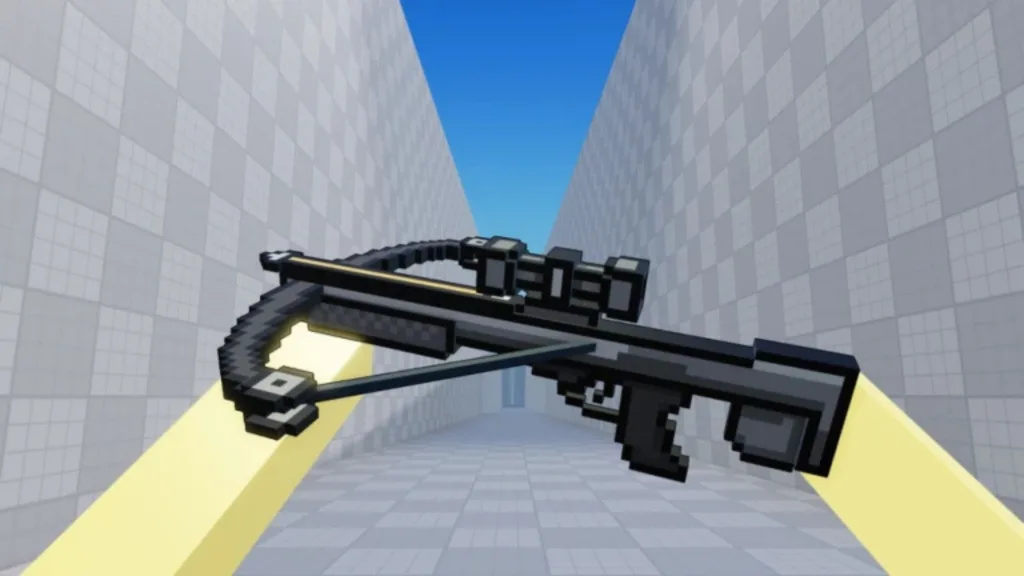
Flick is a high-octane, free-for-all arena shooter on Roblox that strips combat down to its rawest form: snipers only. In this adrenaline-fueled experience, every player enters the map equipped with a sniper rifle, tasked with hunting down opponents in a test of pure reflex and aim. The game features a progression system where players can unlock new snipers and knives as they rack up eliminations. Unlike complex tactical shooters, Flick focuses on fast movement and instant kills, making it a perfect playground for testing mechanical skill. The game has gained significant traction for its straightforward but addictive loop: spawn, snipe, unlock, and repeat.

Understanding Script Features
Modern scripts for Flick come packed with features designed to automate mechanical skills and provide extra sensory information. Here are the most common tools found in these scripts:
- Aimbot: Automatically locks your crosshair onto the nearest enemy, often with options for “Silent Aim” (hitting targets without looking directly at them) and “Triggerbot” (automatically firing when an enemy is in your crosshair).
- ESP (Extra Sensory Perception): Draws visual indicators around players, such as boxes (Box ESP) or skeletons (Skeleton ESP), allowing you to see enemies through walls and obstacles.
- Hitbox Expander: Increases the effective size of enemy hitboxes, making it significantly easier to land shots even if your aim is slightly off.
- Tracers: Visual lines that show where enemies are or where bullets are traveling, helping you track movement patterns.
Current Working Script Features
Below is a representation of the features you can expect from a top-tier Flick script. These scripts are typically Lua-based and require a script executor to run.
lua-- Flick Script Features Overview
-- Note: This is a feature list, not a direct executable file.

local FlickScript = {
    Combat = {
        Aimbot = true,          -- Auto-lock on enemies
        SilentAim = true,       -- Bullets hit target regardless of crosshair placement
        TriggerBot = false,     -- Auto-fire when aiming at player
        HitboxExpander = 5      -- Multiplier for enemy hitbox size
    },
    Visuals = {
        ESP_Box = true,         -- Draw 2D boxes around players
        ESP_Tracers = true,     -- Draw lines to players
        ESP_Name = true,        -- Show player names
        Chams = true            -- See player models through walls
    },
    Misc = {
        WalkSpeed = 24,         -- Increase movement speed
        JumpPower = 50,         -- Increase jump height
        NoRecoil = true         -- Remove gun recoil animation
    }
}
How To Execute The Script
To use any script in Flick, you will need a reliable Roblox script executor (such as Solara, Synapse X, or Hydrogen for mobile).
- Launch Roblox and open Flick.
- Open your Executor software.
- Copy the Script source code (usually a
loadstringfound on trusted script repositories like Pastebin or ScriptBlox). - Paste the Code into the executor’s text box.
- Click Execute (or the “Inject” button if required first).
The script menu should appear on your screen, allowing you to toggle cheats like Aimbot and ESP.
Is It Safe To Use Scripts?
Using third-party software to gain an advantage involves risks. Roblox’s anti-cheat systems are constantly evolving to detect injected code and abnormal player behavior. While many scripts claim to be “undetected,” using a cheat in any online game can lead to account suspension or a permanent ban. Developers often use Roblox Studio to patch vulnerabilities that these scripts exploit, meaning a script that works today might be patched tomorrow. We strongly advise using an alternative account if you wish to test these scripts to protect your main progress and inventory.