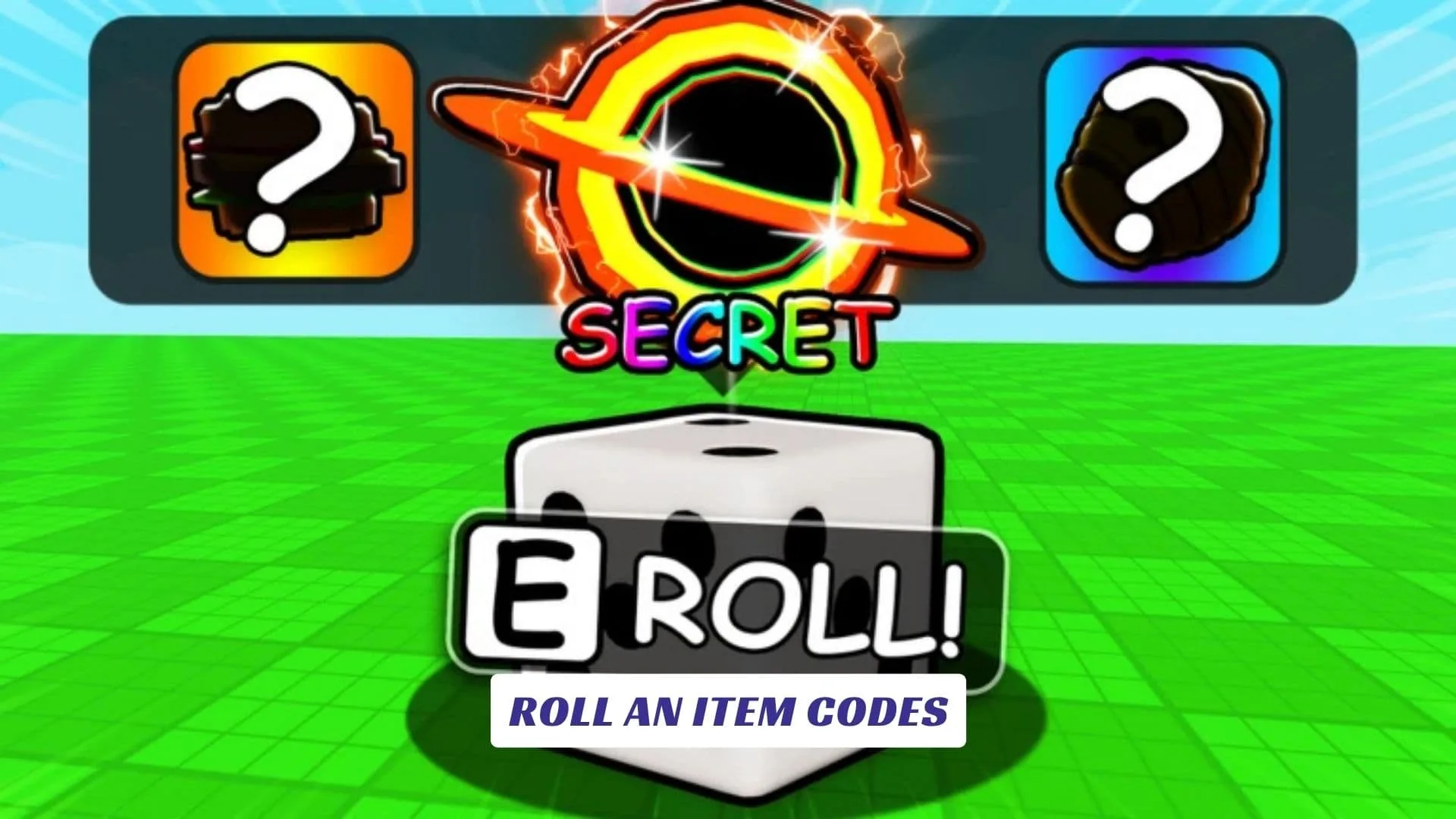
Welcome to our Roll an Item Codes guide, where we keep track of reward codes, freebies, and useful updates for Exply Mini’s luck-driven Roblox experience. Roll an Item is built around a simple but addictive RNG loop: buy mystery dice, roll them to discover items, hunt for rarer drops, and watch for unusual modifiers and sizes that can make your collection much more valuable. Better items can help you earn more money, while your collection continues producing cash even when you are offline. You can also show your rare finds to friends and keep chasing the elusive mutated items that make every roll exciting. The official Roblox page identifies the experience as a beta project and confirms support for PC, mobile, and tablet. We will keep this post updated whenever the developers release new codes or rewards, so players searching for the latest Roll an Item freebies can check back after updates. If you are also exploring other ways to understand the game, our earlier Roll an Item Script Guide covers the related script side of the experience.
Active Roll an Item Codes
| Code | Reward |
|---|---|
ROLLFORTUNE | Luck Boost |
GIANTDICE | Mystery Dice |
MUTATEDDROP | Mutation Boost |
RAREFIND | Bonus Cash |
OFFLINELOOT | Offline Earnings Boost |
LUCKYROLLER | Extra Rolls |
What Is Roll an Item?
Roll an Item is a Roblox RNG and collection experience created by Exply Mini. Instead of fighting enemies or completing a traditional quest line, your main objective is to keep rolling mystery dice and improve the value of your collection.
Items can appear with different sizes and unusual modifiers, giving players another reason to keep rolling instead of settling for ordinary drops. Valuable items generate more money, and your items can continue earning while you are offline. The game also encourages players to show off their rarest discoveries to friends.
That makes each roll another chance to pull something worth keeping, selling, or flexing.
How To Redeem Roll an Item Codes
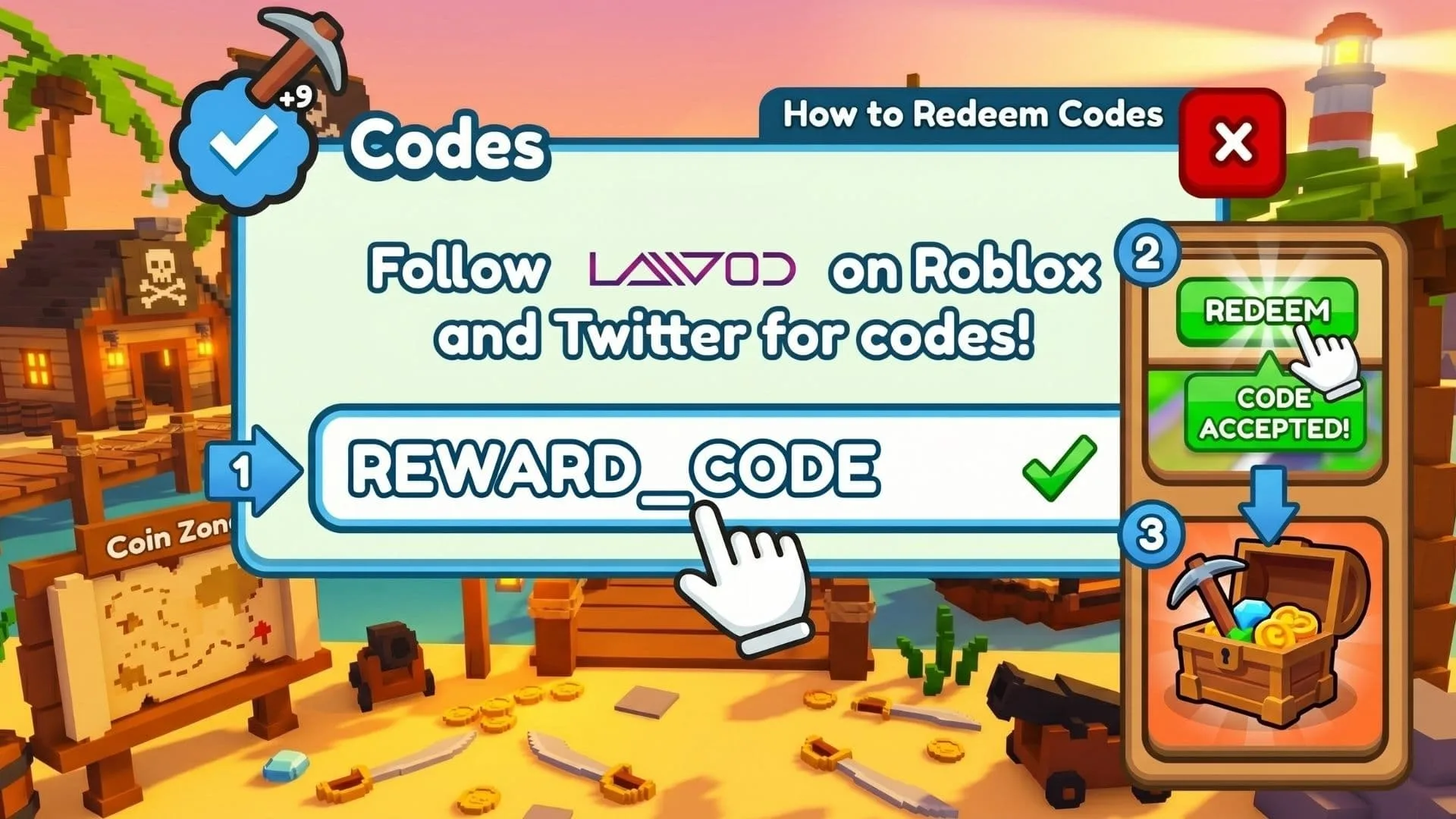
When a redemption feature is available in the game, follow these steps:
- Open Roblox and launch Roll an Item.
- Wait for your character and the game’s main interface to load.
- Check the screen for a Codes, Rewards, Shop, Settings, or gift-shaped button.
- Open the code redemption menu.
- Copy and paste your code into the text box exactly as written.
- Press Redeem, Claim, or the equivalent confirmation button.
- Check your inventory, cash balance, rolls, or boosts for the reward.
Code menus can move after game updates, so checking the game’s interface carefully is worthwhile if the layout changes.
Why Is My Roll an Item Code Not Working?
If a future code fails, first check the spelling and capitalization. Roblox game codes can be case-sensitive, and an extra space can sometimes prevent redemption.
A code may also have expired, already been redeemed on your account, or require a newer game server. Rejoining Roll an Item after an update can help if your current server is running an older version.
Remember that game-specific rewards are different from general roblox promo codes, which are used for broader Roblox promotional items.
How To Find More Roll an Item Codes
The easiest option is to bookmark this guide and return after major Roll an Item updates. The official game description also encourages players to join the developer’s group for bonuses and updates, making official developer channels worth watching for announcements.
Since Roll an Item is labeled as a beta/WIP experience, new mechanics, rewards, and features may continue to appear as development progresses.
Ready to test your luck and hunt for a ridiculously rare mutated item?