Contents
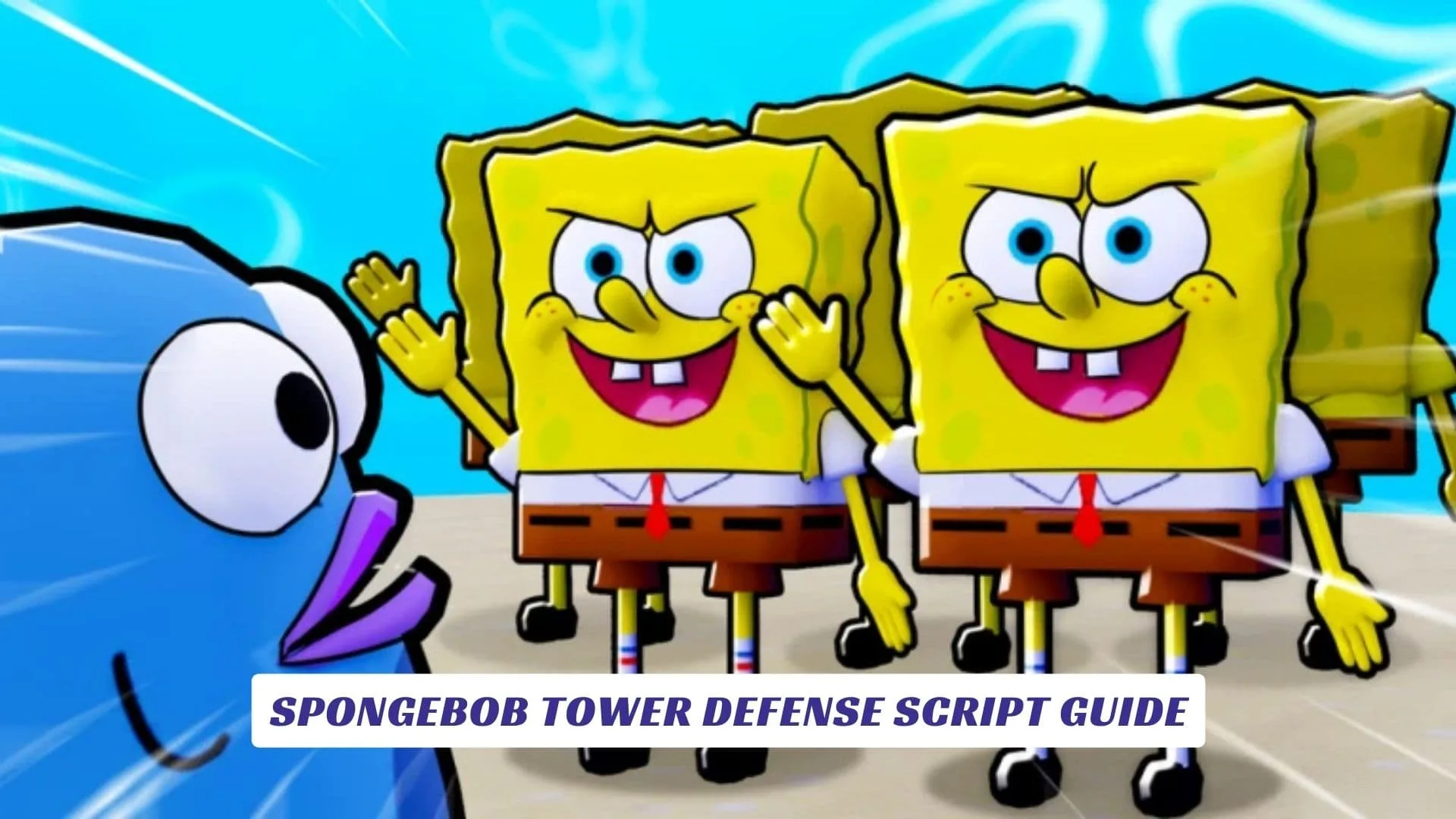
Welcome to the ultimate resource for dominating the waves of Bikini Bottom, your comprehensive SpongeBob Tower Defense Script Guide. In the vast ocean of Roblox games, SpongeBob Tower Defense stands out as a vibrant, strategy-packed experience, but sometimes even the best fry cooks need a little help to protect the Krusty Krab. This guide is designed to walk you through the most effective scripts available, helping you automate your defenses, farm resources effortlessly, and unlock your favorite characters like Patrick and Squidward without the endless grind. Whether you are looking for an auto-farm feature to stack up coins while you sleep or a way to auto-upgrade your towers for maximum efficiency, we have covered the essential tools you need to succeed. While this article focuses on script usage, our website also includes an earlier published post that has the related SpongeBob Tower Defense Codes, so be sure to check that out if you prefer official rewards. We will explore how to safely use these scripts, what features to look for, and how to elevate your gameplay to legendary status.
Features of the Script
The best scripts for SpongeBob Tower Defense are packed with features designed to take the monotony out of the grind. Primary among these is the Auto Farm capability, which allows your game to run autonomously, entering matches, placing units, and collecting rewards without you lifting a finger. This is perfect for players who want to amass wealth and experience while away from their keyboard. Additionally, you will often find Auto Upgrade options, which ensure your towers—be they SpongeBob or Sandy—are always at their peak power level as soon as you have the funds. Other advanced scripts may include Macro Recorders, allowing you to record a specific winning strategy and replay it perfectly every time, ensuring 100% win rates on difficult stages. Some even offer Auto Quest Completion, instantly ticking off daily tasks to flood your inventory with rewards.
How to Use the Script
Using a script in Roblox requires a bit of technical know-how but is straightforward once you understand the basics. First, you will need a reliable script executor (often referred to within the community as a “cheat” engine for scripts). Popular executors include Synapse X, Krnl, or Fluxus. Once you have your executor installed and open, simply launch SpongeBob Tower Defense in Roblox. Copy the script code provided below or from a trusted source, paste it into the executor’s text box, and hit the “Execute” or “Inject” button. If done correctly, a graphical user interface (GUI) should appear on your screen, allowing you to toggle various cheats like auto-farming or infinite range on and off. Always remember that using third-party software carries risks, so it is wise to test these on an alternate account first.


Script Code Example
Below is an example of a loadstring script that is commonly used to access these features. This specific line fetches the latest version of a popular hub known for supporting SpongeBob Tower Defense.
lualoadstring(game:HttpGet("https://raw.githubusercontent.com/ToraIsMe/ToraIsMe/main/0SpongeBob"))()
Note: Script availability can change. If this specific loadstring is outdated, search for “Imp Hub” or “Code Elevate” scripts for the most recent updates.
Understanding Roblox Studio and Anti-Cheat
It is fascinating to see how developers use Roblox Studio to build these immersive worlds, but it is equally interesting how scripters find ways around them. SpongeBob Tower Defense is built on the secure Roblox engine, which means developers often implement anti-cheat measures to prevent unfair advantages. A good script is designed to bypass these checks, often by mimicking human behavior—like adding random delays between actions so the game doesn’t detect the robotic precision of a machine. However, updates to the game via Roblox Studio can sometimes patch these exploits, meaning a script that works today might need an update tomorrow. Always stay tuned to community discord servers or forums to get the latest “cheat” updates that work with the current game version.
Game Overview
SpongeBob Tower Defense, developed by Wonder Works Studio, is an officially licensed experience that lets players team up with iconic characters to defend Bikini Bottom. Players can summon units ranging from SpongeBob and Patrick to more obscure characters, each with unique abilities. The game features a Story Mode for narrative-driven battles and an Endless Mode for testing the limits of your defense. With regular updates adding new worlds and units, the meta is constantly shifting, making strategic adaptability—or a good script—key to staying on top.
Play SpongeBob Tower Defense now