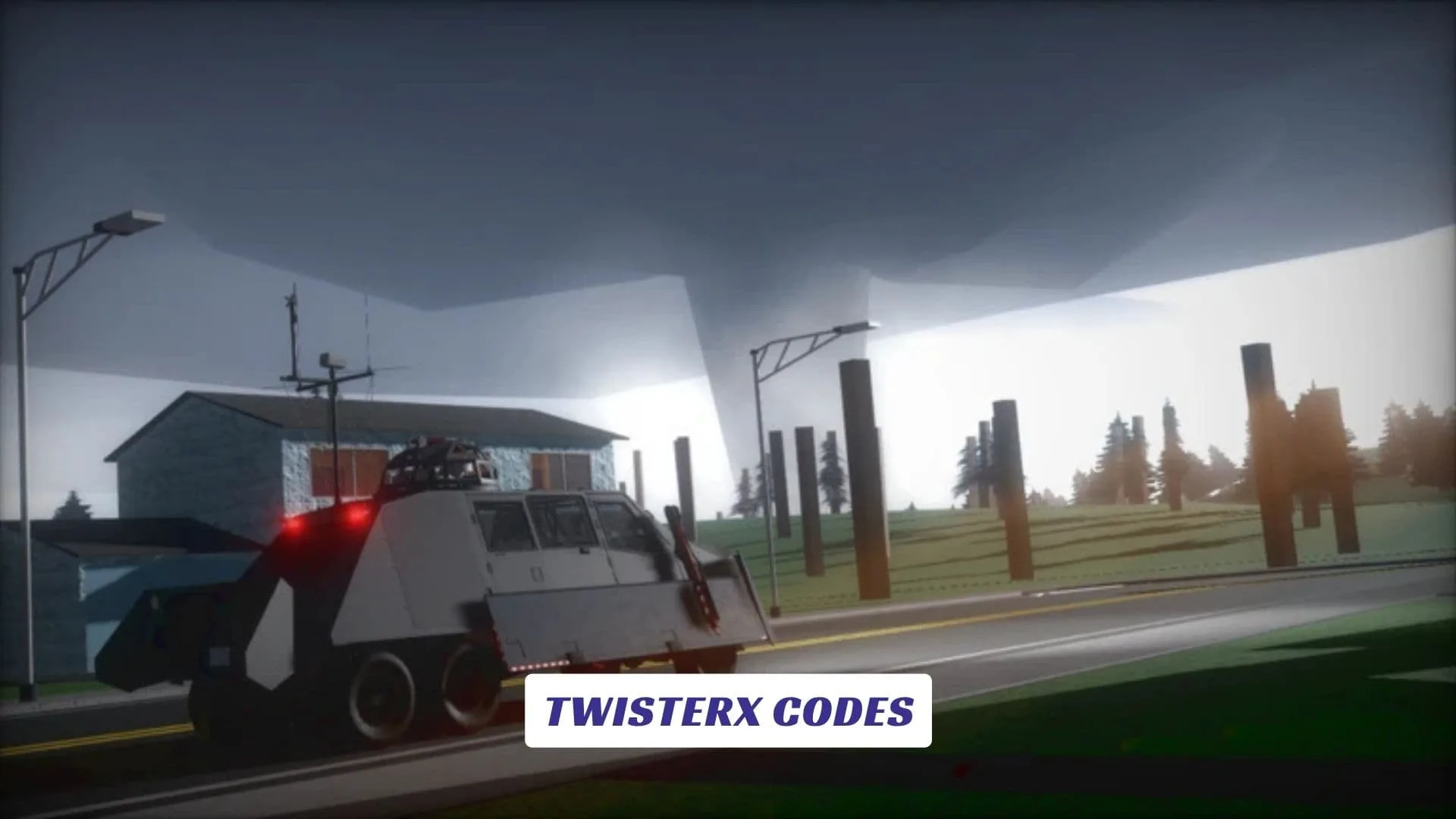
Welcome to our TwisterX Codes guide, where storm chasers can check for future reward codes, special bonuses, vehicles, cash, and other possible freebies. We will update this post whenever the developers release new codes. While waiting for updates, players can explore towns, follow developing storms, study radar data, drive toward dangerous tornadoes, and test different vehicles in extreme winds. The game uses a semi-sandbox structure, giving you room to choose how closely you approach each storm. You can also read our previously published TwisterX Script Guide for more related game content. Whether you enjoy watching tornadoes from a safe distance or driving directly into their path, TwisterX creates a dramatic storm-chasing adventure with changing weather and unpredictable danger.
Active TwisterX Codes
| Code | Reward |
|---|---|
STORMCHASER | 10,000 Storm Cash |
RADARREADY | Advanced Radar Skin |
TWISTERALERT | Emergency Vehicle Lights |
EF5POWER | Limited Tornado Decal |
EIGHTTOWNS | Explorer Badge |
LITEMODE | Performance Vehicle Skin |
What Is TwisterX?
TwisterX is an alpha-stage Roblox tornado game primarily developed by Fluzerify with help from other contributors. It focuses on storm chasing inside a semi-sandbox environment designed to work on mid-range and lower-end devices.
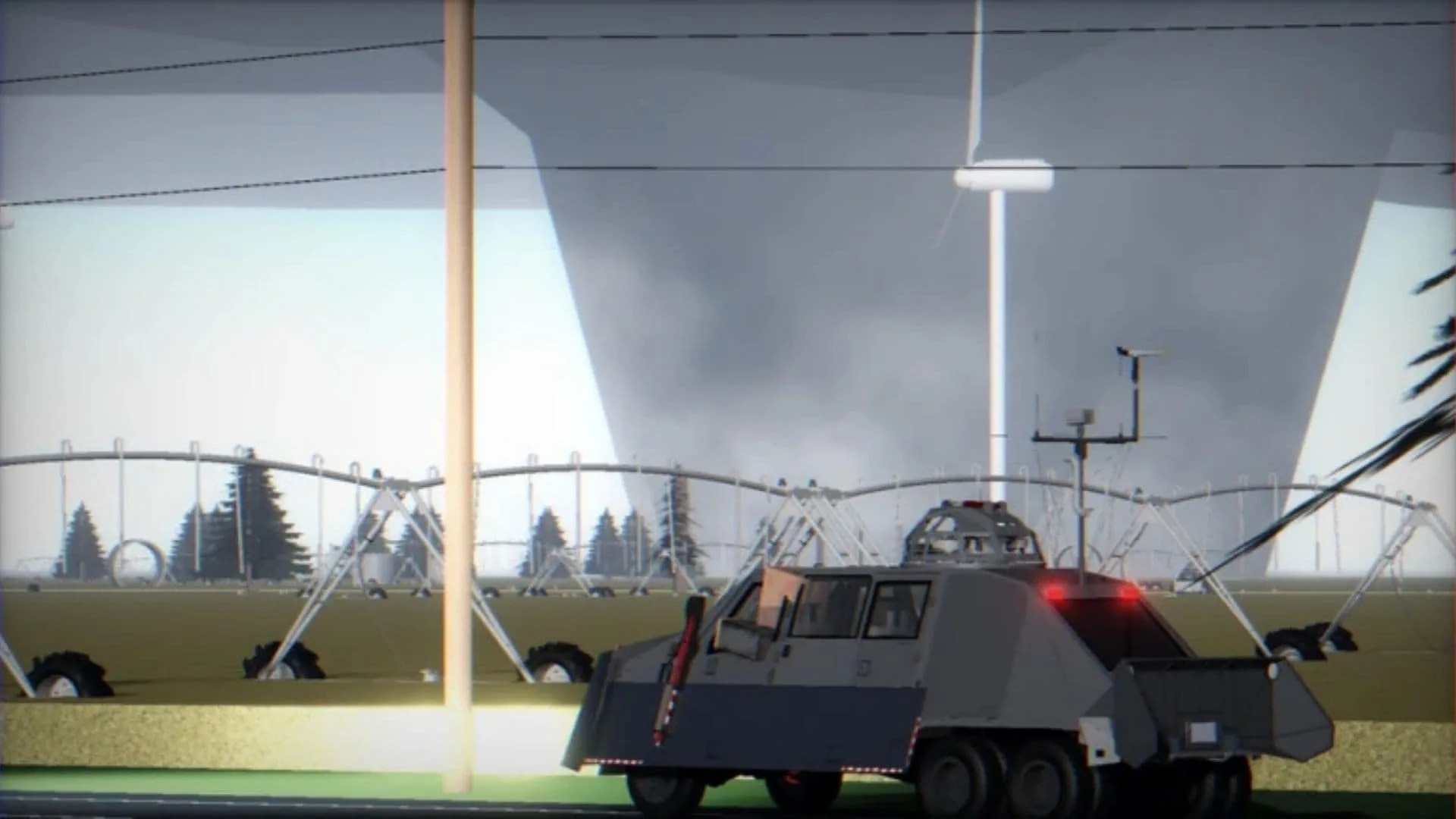
Version 0.15 features eight towns, mostly free vehicles, a thermodynamics system, simplified tornado effects, and a functioning weather radar. The radar includes reflectivity and velocity information, which can help players locate storms and understand their movement.
The official description warns that some features remain unfinished because the game is still under development.
How To Play TwisterX
Start by selecting a vehicle and checking the weather radar for signs of storm development. Reflectivity can help reveal precipitation, while velocity data can provide clues about wind movement and rotation.
Once a tornado forms, decide how you want to chase it. You can observe from a safer location, follow it between towns, deploy equipment, or attempt an interception with a suitable vehicle. Many civilian vehicles and interceptors are available without requiring a purchase, although certain specialized vehicles may have unlock requirements.
Do not drive blindly into every tornado. Watch its direction, avoid flying debris, and keep an escape route open.
Useful Controls And Performance Tips
Press Shift + C to activate the free camera. If the camera becomes stuck, use the camera button displayed on the top interface.
Players experiencing lag can try the Lite version, which the developers state may improve performance by about 20 percent. Smaller servers and private servers may also run better on weaker devices.
How To Find New TwisterX Codes
Follow the official Roblox community, read game update notes, and check announcements from the development team. New codes may appear during major updates, player milestones, holidays, or special storm-chasing events.
Always copy codes exactly. Capital letters, numbers, and spaces may matter once a redemption system becomes available.