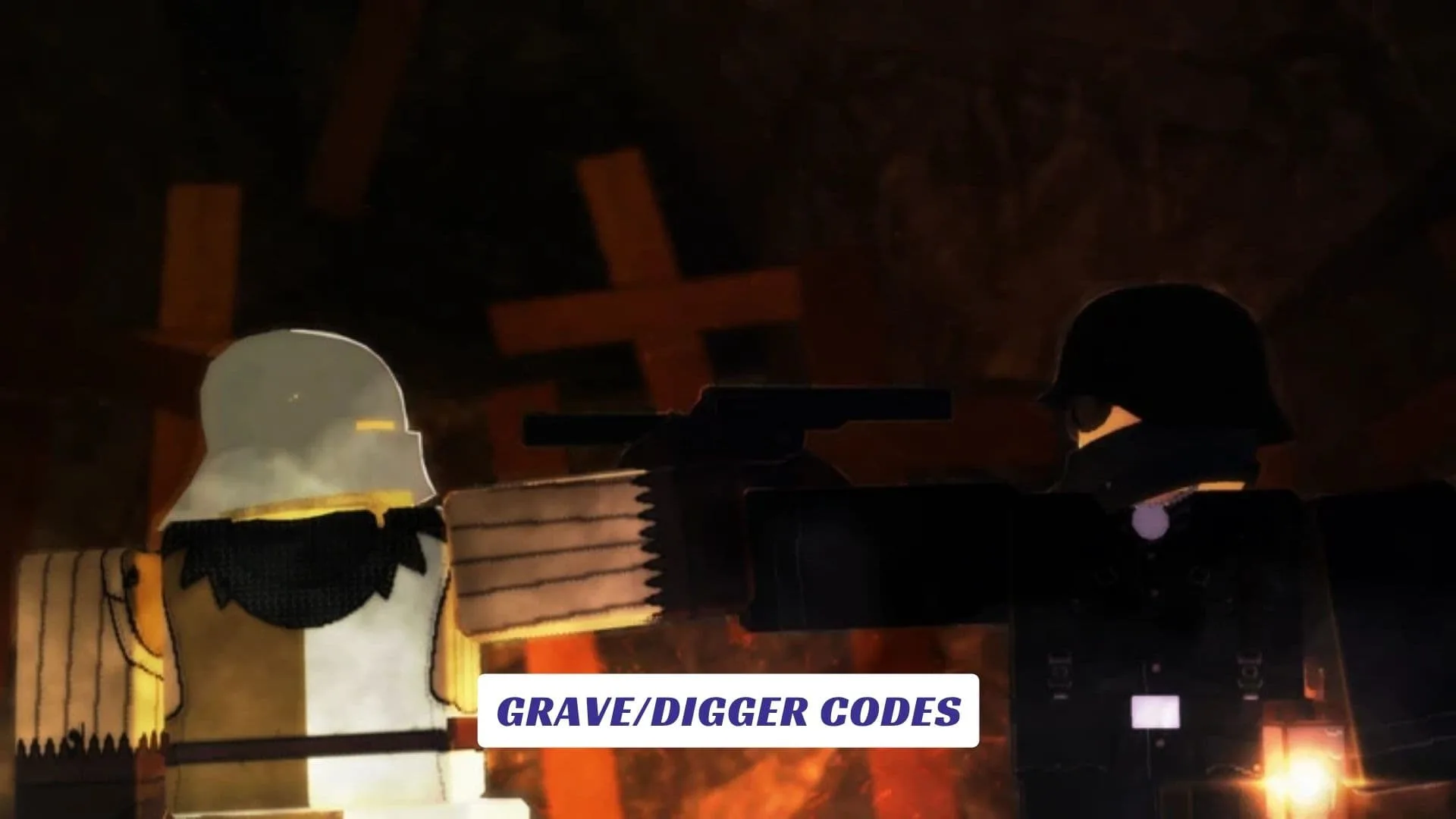
Welcome to our Grave/Digger Codes guide, where Roblox players can check for future rewards while learning the fundamentals of Archeximus’ distinctive underground military shooter. Grave/Digger trades bright arenas and frantic arcade combat for an alternate-history WW1 neo-western war between the Golden Empire and Royal Nation, with both armies continuing their conflict beneath a surface devastated by war. Its nearly fully mineable environments make digging, positioning, teamwork, and carefully considered gunplay essential parts of every battle. We will update this article whenever developers release legitimate new codes, giving you somewhere to check between matches, progression runs, and battles for underground territory. Our website also includes an earlier Grave/Digger Script Guide for players looking for related game content.
What Is Grave/Digger?
Created by Archeximus, Grave/Digger is currently listed as version V.1.38 on its official Roblox page. The developer describes it as an alternate-history WW1 neo-western built around two hostile factions, the Golden Empire and Royal Nation.
What separates it from many Roblox shooters is its destructible battlefield. The environment is described as nearly fully mineable, meaning players are not always restricted to obvious pathways. Combined with slower and more deliberate gunplay, this encourages planning rather than blindly rushing toward enemies.
Active Grave/Digger Codes
| Code | Reward |
|---|---|
FINALCHAPTER | Weapon cosmetic |
UNDERGROUNDWAR | Soldier skin |
GOLDENVROYAL | Limited faction cosmetic |

How To Redeem Grave/Digger Codes
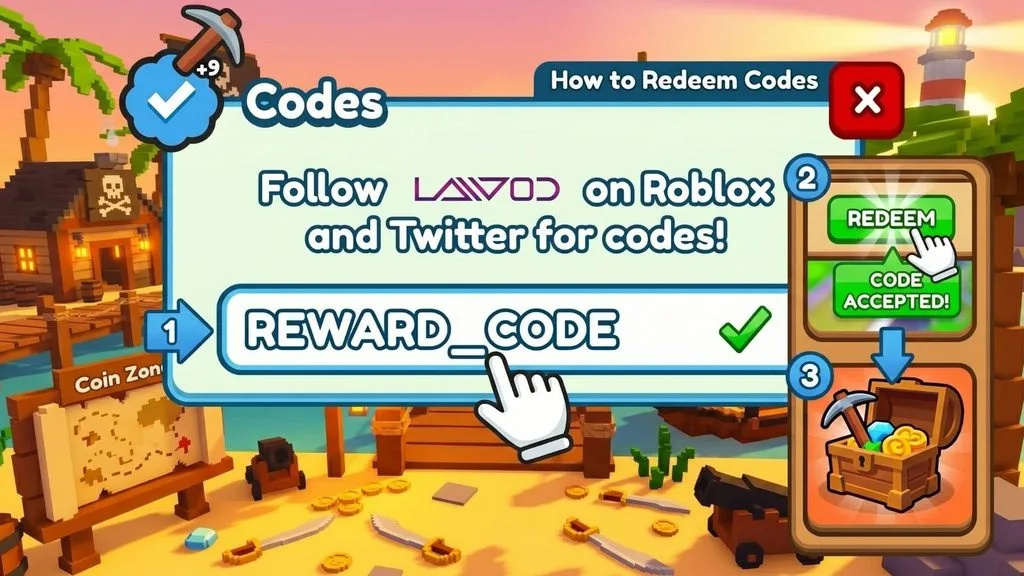
- Launch Grave/Digger from Roblox.
- Join a server and allow the game to load.
- Press M to access the in-game menu.
- Check the available menu sections for Codes, Rewards, or Redeem.
- Type or paste your code into the text field.
- Double-check its spelling and capitalization.
- Press the confirmation or Redeem button.
- Check your inventory, cosmetics, or notifications for the reward.
For roblox promo codes, always use the exact text published by the developer instead of altered versions shared in comments or unofficial videos.
Useful Commands In Grave/Digger
The game already contains text commands, but these should not be confused with promotional codes.
The official page lists vk/[NAME] for starting a vote-kick. Press L to access the command bar first. Players can also use /restoredata to restore Hours and Kills from the Beta Period, while M opens the normal in-game menu.
That distinction matters because players searching for codes can easily encounter command strings or puzzle solutions and mistakenly assume they provide free rewards.
Best Way To Play
Grave/Digger is enabled on consoles, but the developer states that console support is incomplete and some controls may not work correctly. Mouse and keyboard are officially recommended.
New players should also adjust their expectations if they normally play fast arena shooters. The official description specifically emphasizes slower, deliberate gunplay. Learn the terrain, watch firing lanes, and think about how mineable areas can change your approach before pushing into enemy positions.
The underground battlefield is not simply decoration. It is part of the strategy.
Where To Find New Codes
Watch the game’s official community channels, update logs, and Roblox listing for future announcements. If a promotional code is released during an update or event, we will add it to this guide once it has been verified.