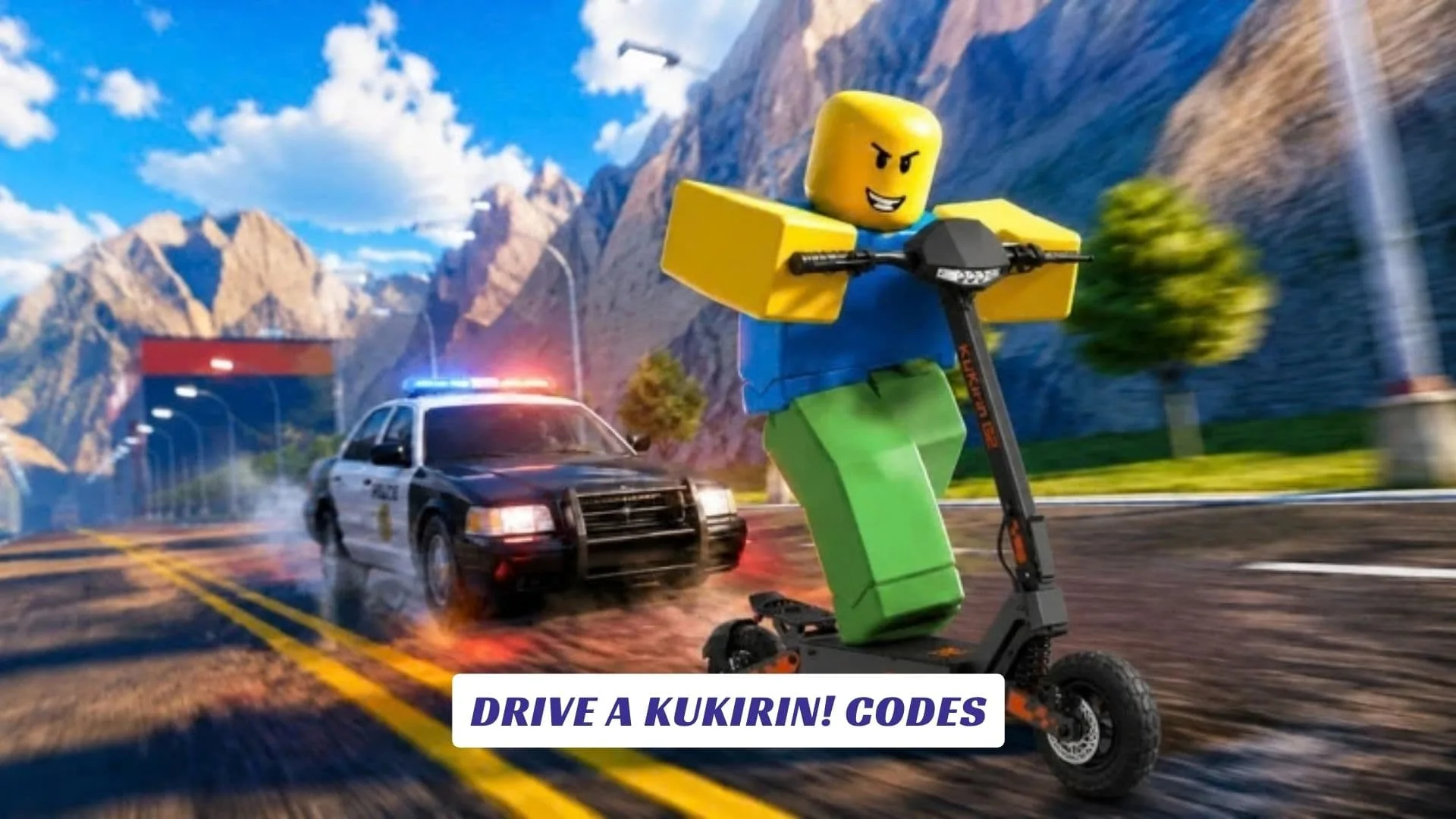
The official Roblox page describes Drive A Kukirin! as a realistic electric scooter simulator. Players can ride powerful e-scooters around an open world while getting used to smooth driving physics and practicing skill-based wheelies. First-person riding is supported, and players can also equip wearable helmets.
The game takes inspiration from real electric scooter culture and names brands such as KuKirin, Ausom, Dualtron, Joyor, VSETT, Kaabo, Segway, and Xiaomi. KuKirin G2 and KuKirin G4 are also referenced on the official listing. These references help establish the type of scooter culture the developers are aiming to recreate rather than confirming specific real-world specifications for every vehicle.
Drive A Kukirin! is currently presented as a beta experience and remains in active development. Because of that, players can expect features, content, and other parts of the experience to continue changing as updates arrive. The developers also warn that unfinished features and occasional bugs can appear during development.
Drive A Kukirin! Game Details
Roblox categorizes Drive A Kukirin! under Simulation, with Vehicle Sim listed as its subgenre. Servers support up to five players, while the experience carries a Minimal maturity rating and is marked as suitable for everyone. Voice Chat and Camera features are not supported on the official listing.
That combination makes the game particularly focused on the riding itself. You can explore the map, experiment with scooter physics, switch to a first-person perspective, and work on controlling wheelies rather than simply holding the throttle at maximum speed.
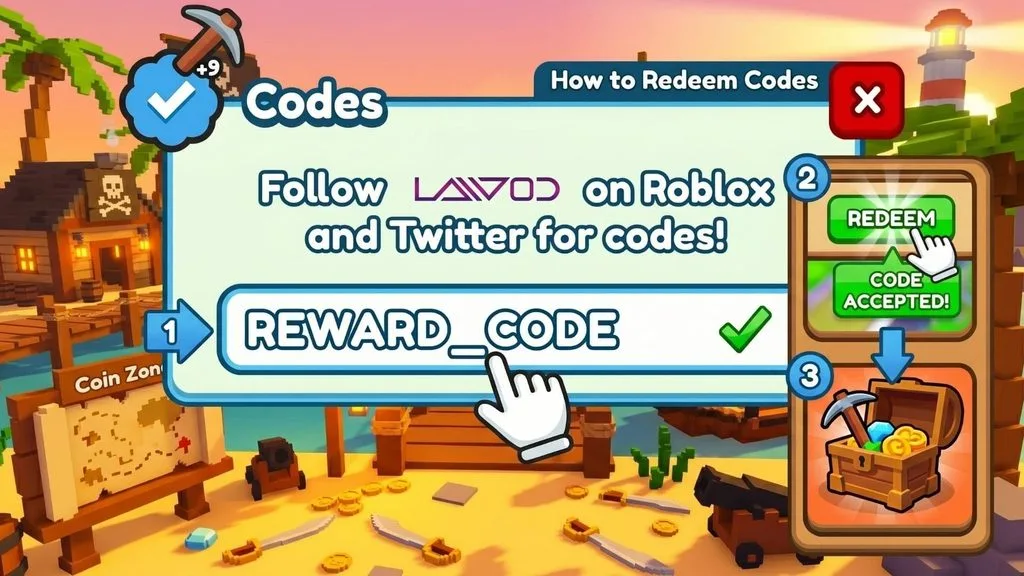
Active Drive A Kukirin! Codes
| Code | Reward |
|---|---|
PATCH | 1000 Cash |
UPDATE | 1000 Cash |
Last checked: September 29, 2026. These codes were verified against the game’s official Roblox page and up-to-date code trackers. Codes are case-sensitive, so enter them exactly as shown.
How To Redeem Codes In Drive A Kukirin!
Code systems can change while Roblox games are being actively developed, so always use the current in-game interface when redeeming a code.
- Launch Drive A Kukirin! through Roblox.
- Wait for your character and the game interface to load completely.
- Open the game’s menu and look for a Codes, Redeem, Rewards, or similarly named option.
- Select the code entry box.
- Type or paste the code exactly as it was published, including capitalization if applicable.
- Press the Redeem or confirmation button.
- Check your account, inventory, or in-game balance to confirm that the reward was added.
If a code does not work, double-check for extra spaces or typing errors before trying it again. Players who regularly search for roblox promo codes should also remember that experience-specific codes are normally redeemed inside the relevant game rather than through Roblox’s general promotional system.
What To Expect From Future Updates
Since Drive A Kukirin! is still being actively developed, its current feature set should not be treated as final. The official description specifically encourages players to favorite and like the experience for additional scooters and updates. The models used in the game are credited to 5asx.
For the most reliable information about future content, gameplay changes, and any new redemption features, it is worth checking the official Roblox listing whenever a major update arrives.