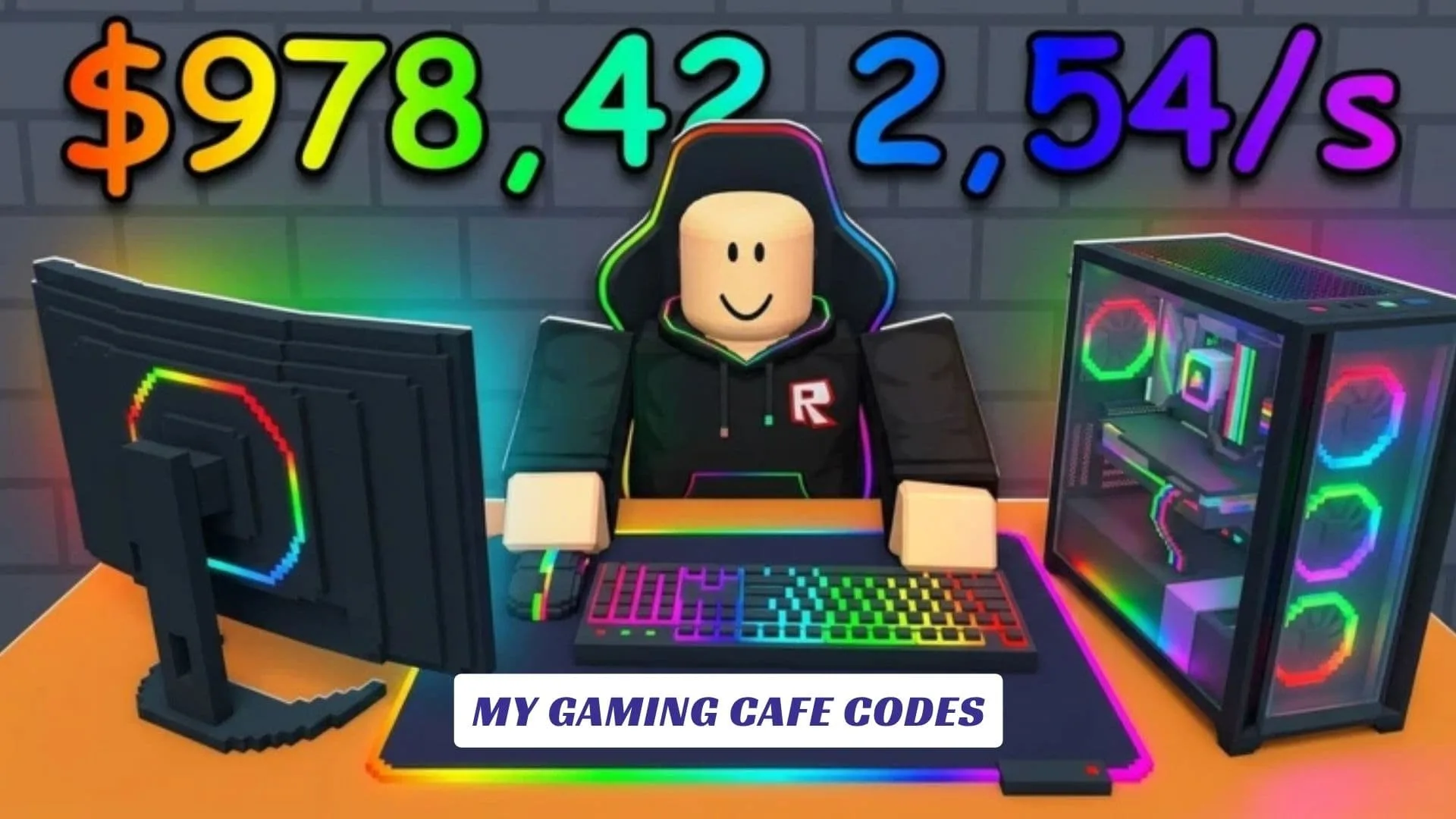
Welcome to our My Gaming Cafe Codes guide, your growing checkpoint for possible freebies, bonuses, and future developer rewards in the Roblox cafe-building experience from Public WIFI. In My Gaming Cafe, you unbox PC components, create and decorate your own gaming space, welcome customers, improve your equipment, and unlock additional floors and upgrades as your business expands. This post will be updated whenever the developers release new codes, so players can return without digging through unreliable lists. While checking for updates, you can keep strengthening your layout, improving the customer experience, and turning a modest computer shop into an impressive gaming destination. Players interested in other ways to explore the experience can also visit our earlier My Gaming Cafe Script Guide.
Active My Gaming Cafe Codes
There are currently no verified My Gaming Cafe codes. We could not confirm any working codes from the game page or reliable code trackers at the time of checking.
Last checked: September 30, 2026. We will update this page as soon as new codes are confirmed.
How To Redeem My Gaming Cafe Codes
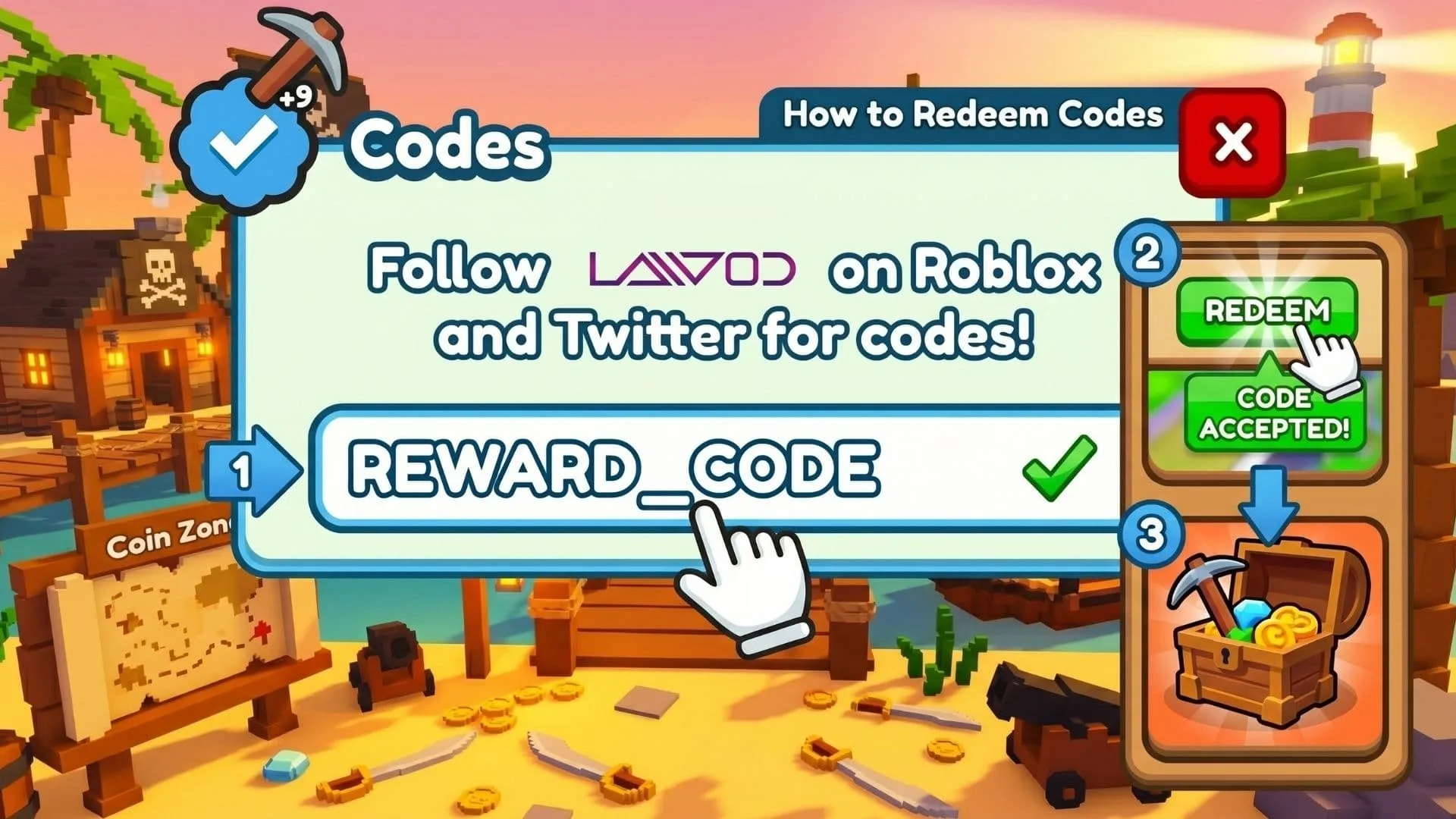
- Launch My Gaming Cafe through Roblox.
- Look for a Codes, Gift, Settings, or Shop button.
- Enter an active code exactly as displayed.
- Select Redeem or Claim.
- Check whether the reward appears in your balance or inventory.
What Can You Do In My Gaming Cafe?
The main loop is built around growing a custom gaming cafe. You open boxes for PC parts and useful items, place equipment, decorate the building, and serve customers who help your business progress. Earnings and upgrades let you improve the cafe and open more floors, giving you extra room for stronger setups and new design ideas.
The official page also encourages players to join the developer group and like the experience for exclusive rewards. That makes the community page worth checking while waiting for future My Gaming Cafe updates.
Why Are My Gaming Cafe Codes Not Working?
A code may fail because it is unofficial, typed incorrectly, expired, or created for a different experience. In this case, the most likely reason is simple: no verified code system or active code has been released yet.
Never share your Roblox password with a site claiming it can generate codes. Real rewards should be redeemed through Roblox or an official in-game feature.