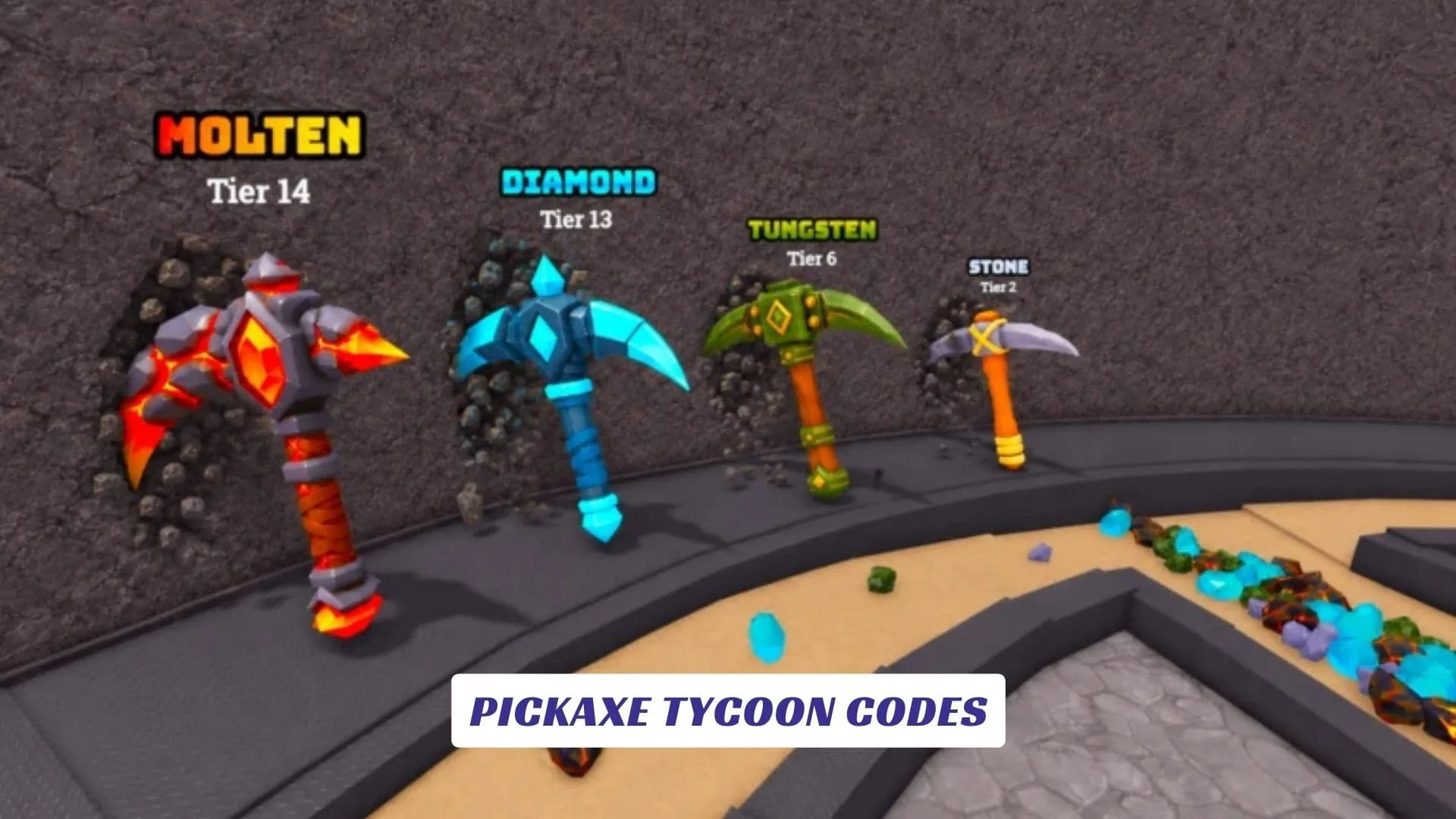
Pickaxe Tycoon Codes is a complete Roblox codes guide for players who want free rewards, faster mining progress, better pickaxe upgrades, extra money, and a smoother start in Pickaxe Tycoon, a Roblox mining tycoon game where you buy a pickaxe, mine ores, convert those ores into money, purchase more pickaxes, merge them into stronger tools, and keep building a giant mining tower while trying to collect every pickaxe in the game. The official Roblox page lists Pickaxe Tycoon as a game by Popular Marketplace, and its core loop is simple, satisfying, and easy to understand, mine, earn, upgrade, merge, expand, and repeat until your tycoon turns into a full mining empire. Our website also includes an earlier published post called Pickaxe Tycoon Script Guide, for readers who want to find the related guide by name, but this article focuses only on codes, rewards, official game details, and safe gameplay information.
Related: Pickaxe Tycoon Script Guide
Active Pickaxe Tycoon Codes
There are currently no active Pickaxe Tycoon codes. The game does not have a code redemption menu yet, so no codes can be redeemed at the moment.
Last checked: September 30, 2026. We will update this page as soon as new codes are confirmed.
What Is Pickaxe Tycoon?
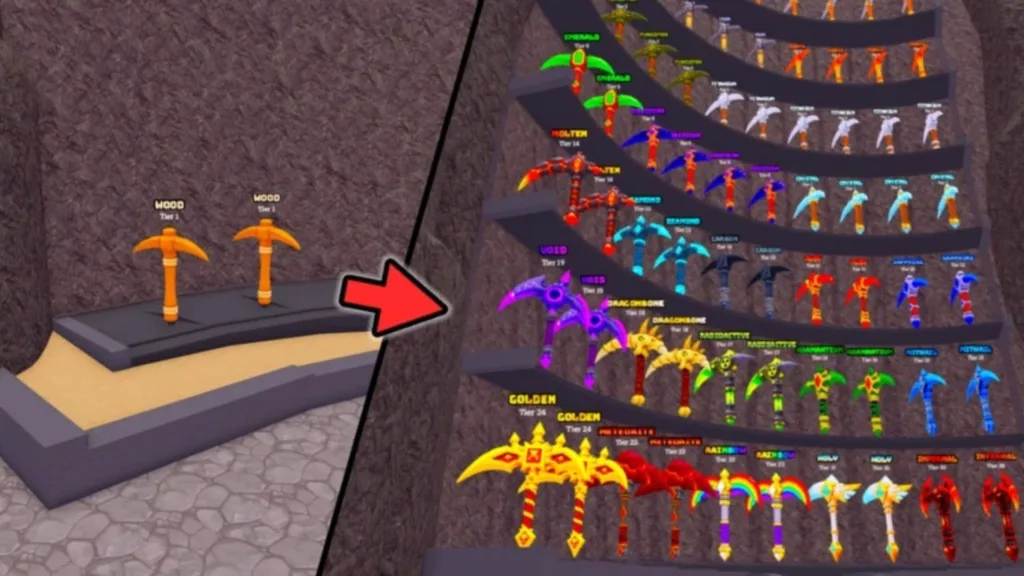
Pickaxe Tycoon is a Roblox mining tycoon experience built around progression. The official description tells players to buy a pickaxe to start mining, convert ores into money, buy more pickaxes, merge them to get better ones, and build a giant mining tower while collecting all pickaxes.
That gives the game a clear tycoon rhythm. You start small, gather ores, turn your resources into cash, then use that money to grow your setup. The merge system gives the game a collecting and upgrading feel, while the mining tower adds a long-term goal beyond simply earning money.
It is the kind of Roblox game that works well for players who enjoy idle progress, upgrade loops, collection goals, and simple tycoon mechanics that keep rewarding you for every small improvement.
How To Redeem Pickaxe Tycoon Codes
- Open Pickaxe Tycoon on Roblox.
- Look for a Codes button, gift icon, settings menu, shop menu, or Twitter-style icon.
- Enter the code exactly as shown.
- Press Redeem, Claim, or Confirm.
- Check your cash, inventory, pickaxe list, or boost menu for the reward.
Why Your Pickaxe Tycoon Codes May Not Work
The first reason could be simple: the code may not be real. Roblox games often attract fake code lists, especially when a game becomes popular quickly.
A code can also fail if it has expired, contains a typo, has extra spaces, or only works on new servers. Sometimes developers release codes during an update, but older servers do not recognize them until players rejoin.
Also, remember that game-specific codes are different from roblox promo codes. A Pickaxe Tycoon code would only work inside Pickaxe Tycoon, while platform promo codes usually come from Roblox itself.
How To Find New Pickaxe Tycoon Codes
The best place to check first is the official Roblox page for Pickaxe Tycoon. If the developer adds a code, milestone reward, or update note, it may appear in the description or in-game menus.
You can also watch for future community updates, game group announcements, and Roblox page description changes. For now, though, any site claiming a long list of working Pickaxe Tycoon codes should be checked carefully, because no official active codes are confirmed yet.