Contents
- How Skill Cheats Work In The Sims 4 On PC
- How To Enable Cheats On PC
- The Skill Cheat Format You’ll Use Most
- Popular Adult Skill Cheats
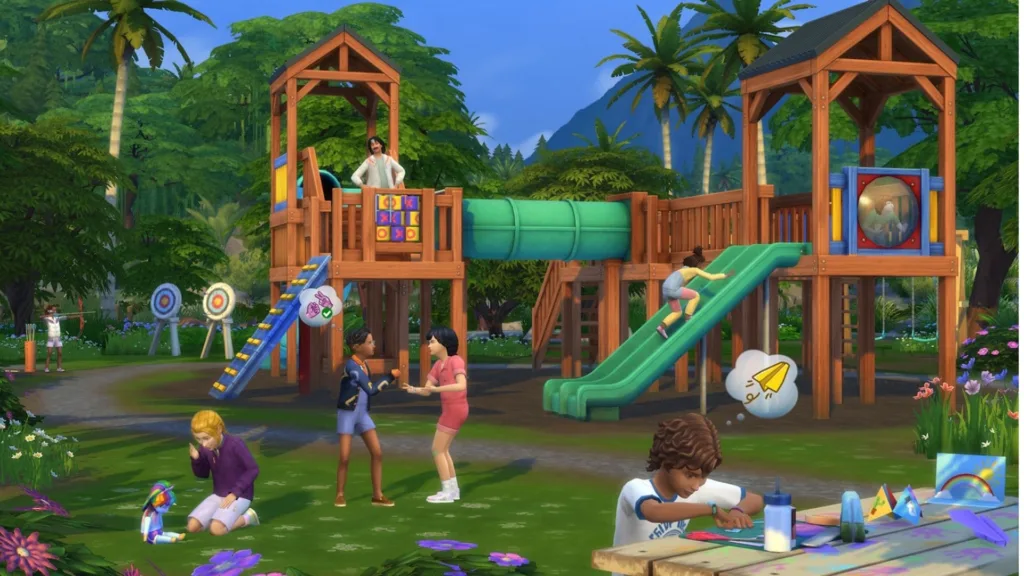
- Child Skill Cheats
- Toddler Skill Cheats
- Why A Skill Cheat Might Not Work (And How To Fix It)
- Smart Ways To Use Skill Cheats Without Ruining The Fun
- Quick Copy-Paste Cheat Snippets
- Final Note For PC Players
If you’re searching for Sims 4 skill cheats for PC, you’re probably in one of two moods: either you want to skip the grind and jump straight to the good stuff, or you’re building a story where your Sim simply has no time to “practice guitar for 12 in-game hours” before their big moment. This article is all about The Sims 4 skill cheats on PC—how to open the cheat console, how the testingcheats true toggle works, how the stats.set_skill_level command is structured, and how to use it for adult, child, and toddler skills without turning your save into a chaotic mess. Along the way, we’ll cover popular skill cheat examples (like Cooking, Charisma, Logic, Painting), explain why some cheats “don’t work” (usually it’s syntax, age restrictions, or the wrong skill name), and share smart ways to use cheats so your gameplay still feels like a video game adventure—not just a spreadsheet with legs.
How Skill Cheats Work In The Sims 4 On PC
Skill cheats in The Sims 4 let you set a Sim’s skill level directly, instead of earning it through actions, books, or career tasks. On PC, you do this through the in-game cheat console, which is basically your command-line gateway to bending the simulation.
Most “level up skills” cheats follow a simple idea: you provide a skill identifier (the game’s internal name for that skill) and a number for the level you want. When entered correctly, the game instantly updates your Sim’s skill bar—no waiting, no practice sessions, no mood management required.
How To Enable Cheats On PC
Before skill cheats will reliably work, enable the game’s cheat mode:
- Open the cheat console: press Ctrl + Shift + C.
- Type:
testingcheats true - Press Enter.
If you typed it correctly, the game should confirm cheats are enabled. If you don’t see confirmation, try re-opening the console and entering it again carefully (spacing matters).

The Skill Cheat Format You’ll Use Most
This is the core command structure for skill cheats in The Sims 4:
stats.set_skill_level <SkillName> <Level>
<SkillName>is the internal skill code (example:Major_Charisma).<Level>is the level number you want.
Example pattern:stats.set_skill_level Major_Logic 10
That’s it—the entire “engine” behind most Sims 4 skill cheats for PC is this one command.
Popular Adult Skill Cheats
Here are a few commonly used skill cheats that players reach for in everyday gameplay:
- Cooking:
stats.set_skill_level Major_HomestyleCooking 10 - Charisma:
stats.set_skill_level Major_Charisma 10 - Logic:
stats.set_skill_level Major_Logic 10 - Painting:
stats.set_skill_level Major_Painting 10
Tip: If you want to keep things balanced for storytelling, set skills to 3–6 instead of instantly maxing to 10. Your Sim will still feel competent, but not superhuman.
Child Skill Cheats
Kids have their own skill categories, and they don’t use the same “Major_” names as adults. Common child skill cheats include:
- Creativity:
stats.set_skill_level Skill_Child_Creativity 10 - Mental:
stats.set_skill_level Skill_Child_Mental 10 - Motor:
stats.set_skill_level Skill_Child_Motor 10 - Social:
stats.set_skill_level Skill_Child_Social 10
These are great for “gifted kid” storylines, after-school club arcs, or to prep a child Sim for aspiration goals without babysitting every homework session.
Toddler Skill Cheats
Toddlers are basically tiny chaos generators, and their skills cap differently than older Sims. Popular toddler skill cheats include:
- Communication:
stats.set_skill_level Skill_Toddler_Communication 5 - Imagination:
stats.set_skill_level Skill_Toddler_Imagination 5 - Movement:
stats.set_skill_level Skill_Toddler_Movement 5 - Thinking:
stats.set_skill_level Skill_Toddler_Thinking 5 - Potty:
stats.set_skill_level Skill_Toddler_Potty 3
If you’ve ever run a toddler household without cheats, you already know why these are fan favorites.
Why A Skill Cheat Might Not Work (And How To Fix It)
If your Sims 4 skill cheats for PC aren’t working, it’s usually one of these issues:
- Cheats not enabled: Re-enter
testingcheats true. - Wrong Sim context: Make sure you’re cheating the active Sim (the one currently selected).
- Misspelled skill name: One typo can break the command; double-check underscores and capitalization.
- Wrong age group: Adult skill codes won’t apply to toddlers/children and vice versa.
- Pack-specific skill codes: Some skills are tied to DLC; the name you need might differ from base-game skills.
If you tell me the exact skill you’re trying to cheat (and whether it’s base game or from a pack), I can format the exact cheat line for it.
Smart Ways To Use Skill Cheats Without Ruining The Fun
Cheats are a tool—like using a shortcut in an open-world game. They can make The Sims 4 more fun if you use them to support your playstyle:
- Use cheats to “set the backstory,” then play normally (example: set Charisma to 6 for a politician Sim).
- Skip early-game grind, but keep late-game goals (max Cooking, but still pursue a 5-star restaurant narrative).
- Fix a bugged save or stalled progression (if your Sim’s skill gain feels broken).
- Create themed households quickly for builds, machinima, or challenge videos.
Cheats don’t have to erase gameplay—they can sharpen it, like a fast-forward button when you already know what you want the story to be.
Quick Copy-Paste Cheat Snippets
If you just want the essentials:
- Enable cheats:
testingcheats true - Set an adult skill:
stats.set_skill_level Major_Logic 10 - Set a child skill:
stats.set_skill_level Skill_Child_Mental 10 - Set a toddler skill:
stats.set_skill_level Skill_Toddler_Thinking 5
Final Note For PC Players
Part of the charm of The Sims 4 is how it lets you play it like a life sim, a strategy game, a soap opera generator, or a pure sandbox. Skill cheats on PC are one of the cleanest ways to take control of pacing—whether you’re speed-running goals, filming content, or just saving your sanity from one more three-hour “practice violin” session.
If you want, tell me which skills (and which expansion/game packs) you’re targeting, and I’ll produce a bigger list of the exact skill cheat codes tailored to your setup.