
Welcome to our Trading Empire Codes guide, built for players trying to make money, grow their assets, and climb the financial ladder inside one of Roblox‘s business-focused simulation experiences. In Trading Empire, players can pick a class, trade stocks and crypto, purchase properties, host open houses, run a dropshipping store, flip items, manage loans, collect cards, drive cars, and compete in weekly Forex challenges. The official Roblox description encourages players to make money their own way while balancing risk and reward across several different income streams. We will keep this post updated whenever the developer releases new Trading Empire codes, reward opportunities, or other useful additions. Players interested in experimenting with the game beyond normal progression can also visit our previously published Trading Empire Script Guide.
Active Trading Empire Codes
| Code | Reward |
|---|---|
MARKETKING | $10,000 Cash |
BUYTHEDIP | Trading Bonus |
PROPERTYMOGUL | $5,000 Cash |
FOREXMASTER | Special Reward |
DROPSHIPCASH | Business Boost |
What Is Trading Empire?
Trading Empire is a Roblox Simulation and Tycoon-style experience created by ilovefortnitexdxd3. Instead of locking players into one profession, the game gives you several routes toward building wealth.
You can trade stocks and cryptocurrency, invest in real estate, run a dropshipping operation, flip items, use loans to fund larger moves, and take part in Forex challenges. The current official description also mentions collecting cards and driving cars.
Earlier versions of the game’s description provided even more detail about its financial systems, including houses, hotels, skyscrapers, rent income, property maintenance, credit scores, market charts, and leveraged trades. The result is a progression loop centered on earning money, reinvesting profits, and deciding how much risk you are willing to take.
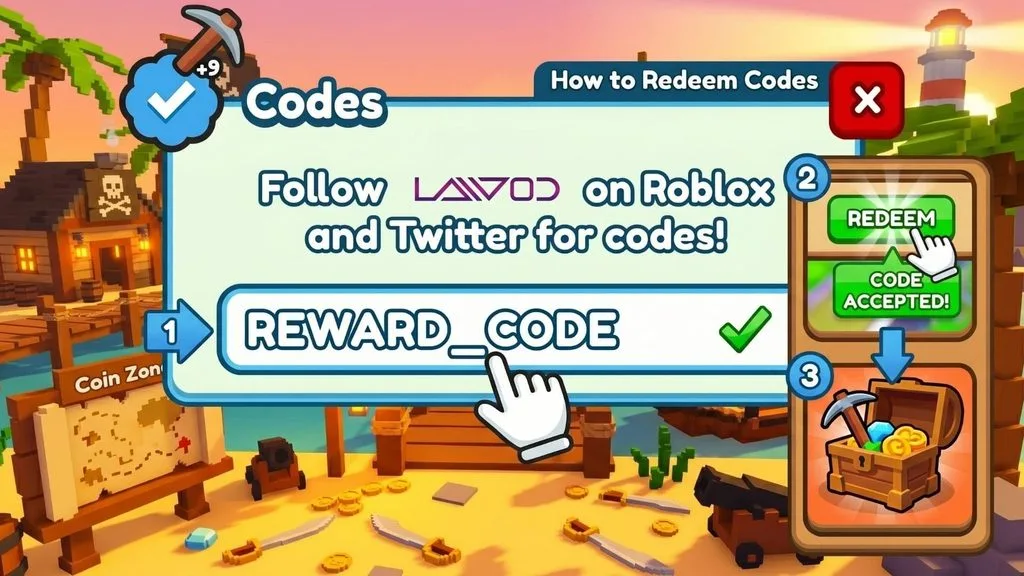
How To Redeem Trading Empire Codes
- Launch Trading Empire through Roblox.
- Wait until your character and game interface finish loading.
- Check the screen for a Codes, Gift, Rewards, or Settings button.
- Open the available code redemption menu.
- Enter or paste your code into the text field.
- Check the spelling and capitalization carefully.
- Press Redeem or Claim to collect the reward.
Copying and pasting codes is usually the easiest way to prevent typing errors.
How To Make Money In Trading Empire
The interesting part of Trading Empire is that progress does not depend on one activity.
A player could concentrate on stocks and crypto, while someone else builds a property portfolio or grows a dropshipping business. Loans can potentially speed up expansion, but they also introduce another financial responsibility to manage. Players can also flip items and compete in Forex challenges.
That variety makes experimenting with different strategies part of the game. A profitable approach can give you more capital for the next investment, helping you work toward larger assets and a stronger position on the leaderboards.
Why Is My Trading Empire Code Not Working?
If a code fails, check for a typo first. Codes may also be case-sensitive, expired, restricted to a particular update, or temporarily unavailable on an older Roblox server.
Rejoining the game can sometimes put you into a newer server after an update. If the code still fails, check whether the developer has changed or removed it.
How To Get More Trading Empire Codes
Watch the official Roblox experience and developer-linked community pages for announcements. Updates, milestones, events, or major content releases are common opportunities for Roblox developers to introduce free rewards.
You can also return to this guide, since new verified Trading Empire codes will be added when they become available.
Play Trading Empire
Ready to test your market instincts and build your own financial empire?