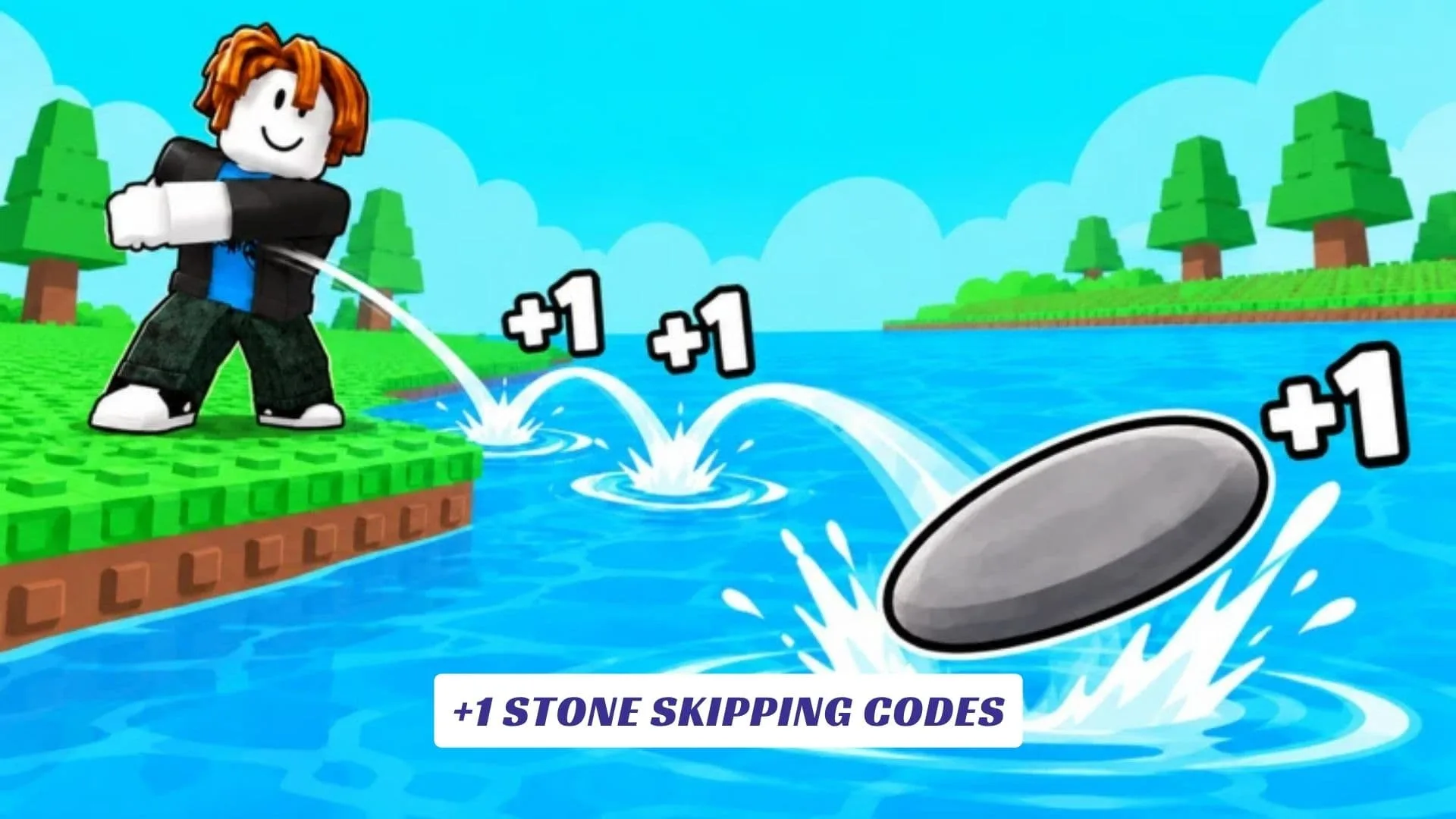
Welcome to our +1 Stone Skipping Codes guide, where you can grab current freebies and keep up with new reward drops for Meow Labs’ Roblox stone-skipping simulator. In +1 Stone Skipping, every bounce adds +1 Skill, letting you train your throwing power and send stones farther across the water. Longer throws help you reach new zones and earn more Wins, while progression unlocks better stones and unusual objects to launch, including a donut. Pets provide additional boosts, and Rebirths let you reset parts of your progress to become stronger and push for even greater distances. We will continue updating this page whenever Meow Labs releases fresh codes. Players interested in more game-related resources can also check our previously published +1 Stone Skipping Script Guide.
What Is +1 Stone Skipping?
+1 Stone Skipping is a Roblox simulator created by Meow Labs. Its main progression system revolves around throwing objects across the water and increasing Skill with every successful bounce.
Training allows you to throw farther, while distant zones provide more Wins. Those resources feed into a wider progression system featuring unlockable stones, unusual throwable items, pets, boosts, and Rebirths.
It is a straightforward loop, but chasing a new personal distance record makes every upgrade meaningful.
Active +1 Stone Skipping Codes
The following codes were reported working when checked in early October 2026:
| Code | Reward |
|---|---|
10KCCU | 1 Skill Potion, 1 Win Potion, 1 Luck Potion, 3 Wins, and 1.31K Skill |
SECRET | 1 Luck Potion and 1 Common Egg |
WORLD4 | 1 Skill Potion and 1.31K Skill |
5KCCU | Free Rewards |
WELCOME | 1 Skill Potion and 1 Win Potion |
WORLD3 and THANKYOU were previously available, but newer reports list them as expired.
How To Redeem +1 Stone Skipping Codes
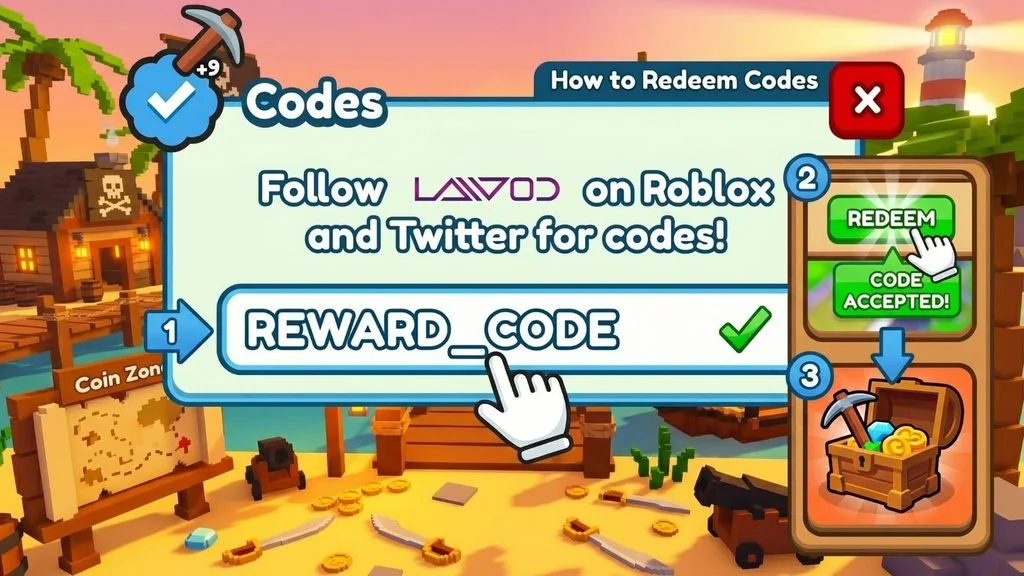
Codes are redeemed through the Shop rather than a separate button on the main side menu.
- Launch +1 Stone Skipping on Roblox.
- Click the Shop button on the left side of the screen.
- Scroll all the way to the bottom of the Shop window.
- Find the code redemption box.
- Copy one of the working codes above.
- Paste it into the field exactly as displayed.
- Press Redeem.
- Check your inventory and balances for the rewards.
Typing the codes exactly as shown is the safest approach because current sources disagree about whether capitalization matters.
What Do Code Rewards Do?
The current codes provide several useful progression items, including Skill Potions, Win Potions, Luck Potions, Eggs, Wins, and direct Skill rewards.
These bonuses can help you increase throwing distance faster, improve your progression through new zones, and collect pets that provide additional boosts.
How To Get More +1 Stone Skipping Codes
New codes have already appeared alongside world updates and player milestones. Codes such as WORLD4, 5KCCU, and 10KCCU reflect the game’s rapid update and growth cycle.
Check the official community channels after updates and bookmark this guide for future additions. Remember that these game-specific rewards are different from general roblox promo codes.
Why Are My +1 Stone Skipping Codes Not Working?
Make sure the code contains no unwanted spaces or spelling mistakes. An older code may also have expired after a new update, as happened with some launch-era rewards.
If a newly released code fails, join a fresh server and try again. You should also check whether you already claimed it previously.
Skip Farther With Every Throw
+1 Stone Skipping turns a simple activity into an incremental progression challenge filled with Skill upgrades, Wins, pets, unusual throwing objects, farther zones, and Rebirths. Claim the available codes before throwing your next stone and see how far your upgraded build can reach.
Ready to beat your longest skip?