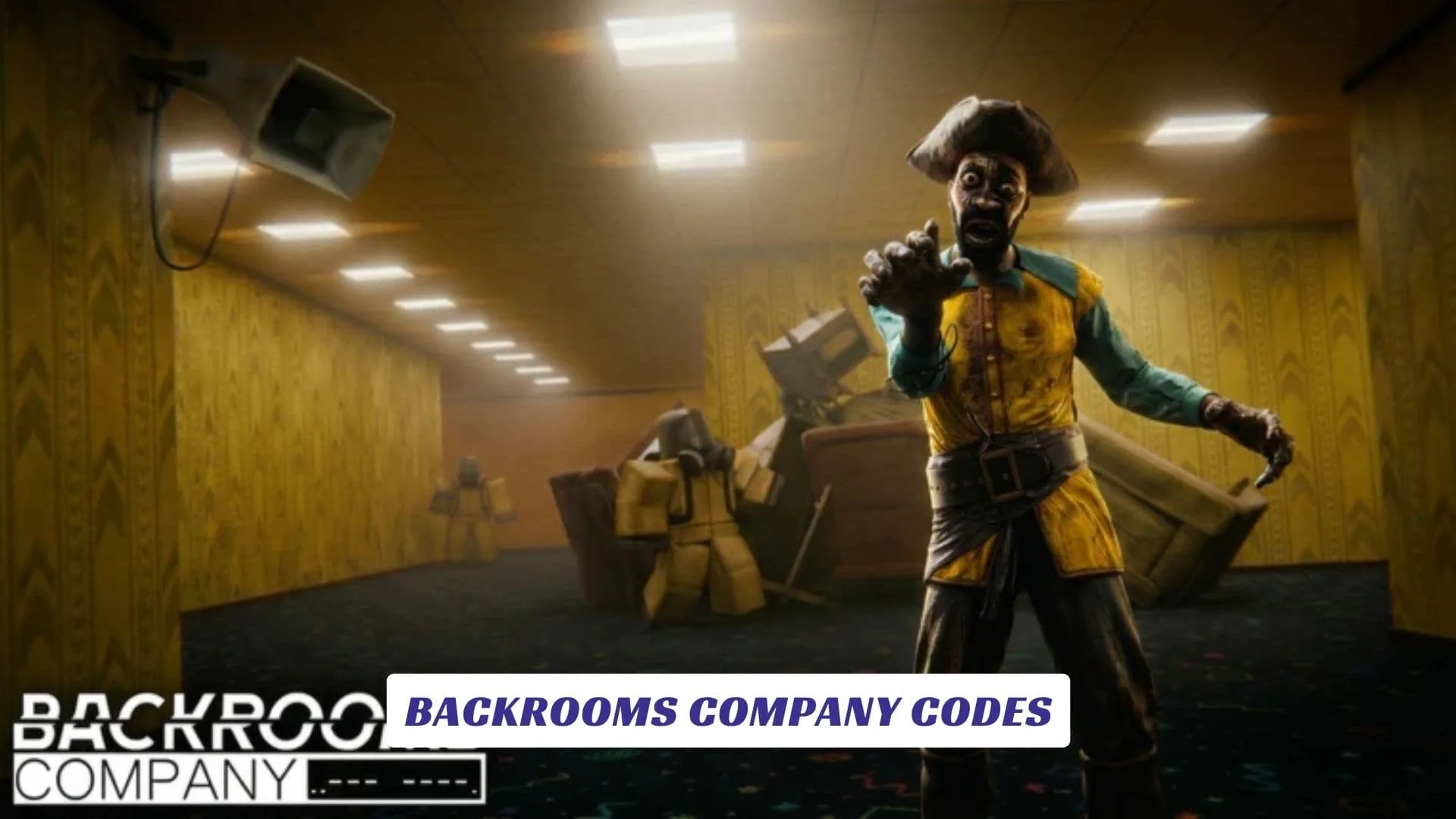
Welcome to our Backrooms Company Codes guide, where we keep track of potential freebies, reward codes, and future developer giveaways while helping you understand what makes this creepy Roblox extraction experience worth exploring. Developed by Devs 4 U Productions, Backrooms Company sends players into the lower layers of the Backrooms to recover samples, gather evidence, search for useful items, and somehow make it back to HQ before the expedition falls apart. Every run can unfold differently, so deciding what to collect, how long to stay, and when to escape plays an important role in surviving. The experience is currently in early alpha, which means the developers are actively working on new entities, levels, items, systems, balancing changes, and other improvements. We will update this page whenever the developers release new Backrooms Company Codes. Players looking for additional game-related resources can also check our earlier Backrooms Company Script Guide.
Active Backrooms Company Codes
There are currently no verified Backrooms Company codes. We could not confirm any working codes from the game page or reliable code trackers at the time of checking.
Last checked: September 29, 2026. We will update this page as soon as new codes are confirmed.
Never confuse unofficial examples with genuine roblox promo codes. Working codes should always be confirmed through reliable game or developer sources before being listed as active.
How To Redeem Backrooms Company Codes
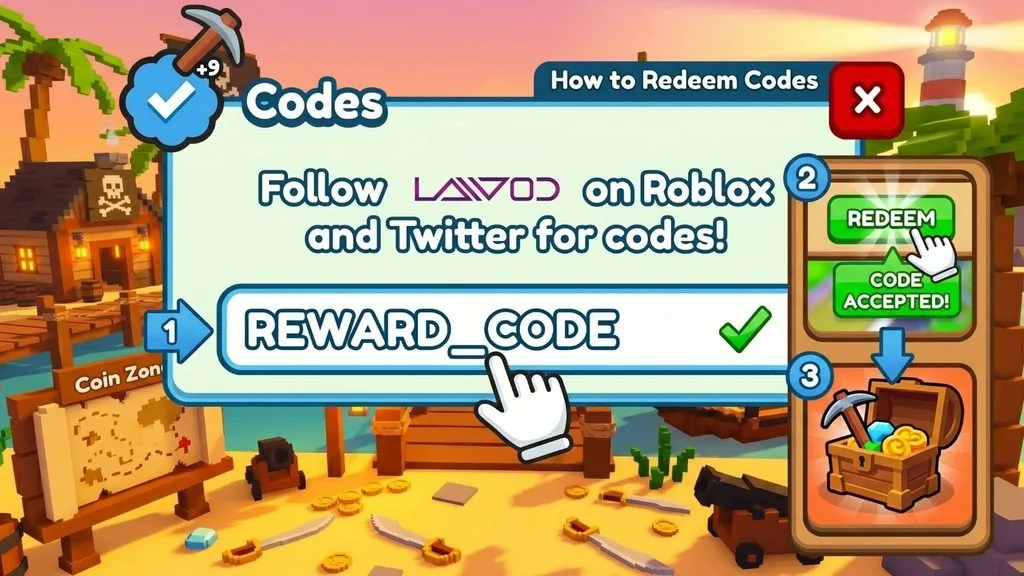
When a code redemption feature is available in the game, follow these steps:
- Launch Backrooms Company through Roblox.
- Join a server and wait for the main interface to load.
- Check the lobby, menu, Settings, or side of the screen for a Codes, Redeem, gift, or similar rewards button.
- Open the redemption window.
- Copy a working code from our active codes section.
- Paste it into the text box exactly as written.
- Press Redeem, Claim, or the equivalent confirmation button.
- Check your inventory, currency, or rewards to make sure the prize was added.
Because the experience is still in early alpha, menus and features can change between updates.
Why Your Codes Might Not Work
First, double-check the spelling. Roblox codes are often case-sensitive, and accidentally adding a space while copying a code can cause an error.
A code may also have expired. Developers sometimes release rewards for limited events, milestones, or updates and remove them later without much warning. If a verified code suddenly stops working, restarting Backrooms Company and joining a fresh server may also be worth trying.
What Is Backrooms Company?
Backrooms Company is a Roblox survival and extraction horror experience inspired by the Backrooms concept and games such as Lethal Company. Players enter dangerous lower layers, recover samples, gather evidence, collect useful items, and attempt to return to HQ safely. According to its official Roblox description, every expedition can be different, and everything you successfully bring back matters.
The developers describe the game as an early-alpha experience, so players should expect new content, entities, levels, items, system improvements, and balance adjustments as development continues. That constantly changing structure makes checking for updates especially useful.