Contents
In Arc Raiders: Keeping The Memory Quest Guide, the goal is not just to list a few quest steps and move on, but to help players understand why this mission stands out in Arc Raiders in the first place. Keeping The Memory is one of those quests that seems simple when you read the objective log, yet becomes oddly frustrating the moment you land in Dam Battlegrounds and realize the game expects you to notice a very specific object in a very cluttered environment. You are sent to the Wreckage in Formicai Hills, asked to search for a missing helmet, and then return it to a memorial nearby. That sounds easy enough, but like many quests in Arc Raiders, the tension comes from the setting, not the checklist. The area can attract other players, the helmet is tucked away instead of being proudly displayed in plain sight, and the entire thing feels more intimate than most extraction game errands.
What Keeping The Memory Quest Is
Keeping The Memory is a Celeste quest in Arc Raiders, and its structure is very straightforward on paper. The objectives are to reach the wreckage in Formicai Hills, search for the missing helmet, and return that helmet to the memorial. The reward is also fairly modest, with 5 Simple Gun Parts, 5 Duct Tape, and 5 Magnets waiting at the end.
What makes the quest interesting is not the complexity of the objective chain, because there really is not much mechanical depth here. It stands out because it slows the pace down for a moment and asks you to pay attention to the world. In a game built around scavenging, fighting, extraction pressure, and staying alive long enough to cash out, this mission is more reflective. Several guides note that it is one of the quieter moments in Arc Raiders, and that mood is a big part of why players remember it even though the actual task can be finished very quickly once you know the route.
Where To Go In Dam Battlegrounds
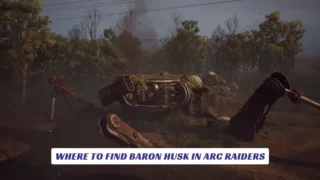
To begin the quest properly, queue into Dam Battlegrounds and make your way toward the Wreckage in the Formicai Hills area, which multiple guides place in the southern or southeastern portion of the map. Once you arrive, you are looking for a large ruined Baron machine at the center of the point of interest. This wreck is the visual anchor for the entire quest, so if you are still wandering around the outskirts, checking random debris, or searching smaller structures, you have probably not reached the exact area yet. The fastest way to simplify this quest is to ignore the noise of the rest of the map and focus on finding that destroyed ARC machine first.
How To Find The Helmet
This is the step that usually causes the most confusion.
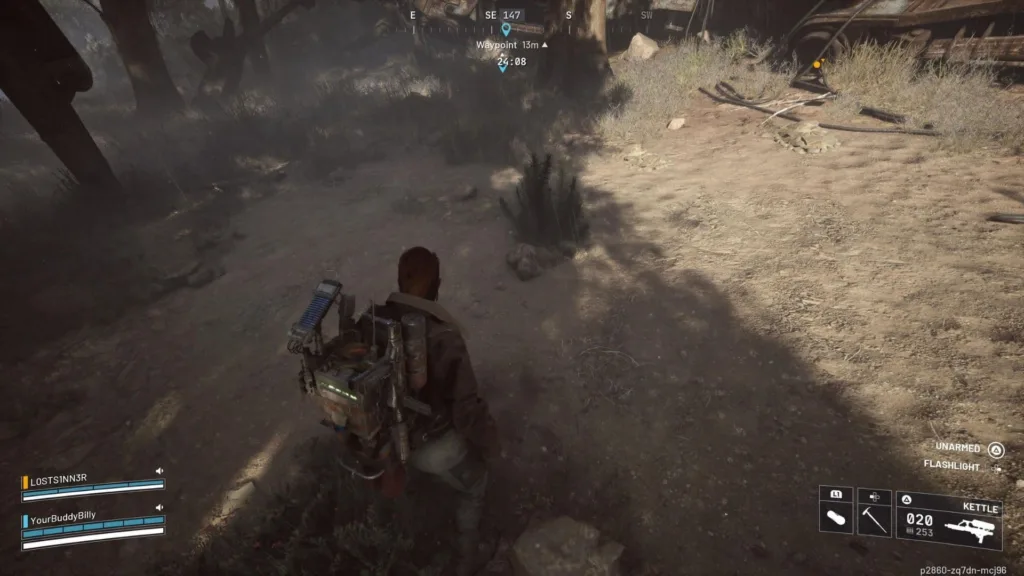
The missing helmet is not displayed on top of the wreck, and it is not sitting in a shiny lootable container. Instead, it is hidden in a small shrub or plant near the ruined Baron. That detail matters because players often assume they should inspect the giant machine itself, when the actual interaction point is much easier to miss. GameSpot describes the helmet as being hidden in a small plant just outside the destroyed machine, while Shacknews and PC Gamer narrow the area down further by pointing to a bush near the base of the wreck, close to mechanical legs, a tree, and scattered wires on the ground.
So the best approach is to stop scanning the skyline and start checking the ground carefully. Move around the lower part of the Wreckage site, stay close to the damaged ARC body, and look for the small interactable bush rather than another major landmark. Once you use the prompt, the helmet drops out and becomes the item you need for the final step. It is not a difficult solution, but it is one of those classic game-guide moments where a mission feels vague until somebody points out the exact patch of foliage you are supposed to notice.
How To Place The Helmet At The Memorial
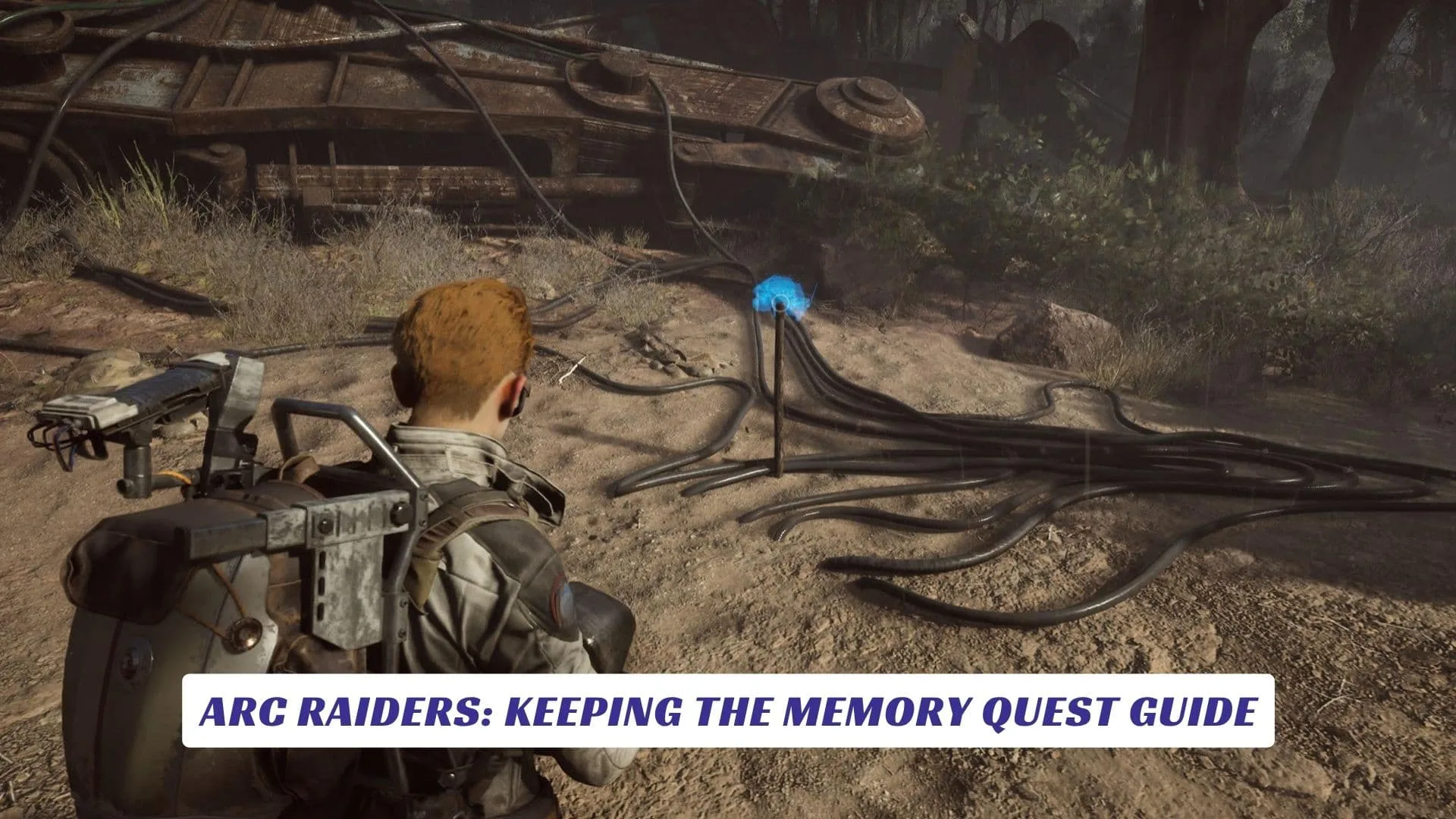
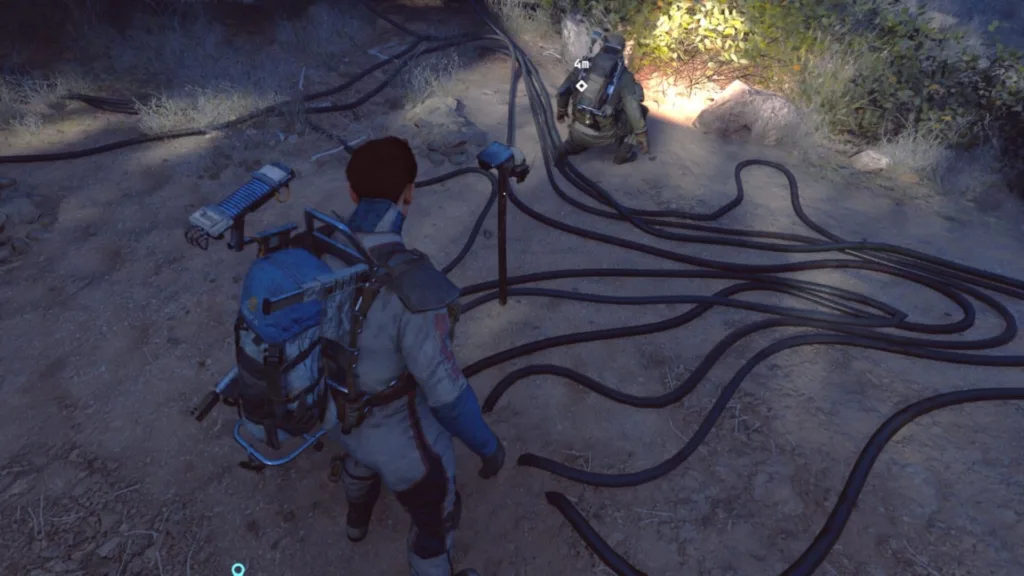
After you pick up the helmet, the quest becomes much easier to read. You do not need to carry it across half the map or solve a second scavenger puzzle. The memorial is nearby, and the game helps you confirm the right spot with a blue holographic prompt hovering over the placement point. Most guides describe it as a short metal post or steel rod sticking straight out of the ground near the same wreckage area.
Walk over, interact with the prompt, place the helmet, and the objective is done. That is one reason this quest is so satisfying once you understand it. The friction is all in finding the helmet, not in the final hand-in. There is no awkward extra phase, no hidden follow-up step, and no need to wonder whether you are still in the right place once the blue marker appears.
Mistakes That Cause Trouble
The first common mistake is assuming the quest is bugged when the helmet does not jump out immediately. In most cases, the issue is simply that the wrong bush is being checked, or the player is searching the wreck itself instead of the shrub beside it.
The second mistake is taking too long in the area. Wreckage has been noted as a place that can draw traffic, partly because it is useful for farming and partly because players pass through it often enough for a quiet mission to turn into a firefight without warning. Even a small objective becomes riskier if you linger, overloot, or start treating the zone like a sightseeing stop instead of a quick in-and-out quest route.
The third problem is the one that catches people off guard the most. Shacknews reports that all three quest steps need to be completed in a single round, which means getting knocked out before you finish the chain forces you to restart the whole process. The same guide also notes a more annoying edge case, another raider can place the helmet at the memorial first in that raid, leaving you unable to complete the objective until the next match.
Best Way To Run This Quest
The smartest way to play Keeping The Memory in Arc Raiders is to stop thinking of it like a full loot expedition and start treating it like a surgical objective run. Because the quest does not require you to extract a rare mission item to complete the main interaction, some guides recommend entering with a free or low-risk loadout if your only goal is to clear the objective and move on. That advice makes sense. You are traveling to a recognizable point of interest, you are spending part of the run staring at a bush, and your reward is useful but not so spectacular that it justifies gambling your best gear. Go in light, move quickly to Wreckage, find the ruined Baron, interact with the hidden plant, place the helmet at the nearby memorial, and then decide whether the lobby feels calm enough to keep looting or whether it is smarter to leave. In a game like Arc Raiders, the difference between an easy quest and a frustrating one is often just how disciplined you are about not overcomplicating the route.
Why This Small Quest Works So Well
A lot of extraction game missions blur together because they are built around efficient chores. Pick something up. Deliver it somewhere else. Survive long enough to bank the result. Keeping The Memory uses that same skeleton, but the presentation gives it more weight. Instead of feeling like busywork, it feels like a brief pause in the middle of a rough world, a chance to interact with the ruins of the setting in a more personal way. That emotional angle is one of the reasons guides keep calling attention to the quest even though it is much shorter than many of the game’s larger objectives.
It also helps that the quest has a clean visual idea. Find the wreck. Search the hidden shrub. Return the helmet. Restore the memorial. That loop is small, but it tells a story without needing a giant lore dump. For players who enjoy the world-building side of Arc Raiders, this is exactly the kind of quest that makes the map feel lived in, scarred, and worth paying attention to beyond loot routes and combat efficiency.