Contents
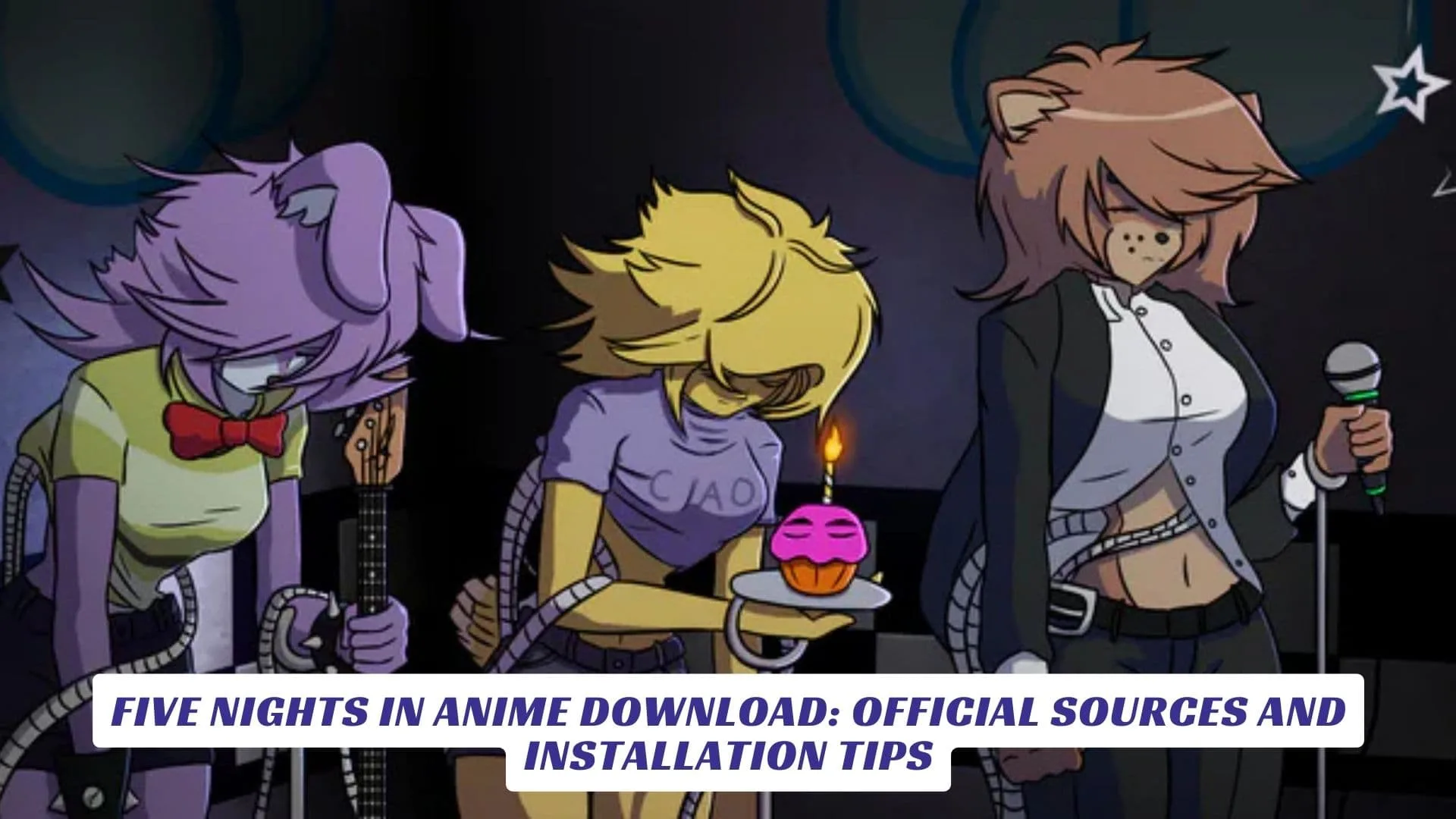
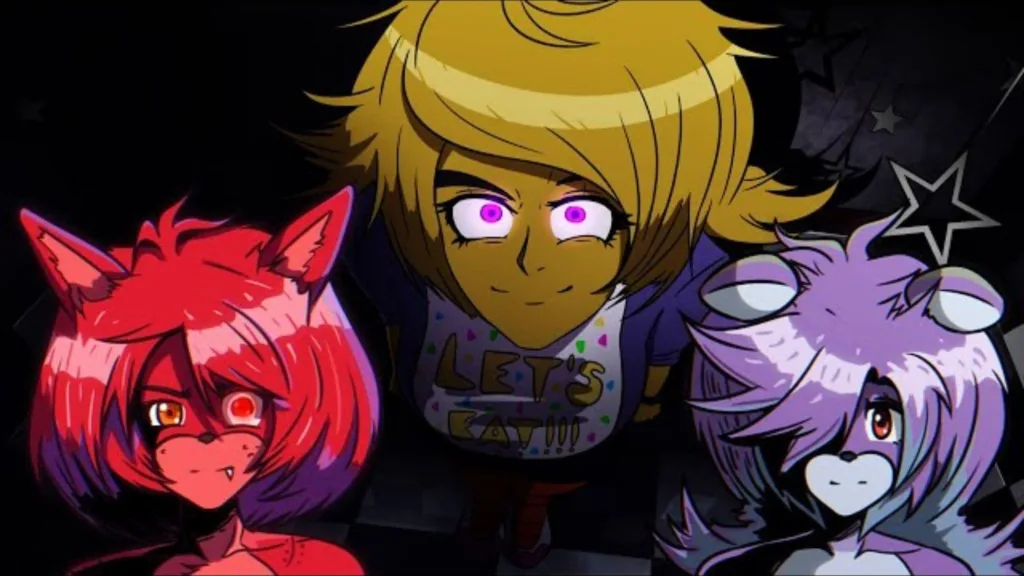
If you’re searching for Five Nights in Anime download links, this article is built to help you get the game the safe way—without shady reuploads, broken files, or sketchy “one-click installers.” Five Nights in Anime is widely treated like a fan-made horror parody experience, so download locations can vary over time. Since the original creator, Mairusu Paua, removed the classic games from his official pages years ago, finding a trustworthy download is the biggest challenge for new players.
The goal here is simple—walk through what “official” really means for a fan game, where to find verified community backups, and the cleanest installation tips for PC players. Whether you are looking for the classic 2D experience or modern 3D remakes, this guide ensures your Five Nights in Anime download turns into actual playtime without malware risks.
Where To Download The Game
Because there is no longer a single “official” developer site for the original trilogy, trusted community archives and active remakes are the standard for safety. Here are the most reliable sources currently available:
1. The Classic Collection (Best For Nostalgia)
Since the original links are down, this is the widely accepted, safe backup of Mairusu’s original trilogy (FNIA 1, 2, and Ultimate Location).
- Source: itch.io
- Version: Five Nights In Anime: Classic Collection
- Links: Itch.io, Gamejolt
- Why use this: It bundles all original games into one clean ZIP file without modifying the core gameplay, preserving the original 2015 experience.
2. The Modern Remake (Best For Gameplay)
This is a highly popular, active fan project that reimagines the game with 3D models and new mechanics. It is often preferred by new players for its better stability on modern PCs.
- Source: GameJolt
- Version: Five Nights in Anime 3D
- Links: Itch.io
- Why use this: It features polished visuals, unique “security guard” mechanics, and fewer bugs than the older versions.
3. The “Reborn” Edition (Polished Original)
A remake of the first game aiming for smoother animations and bug fixes while keeping the original 2D art style intact.
- Source: GameJolt
- Version: Five Nights In Anime: Reborn
- Link: Gamejolt
- Why use this: The best choice if you want the classic look but find the original 2015 version too crash-prone.

Installation Tips For PC Players
Most versions of Five Nights in Anime come as a ZIP or RAR archive, so installation is typically “extract and run,” not a full installer.
- Extract Fully: Don’t run the game directly from inside the ZIP file. Right-click the downloaded file and select “Extract All” to a folder on your Desktop or Games drive.
- Run as Admin: If the game fails to save or crashes, right-click the
.exefile and select “Run as Administrator.” - Bypass False Positives: Sometimes Windows Defender might flag older indie games. If you downloaded from the verified links above, you can usually click “More Info” > “Run Anyway” safely.
Common Fixes If The Game Won’t Run
If the game doesn’t open, you might be missing older system files.
- Missing DLLs: Install the Visual C++ Redistributable packages (both x86 and x64 versions) from Microsoft’s official site.
- Black Screen: Try pressing
Alt + Enterto force windowed mode, or check the game folder for an integrated “Settings” launcher to lower the resolution. - Save Issues: Ensure the game folder isn’t in a “Read-Only” directory like Program Files. Moving it to your Documents or Desktop often fixes saving glitches.