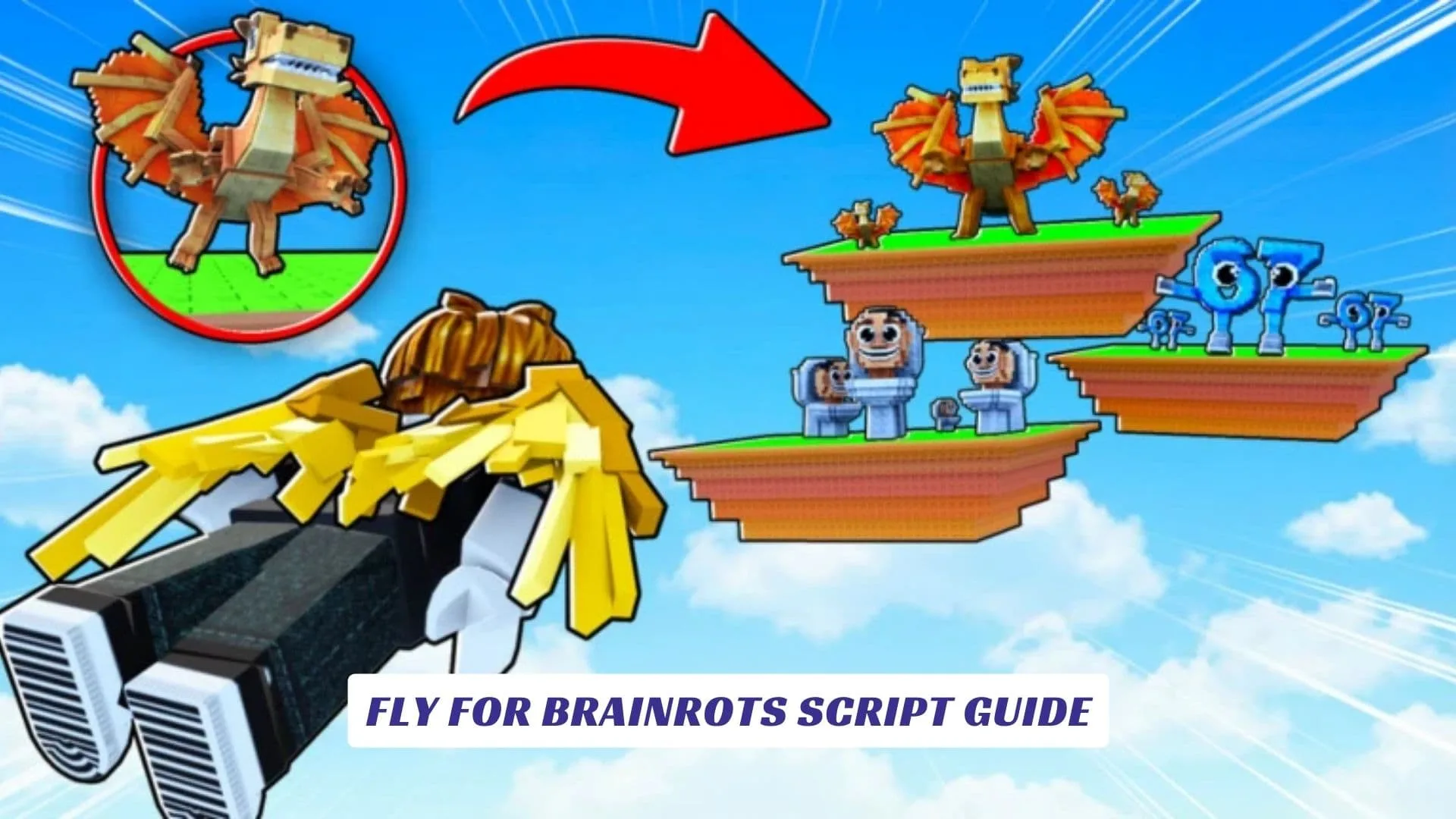
If you have been looking for a complete Fly for Brainrots Script Guide, you have landed in the right place. This article covers every working script available for Fly for Brainrots, one of Roblox‘s fastest-growing casual theft and flight games where players soar through sky platforms, steal rare Brainrots, dodge sharp-eyed Guards, and bring their loot back to base to earn money and scale upgrades. In Fly for Brainrots, the gameplay loop is simple in concept but surprisingly addictive in execution: you fly to hidden platforms, collect Brainrots ranked by rarity, cash out at your base, upgrade your flight speed and carrying capacity, and push further into the sky with each rebirth cycle. For players who want to speed up that loop significantly, scripts provide automation for tasks like collecting cash, upgrading speed, targeting OG and Divine-tier Brainrots, and running auto-rebirth at optimal moments. Whether you call them cheats or tools, scripts for Fly for Brainrots have already attracted a large community of players who want to skip repetitive grinding and focus on the exciting parts of the experience. Our website also features an earlier post covering Fly for Brainrots Codes if you want to stack free rewards on top of your script-enhanced runs. This guide covers all currently known working scripts, explains how to use them safely with a compatible executor, and walks you through what each feature actually does inside the game.
What Fly For Brainrots Is About
The official Roblox description of Fly for Brainrots explains the core loop in clear terms: fly and steal Brainrots hidden on platforms, avoid getting caught by the Guards, and bring them back to your Base to earn money and progress. Players upgrade their wings, increase flight speed, expand carrying capacity, and unlock stronger progression through rebirths, all of which feeds back into reaching higher platforms where rarer Brainrots are hidden.
The game’s approval rating and active player counts confirm it has built a strong fanbase quickly, and its design is intentionally built around incremental progression that rewards consistent grinding, which is exactly why the script community around Fly for Brainrots has grown so rapidly since launch.

How Fly For Brainrots Scripts Work
Scripts for Roblox games like Fly for Brainrots are Lua-based executables that are injected into the game client using a third-party executor such as KRNL, Delta, Cryptic, or CodeX. They work by interacting with the game’s internal functions, not by modifying Roblox Studio project files, but by hooking into live game logic at runtime once the executor has been attached to the Roblox process.
That distinction matters: Roblox Studio is the official development environment where game creators build their experiences, and it operates completely separately from script injection. Scripts used in live gameplay bypass normal player input, which is why they are classified as cheats, they allow players to perform actions automatically that the game design intends to require manual effort and time investment.
Working Fly For Brainrots Scripts
Below are the currently known working scripts for Fly for Brainrots as of March 2026. Both are publicly listed by their respective development teams and compatible with major executors on PC and Mobile.
1. ToraHub / Keyless Script
This is the most widely shared script for Fly for Brainrots, developed under the ToraHub project. It is keyless, meaning no key system verification is required before it runs. Features include Auto OG, Auto Divine, Collect Cash, Upgrade All, Buy Speed +10, and Auto Rebirth.
lualoadstring(game:HttpGet("https://raw.githubusercontent.com/gumanba/Scripts/main/FlyforBrainrots"))()
To use this script: open Fly for Brainrots in Roblox, attach your executor, paste the script into the executor’s input window, and click Execute. The GUI panel should appear in-game with toggleable features.
2. ArchHub Loader Script
This alternative script loads through the ArchHub loader system and provides a broader GUI with similar automation features. It is listed as compatible with KRNL, Cryptic, Delta, and CodeX executors, and was last updated on March 12, 2026.
lualocal url = "https://archhub.online/scripts/loader"
local response = game:HttpGet(url)
loadstring(response)()
This loader-style script pulls the latest version of the ArchHub GUI from its remote repository each time it runs, which means features and toggles may update without requiring a new script paste.
Script Features Explained
Both scripts share a common feature set that covers the most time-consuming parts of Fly for Brainrots progression.
- Auto OG — Automatically targets and collects OG-tier Brainrots, which are among the rarest and most valuable in the game
- Auto Divine — Prioritizes Divine-tier Brainrots on high platforms that would otherwise require significant flight upgrades to reach manually
- Collect Cash — Automates the cash pickup loop so your earnings never sit idle on the platform
- Upgrade All — Automatically spends available cash on all available upgrades, keeping your stats growing without manual input
- Buy Speed +10 — Continuously purchases flight speed upgrades so your character scales movement without manual shop visits
- Auto Rebirth — Triggers rebirth at the optimal moment when the progression threshold is met, instantly resetting for a stronger multiplier cycle
Together, these features compress hours of manual grinding into automated passive progression, which explains why players refer to the script package as one of the most complete cheats currently available for this game.

Compatible Executors
To run either script, you need a working Roblox executor. The following tools are confirmed compatible with the Fly for Brainrots scripts listed above.
| Executor | Platform | Notes |
|---|---|---|
| KRNL | PC (Windows) | Free, widely used |
| Delta | PC / Mobile | Supports both platforms |
| Cryptic | PC | Stable injection |
| CodeX | PC | Lightweight loader |
Always use the latest version of your executor to maintain compatibility after Roblox updates, as client patches can break injection methods temporarily.
How To Use Scripts Safely
Running scripts in live Roblox games carries inherent risks, and players should be aware of what those mean in practice. Using scripts and cheats can result in account moderation if detected, so many experienced script users keep a secondary account for testing rather than running exploits on their main profile.
Additionally, not all script pages are trustworthy, many sites distribute fake loaders that do nothing useful or worse. The two scripts included in this article come from publicly listed, community-tracked sources with documented update histories and active user feedback, which makes them safer references than random paste-bin links or unverified Telegram bots. Always scan any downloaded executor file before running it.
Roblox Studio And Script Development
For players curious about how these scripts are built, the answer starts in Roblox Studio, HoYoverse’s official game creation environment where Fly for Brainrots-style mechanics are prototyped using Lua scripting. Developers use Roblox Studio to write LocalScripts and ServerScripts that handle movement physics, inventory systems, rebirth logic, and NPC Guard behavior, the same systems that exploit scripts interact with from the outside at runtime.
Understanding how those internal systems work is actually a useful foundation if you ever want to move from using cheats to building your own games with similar mechanics. The Roblox scripting API is well-documented and the Roblox Studio environment is free to use.