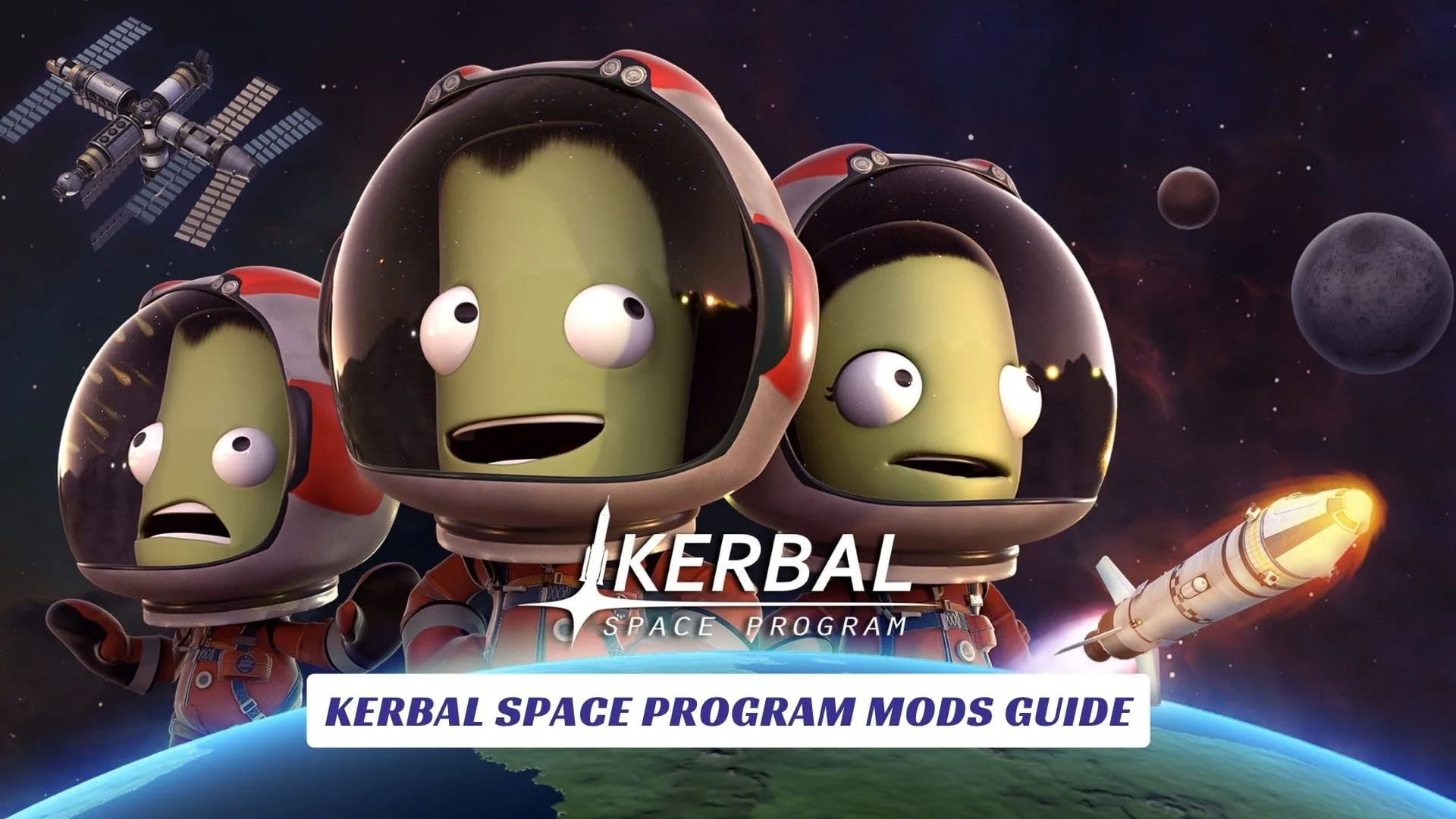
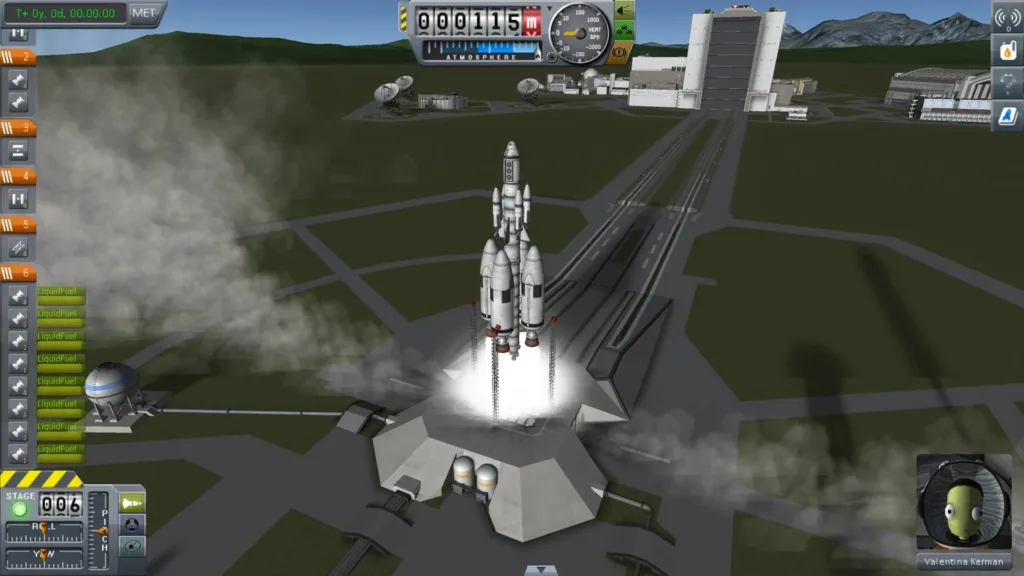
If you have ever watched a rocket in Kerbal Space Program climb beautifully for ten seconds, then spin into chaos because of one tiny design flaw, you already understand why a Kerbal Space Program Mods Guide is so useful. Kerbal Space Program is a game about building rockets, testing spacecraft, learning orbital mechanics, and accepting that space is unforgiving in the most entertaining way possible. Mods take that core experience and expand it in all the right directions, from better visuals and cleaner interfaces to new parts, deeper simulation systems, and smarter quality-of-life tools that make every launch feel more rewarding. For many players, the mod scene is not just an extra layer on top of the game, it is part of what keeps Kerbal Space Program fresh, creative, and endlessly replayable. The best part is that you can shape the game around your own style, whether you want a light touch with a few helpful additions or a much more demanding space program built from the ground up.
Where To Begin
The smartest way to start modding Kerbal Space Program is to begin with a clear goal. If you want the game to look better, start with visual mods. If you want it to feel smoother to play, look for interface and quality-of-life improvements. If you want a harder or more realistic experience, build outward from gameplay expansion mods.
It is also wise to add mods slowly. Installing a large stack all at once can create confusion if something breaks or if two additions conflict with each other. A careful approach keeps your save file safer and makes it easier to understand what each mod actually changes.
Popular Mod Types
There are several common categories of Kerbal Space Program mods, and each one serves a different purpose.
- Visual mods improve clouds, lighting, terrain, and planetary detail.
- Quality-of-life mods make staging, maneuver planning, and resource management easier.
- Part packs add new engines, capsules, science tools, and specialty hardware.
- Gameplay mods can introduce realism systems, life support, or progression changes.
- Planet packs expand the universe with new places to explore.
For many players, the most satisfying setup combines one or two categories rather than trying to do everything at once. That balance keeps the game stable while still making it feel noticeably richer.
First Mods To Try
If you are new to modding, the best first choices are usually the ones that improve the experience without changing the soul of the game. Interface helpers, maneuver tools, and construction aids are especially popular because they make almost every mission easier to manage. These are the kinds of additions that save time without getting in the way of the fun.
Visual upgrades are another strong starting point. Better skies, improved lighting, sharper terrain, and more dramatic space scenes can make even a familiar launch feel new again. In a game where the view from orbit is part of the magic, that kind of change matters more than many players expect.
Finding The Right Mods
The mod community around Kerbal Space Program is broad, active, and full of creativity. Some mods are built for beginners who want a friendlier experience, while others are meant for players who enjoy deep systems and technical challenge. That range is part of what makes the community so valuable, because it gives every type of player a place to start.
If your readers are looking for a simple place to explore game mods, tell them they can find Kerbal Space Program mods at Modsportal. It is a useful place to keep in mind when building a mod list or searching for ideas beyond the basics.
Building A Stable Setup
A stable modded game is always better than a huge mod list that constantly breaks. Kerbal Space Program can become demanding when you start combining part packs, realism systems, and visual overhauls, so it helps to test each addition carefully. Launch the game, check that everything loads properly, and fly a few short missions before stacking on more changes.
That approach may feel slow at first, but it pays off quickly. A clean setup makes troubleshooting easier and gives you more confidence when you start pushing into bigger missions. It also helps protect your long-term saves, which matters a lot in a game built around long campaigns and ambitious planning.
Visual Mods And Immersion
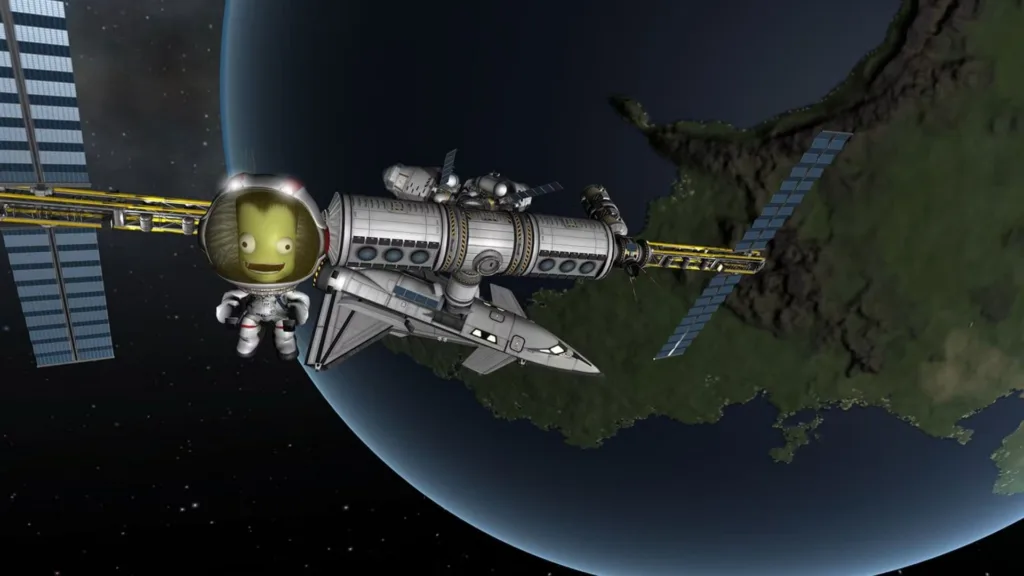
Visual mods are some of the most popular additions because they transform the atmosphere of Kerbal Space Program almost immediately. Clouds drift more naturally, lighting feels richer, planets look more detailed, and launches become more cinematic. Even a small visual upgrade can make the whole game feel more modern and alive.
This is especially satisfying for players who enjoy taking screenshots or recording missions. A beautiful skybox and a polished orbital view can turn an ordinary flight into something memorable. In a game that already asks you to stare into the heavens, presentation goes a long way.
Gameplay Expansions
Once you are comfortable with the basics, gameplay expansion mods open up a deeper side of Kerbal Space Program. Some players add realism features that make orbital mechanics and engineering decisions more demanding. Others prefer systems that add new science, new progression layers, or more complicated mission planning.
These mods can completely change the rhythm of the game. Suddenly, a simple rocket is not just a rocket, it is a carefully balanced machine with tradeoffs, constraints, and long-term goals. For experienced players, that extra depth is often exactly what keeps the game exciting.