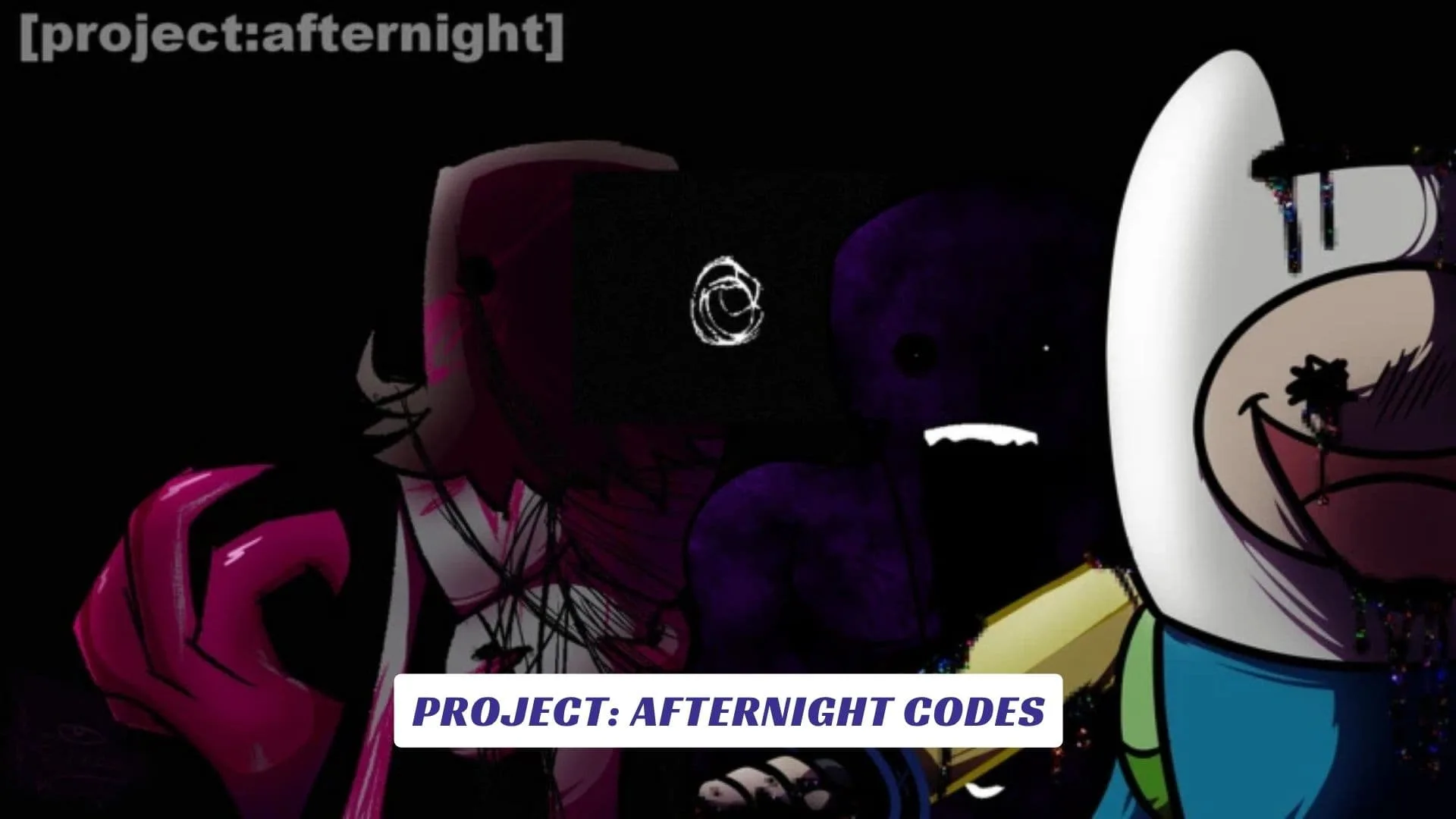
Welcome to our Project: Afternight Codes guide, where we keep track of reward codes, future freebies, redemption information, and useful details for players diving into Dawndreamer Studios’ fast-paced Roblox rhythm game. Project: Afternight takes heavy inspiration from Friday Night Funkin’ and its enormous modding scene, letting players sit at a speaker and challenge opponents across nearly 4,000 songs with several difficulty options. Between improving your timing, experimenting with modifiers, collecting customization rewards, and tackling increasingly difficult charts, there is plenty to do while waiting for developers to release new codes, and we will update this page whenever fresh rewards appear. Players interested in another side of the game can also check our previously published Project: Afternight Script Guide.
What Is Project: Afternight?
Dawndreamer Studios describes Project: Afternight as a casual and heavily customizable rhythm game. The current Roblox experience carries the [EYE OF CORRUPTION] label and remains in beta, meaning development and polishing are still ongoing.
The core loop is simple. Find a speaker, pick a song, choose your difficulty, and try to outperform your opponent by landing notes accurately. Content extends beyond Friday Night Funkin’ mods, with material inspired by other games and media also represented.
The official page recommends desktop for the best experience, although mobile and console are supported. Servers accommodate up to 40 players, while Voice Chat and Roblox Camera are not supported. The game also warns about flashing lights, screen shaking, and jumpscares.
Active Project: Afternight Codes
| Code | Reward |
|---|---|
AFTERNIGHTBEAT | Exclusive noteskin |
FULLCOMBO | Special animation |
EYEOFCORRUPTION | Limited player tag |
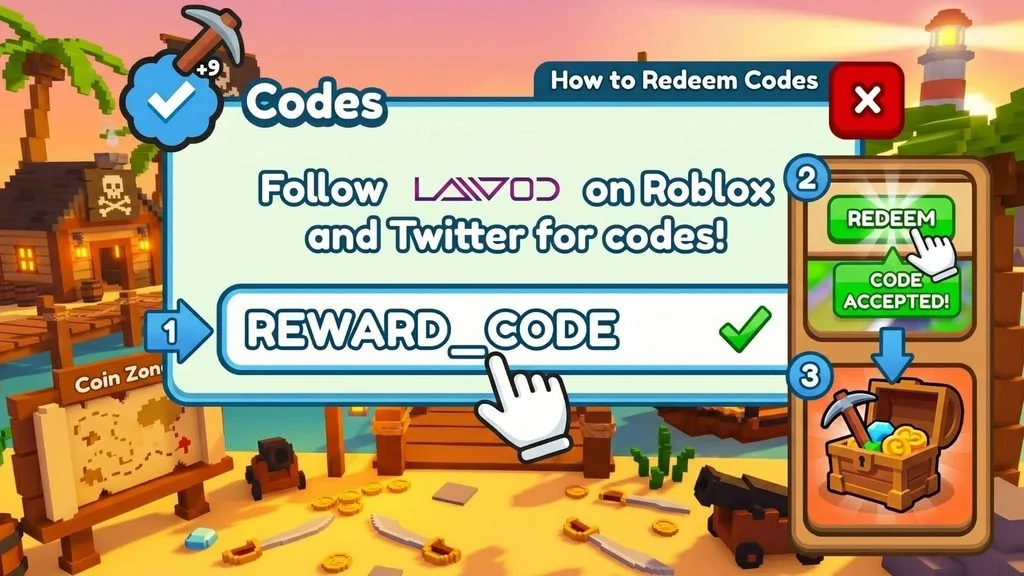
How To Redeem Project: Afternight Codes
- Launch Project: Afternight on Roblox.
- Enter the game and allow the main interface to load.
- Open the menu, settings, shop, or rewards area.
- Find the Codes or Redeem option.
- Enter the code exactly as published.
- Check for extra spaces or incorrect capitalization.
- Press Redeem, Claim, or the equivalent button.
- Check your customization inventory or notifications for the reward.
As with other roblox promo codes, copying the code directly is usually safer than typing it manually.
Challenges And Badges
Players looking for something harder than standard songs can experiment with modifiers. The official Where’d They Go? badge requires completing an eligible song with at least 70% accuracy while Fade In and Fade Out are both active. Randomizer raises the difficulty further by combining multiple randomization modifiers.
These challenges give experienced rhythm players reasons to revisit familiar charts instead of simply clearing each song once.
Where To Find New Codes
Keep an eye on Dawndreamer Studios’ community announcements and major game updates. The official Roblox page specifically directs players to the community for news and sneak peeks, making developer channels the safest place to verify future rewards.