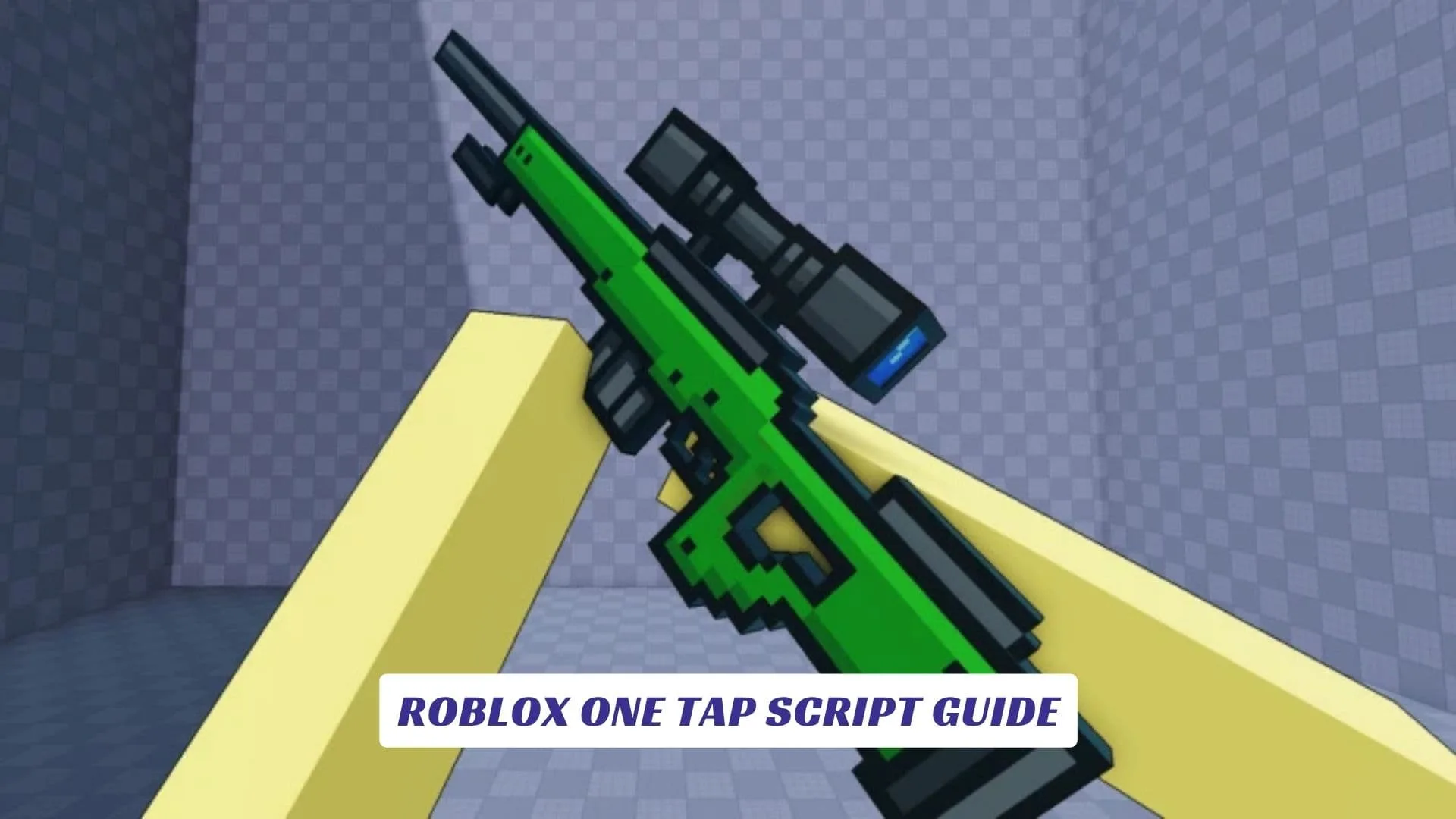
If you’re deep into the world of Roblox FPS shooters and you’ve been grinding [FPS] One Tap for a while now, you already know how brutal this game gets. [FPS] One Tap is a fast-paced, free-for-all sniper arena where there are no teams, no mercy, and zero room for hesitation. Every round is controlled chaos, a battlefield where one perfectly placed shot separates the winners from the respawn screen. Released on December 4, 2025 by developer Stringless Banjo, the game has already racked up over 81 million plays on the platform, which tells you everything you need to know about how addictive it really is. The core concept is beautifully simple: one-shot snipers dominate the field, two-shot secondaries let you finish off targets with a headshot, and melee weapons add a layer of close-quarters tension that keeps every match unpredictable. Players earn Cash by getting kills, which they then use to unlock weapon skins, roll cosmetic cases, and equip kill effects and name tags from a pool of over 70 customizable options. Whether you’re pushing for streak kills, pulling off trick shots, or just trying to top the leaderboard before the 5-minute-45-second match timer runs out, [FPS] One Tap demands fast reflexes and good aim above all else. That’s exactly where the Roblox One Tap Script Guide comes in. This article walks you through the best working exploit scripts available right now, what features they unlock, how to run them properly, and what you need to know before diving in. If you’re also looking for freebies in the game, we’ve got an earlier post covering Roblox One Tap Codes that’s worth checking out as well.
What Is [FPS] One Tap?
[FPS] One Tap drops players into a labyrinth-like arena where everyone spawns with three weapons: a sniper rifle, a pistol, and a knife. There are no squads, no objectives beyond eliminating as many opponents as possible. When you get taken down, you respawn immediately in another corner of the map with a few seconds of temporary immunity, then you’re right back in the fight. The game supports PC, mobile, tablet, Xbox, and PlayStation, making it one of the most accessible FPS experiences on the entire Roblox platform.
The appeal is obvious. It’s pure mechanical skill, stripped of everything that slows other FPS games down. No building phases, no lengthy loadout lobbies. Just aim, fire, and score.
![Why Players Use Scripts In [FPS] One Tap](https://www.lawod.com/wp-content/uploads/2026/04/Why-Players-Use-Scripts-In-FPS-One-Tap-1024x576.webp "Roblox One Tap Script Guide 1")
Why Players Use Scripts In [FPS] One Tap
Scripts, often referred to as cheats or exploits, are Lua-based programs injected into the Roblox client through third-party executors. They modify how the game runs locally, giving the user access to features that are not available through normal gameplay. In a game as precision-dependent as [FPS] One Tap, these tools can completely flip the competitive dynamic.
It’s worth noting that the game’s developers are very clear in the official description: “Cheating, exploiting, or farming with alts will result in a permanent ban. No appeals.” So while cheats and exploit scripts exist and are widely used, you should understand the risk. This guide is presented for educational and informational purposes.
How Roblox Scripts Work
Before jumping into the actual scripts, it helps to understand the mechanics behind them. Roblox uses a Lua-based scripting language called Luau. When you open Roblox Studio, you can see how the entire game is structured through scripts attached to in-game objects. Exploit scripts work by injecting unauthorized Lua code into the client-side environment during a live session, bypassing restrictions to access protected game functions.
Script executors like Delta, Arceus X, Hydrogen, and Xeno are the most commonly used tools for running these scripts on both PC and mobile. Once you’ve attached your executor to the Roblox client, you simply paste in the script and execute it. The game responds to the injected code in real time, activating features like aimbot or ESP immediately.
Understanding this pipeline also matters if you’re a developer. Roblox Studio provides tools to detect and block suspicious client behavior, and most serious anti-cheat systems target exactly these injection vectors.
![Best [FPS] One Tap Scripts](https://www.lawod.com/wp-content/uploads/2026/04/Best-FPS-One-Tap-Scripts-1024x576.webp "Roblox One Tap Script Guide 2")
Best [FPS] One Tap Scripts
Here are the top working scripts currently available. All of them are keyless and compatible with most major executors.
Aimbot AI Script (No Key)
This is one of the cleanest scripts available for the game right now. It activates aimbot when you press [E], automatically locking your aim to enemy heads. No key requirement means you can run it immediately without completing any verification steps.
lualoadstring(game:HttpGet("https://pastebin.com/raw/mRuNsmbJ"))()
Press E during a match to activate the head-targeting aimbot. Simple, lightweight, and very effective against fast-moving opponents at long sniper range.
Swish Hub Script (ESP, Aimbot, Weapon Mods, Auto Shoot)
The Swish Hub script is a more feature-rich option. It includes a graphical user interface with toggles for ESP, aimbot, weapon modification tools, and an auto-shoot feature that fires as soon as a valid target enters your aim radius.
lualoadstring(game:HttpGet("https://raw.githubusercontent.com/swish-hub/one-tap/refs/heads/main/script.lua"))()
Weapon Mods are a particularly interesting inclusion here since most basic scripts don’t touch weapon behavior. This one lets you push the limits of how your loadout performs in-game.
ESP and Instant Kill Script
If your main goal is awareness and information, this script focuses on ESP (Extra Sensory Perception), letting you see enemy positions through walls and across the entire map. The Instant Kill feature pairs perfectly with the sniper gameplay, turning every shot into a guaranteed elimination.
lualoadstring(game:HttpGet('https://raw.githubusercontent.com/cheyt2025-cyber/Boss/refs/heads/main/FPSONETAP'))()
TTJY Hub GUI Script
Developed by TTJY Studio, this is the most polished GUI-based script in the current [FPS] One Tap scripting scene. It loads a clean dashboard with toggleable modules including ESP Players, Show Text (ESP overlay), Silent Aim locked to the head, Auto Fire, full Aimbot, and No Reload.
lua--[[
    Made By: TTJY Studio
    Head Developer: TTJY

    Discord: https://discord.gg/dagGQ6m2vb
    Youtube: https://www.youtube.com/@ttjyTeam
    Website: https://ttjy-studio.vercel.app/
]]
loadstring(game:HttpGet("https://raw.githubusercontent.com/Yumiara/SSL-TTJY/refs/heads/main/APIs/M.lua"))();
No Reload is arguably the most impactful feature here. In a sniper-focused game where every fraction of a second counts, removing the reload animation entirely gives you a consistent firing rhythm that most opponents simply can’t match.
Syncc Script (Aimbot, ESP, Silent Aim)
Created by developer “syncc,” this is a clean, minimalist loader designed specifically for [FPS] One Tap. It delivers all three core cheat features: Aimbot, ESP, and Silent Aim, in a single compact loadstring.
lualoadstring(game:HttpGet("https://api.luarmor.net/files/v3/loaders/b9a0b8e031dc3210c2b792caf505b93c.lua"))()
Silent Aim deserves a special mention here. Unlike standard aimbot, which physically moves your crosshair onto a target, Silent Aim sends bullets toward the target regardless of where your crosshair is pointing. It’s far less visible to other players watching your perspective and much harder to detect through casual observation.
![Breaking Down The Key Features [FPS] One Tap](https://www.lawod.com/wp-content/uploads/2026/04/Breaking-Down-The-Key-Features-FPS-One-Tap-1024x576.webp "Roblox One Tap Script Guide 3")
Breaking Down The Key Features
Each script above bundles several features together. Here’s what each one actually does in the context of [FPS] One Tap gameplay:
- Aimbot: Automatically snaps aim to enemies, usually targeting the head for one-shot kills with the sniper
- Silent Aim: Registers hits on enemies even without direct crosshair alignment, making every shot count from any angle
- ESP (Extra Sensory Perception): Renders enemy locations through walls and terrain, giving full map awareness at all times
- Show Text (ESP Overlay): Displays player names, distances, or health values above enemy models
- Auto Fire: Triggers the weapon automatically once a valid target is detected within range
- No Reload: Eliminates the reload animation entirely, allowing continuous firing without downtime
- Infinite Jump: Some scripts also include a jump height modifier that lets you navigate the arena more freely
Running Scripts Safely On PC And Mobile
On PC, you’ll want to use a trusted executor like Delta or Xeno. Open the executor, attach it to your active Roblox session, paste the script into the execution box, and hit run. Most of these scripts load within a couple of seconds.
On mobile, Arceus X and Hydrogen are the most commonly used options. The process is similar, though mobile executors require a slightly different setup depending on your device and operating system. Always download executors from verified sources to avoid installing malware disguised as cheat tools.
A quick technical note for those familiar with Roblox Studio: the loadstring function used in all these scripts is a standard Lua function that compiles and runs a string of code at runtime. In a normal Roblox Studio environment, loadstring is disabled by default for security. Exploit executors re-enable it as part of their injection process.
A Note On Bans And Detection
The developers behind [FPS] One Tap have explicitly built anti-cheat measures into the game and enforce bans with no appeal process. Running any of the above cheats is a direct violation of the game’s rules and Roblox’s general Terms of Service. If your account is flagged, the ban is permanent.
Some players use alt accounts specifically to run exploit sessions, keeping their main account clean. Others treat the ban risk as acceptable given the scale of the game’s player base. Either way, you should go in with realistic expectations about longevity when scripting on a live account.