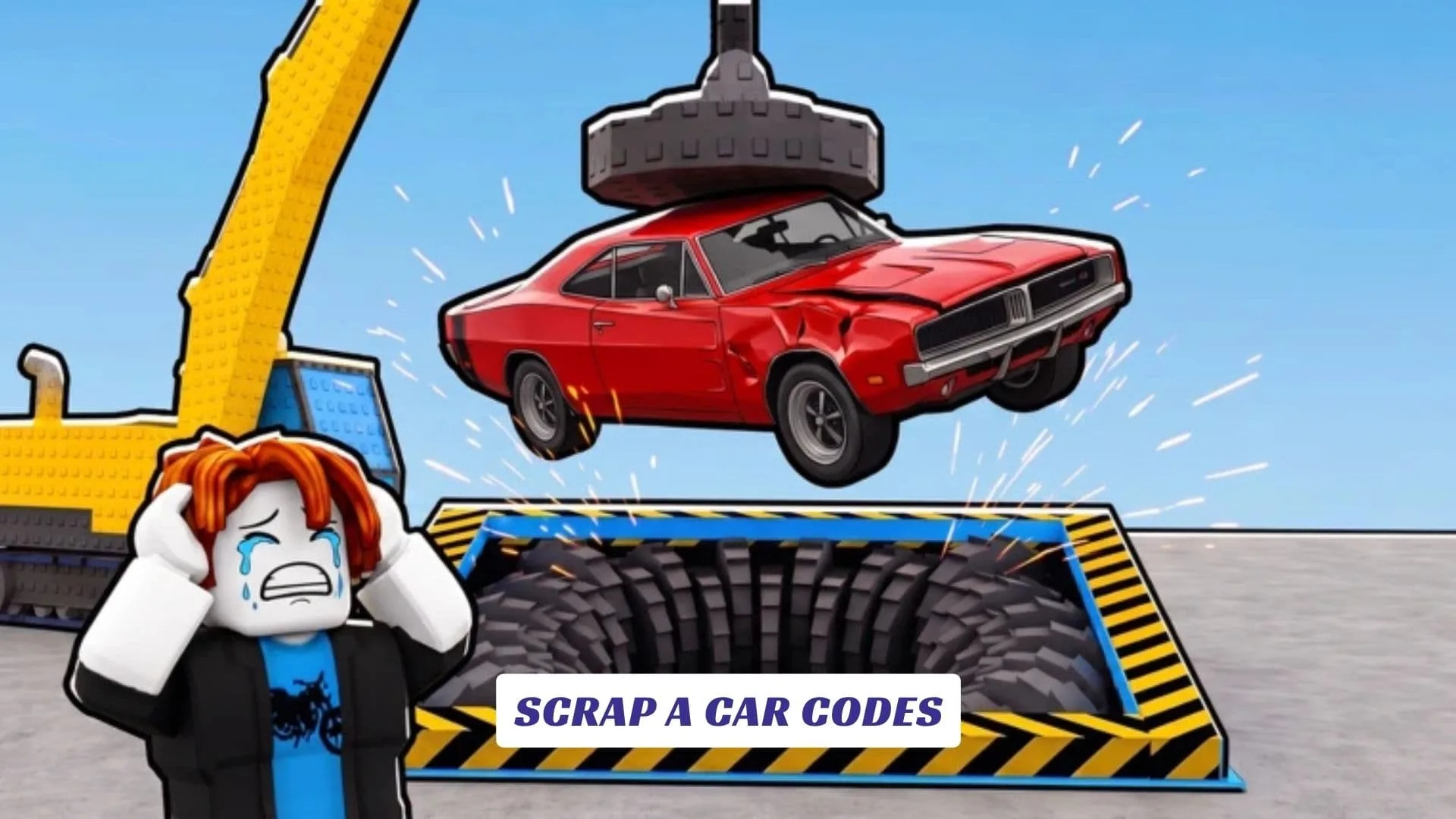
One of the game’s signature machines is a crawler crane equipped with a magnet. You can use it to handle vehicles before sending them through your scrapyard’s processing chain. Cars are shredded into scrap, and that material can then be pressed into valuable cubes.
The business side becomes increasingly important as you progress. Clients bring opportunities to earn money, while workers can be hired to automate parts of the yard. Upgrades cover multiple pieces of equipment and statistics, including crane speed, magnet power, and the shredder.
Rebirths provide permanent boosts, adding a longer-term progression layer after the regular upgrade loop. The official description specifically notes that reaching Rebirth 3 unlocks the next Stage.
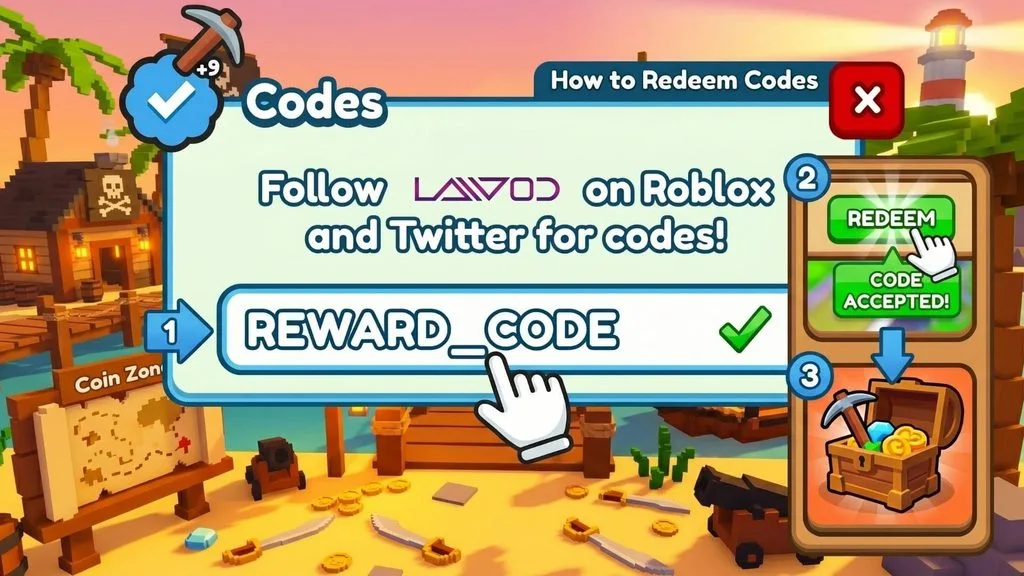
How To Redeem Scrap A Car Codes
- Launch Scrap a Car from Roblox.
- Enter your scrapyard and wait for the interface to load.
- Look through the menu or Settings for a Codes or Redeem option.
- Open the code entry field.
- Type or paste the code exactly as published.
- Double-check for spaces and capitalization errors.
- Press Redeem or Submit.
- Check your cash, boosts, inventory, or other relevant reward area.
Using copy and paste can prevent mistakes with longer codes. Remember that roblox promo codes and codes released for a particular Roblox experience are not always redeemed in the same place.
Upgrades, Workers And Rebirths
The progression structure gives you several ways to improve efficiency instead of forcing every task to remain manual. Better machinery speeds up processing, a stronger magnet improves your crane, and workers can take over repeatable jobs as your business grows.
After building up the scrapyard, rebirths offer permanent improvements and eventually lead to the next Stage. The official page also confirms that Scrap a Car is designed to play on phones, tablets, and PCs. Players are encouraged to like the game and join its group for future rewards, with additional cars, machines, and secrets planned for updates.