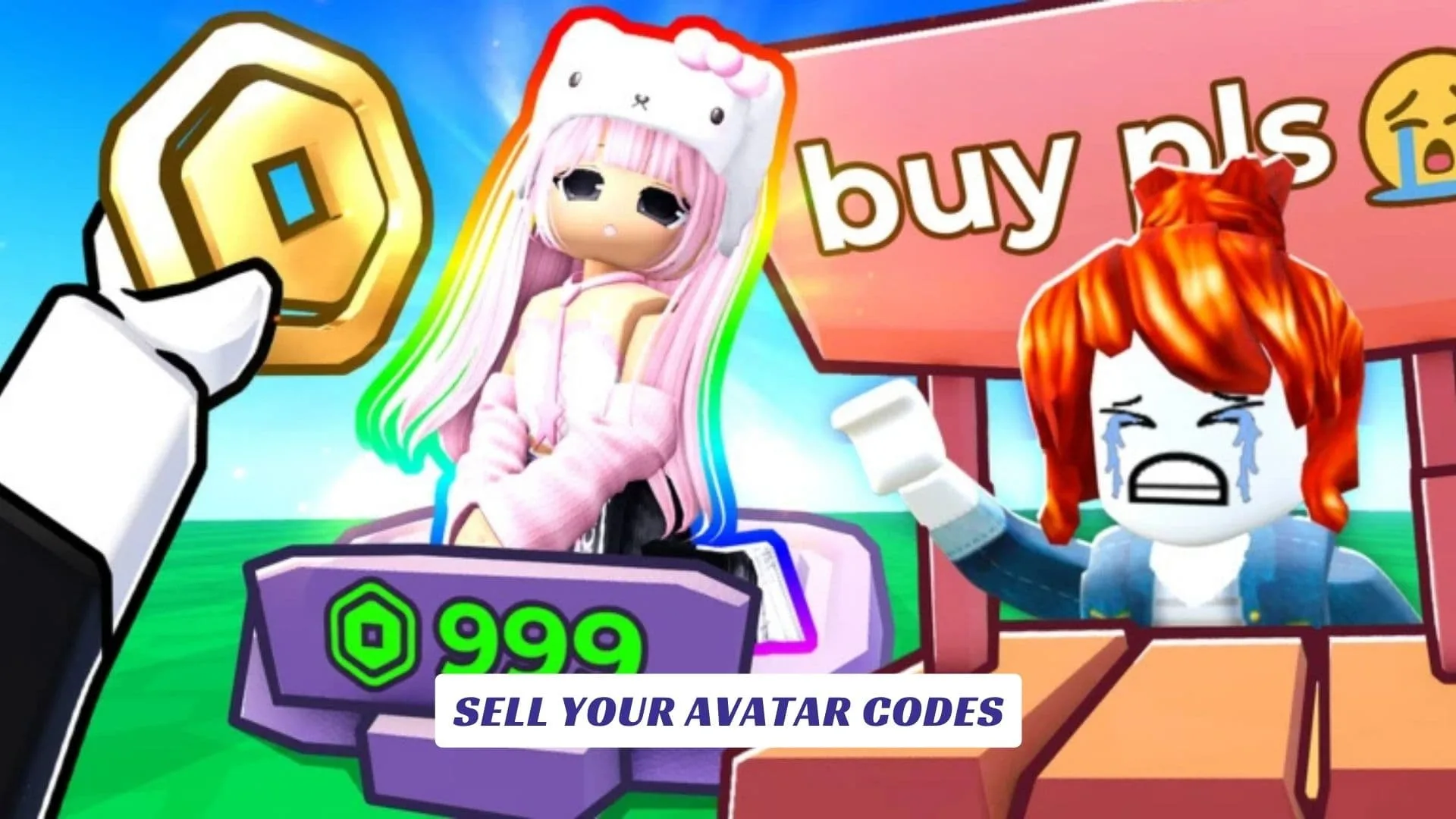
Welcome to our SELL YOUR AVATAR Codes guide, the place to track new codes, free rewards, Coins, avatar items, booth bonuses, and future promotional drops for this social Roblox fashion experience. In SELL YOUR AVATAR, players create complete outfits, display them at personal booths, browse looks made by other shoppers, and build a stylish marketplace where every purchase can move progression forward. This post will be updated whenever the developers release fresh redeem codes, so you can return to check for new bonuses while experimenting with clothing, hair, faces, accessories, themed builds, and booth displays. Players looking for extra game resources can also visit our SELL YOUR AVATAR Script Guide, which was published earlier on our website. Unlike platform-wide roblox promo codes, future rewards for this game should be claimed through its own in-game Promocodes menu.
Active SELL YOUR AVATAR Codes
| Code | Reward |
|---|---|
CATWALKCOINS | 500 Coins |
BOOTHGLOW | Neon booth effect |
STYLESTART | Starter accessory crate |
OUTFITRUSH | 15-minute Coin boost |
SHOPTHELOOK | Mystery avatar item |
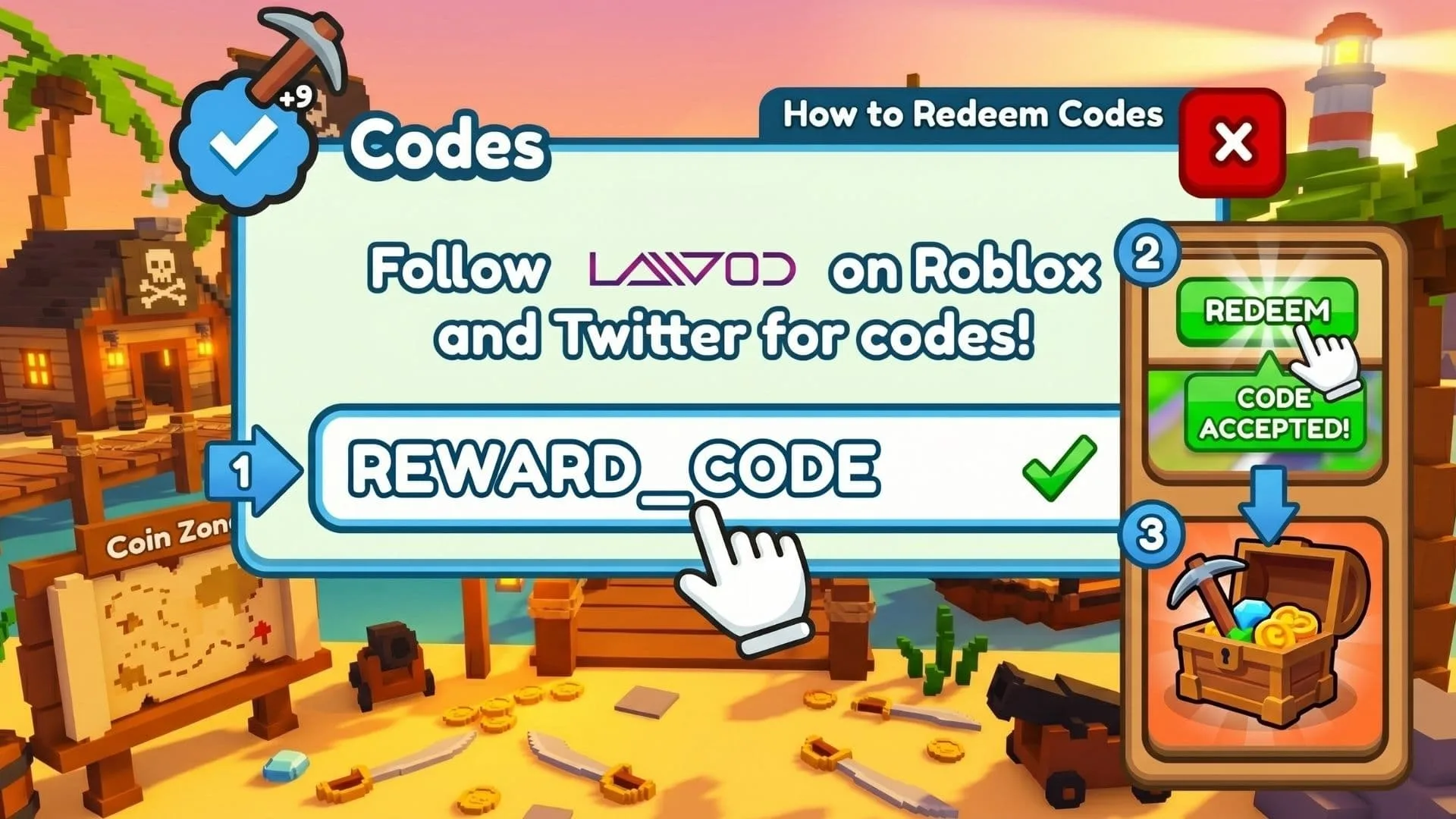
How To Redeem SELL YOUR AVATAR Codes
- Launch SELL YOUR AVATAR on Roblox.
- Select the shopping cart icon on the left side of the screen.
- Choose the Promocodes button.
- Paste a valid code into the Enter Code Here box.
- Press Redeem to claim the reward.
Codes are case-sensitive, so copy each one exactly when official codes become available.
How SELL YOUR AVATAR Works
Created by the SELL THE AVATAR group, SELL YOUR AVATAR turns avatar shopping into a social progression loop. Build an outfit, place it on your booth, then explore other players’ displays for clothing and accessories. Buying an item from another outfit earns Coins, and you also receive Coins when somebody purchases an item featured in your own display.
Those Coins can be spent on avatar items, and the official game description states that in-game avatar item purchases are added to your Roblox inventory for use across Roblox experiences. The page also recommends a free VIP server when public sessions are lagging, while Roblox Plus members receive an exclusive booth.
Tips For Building A Better Booth
Give each outfit a clear identity. A focused streetwear, fantasy, formal, cute, or monochrome look is easier to understand than a random pile of accessories. Start with matching clothing, add hair and face options that support the theme, then remove anything that clips or hides the main pieces.
Complete displays also give visitors more items to inspect. Refresh weaker outfits as your inventory grows, keep your strongest look visible, and browse other booths for inspiration without copying them piece for piece.
Where To Check For New Codes
Bookmark this guide and revisit it after updates, celebrations, milestones, or new item releases. You can also check the official Roblox experience page for developer changes. Since the redemption menu already exists, future code drops can be entered quickly once they are announced.