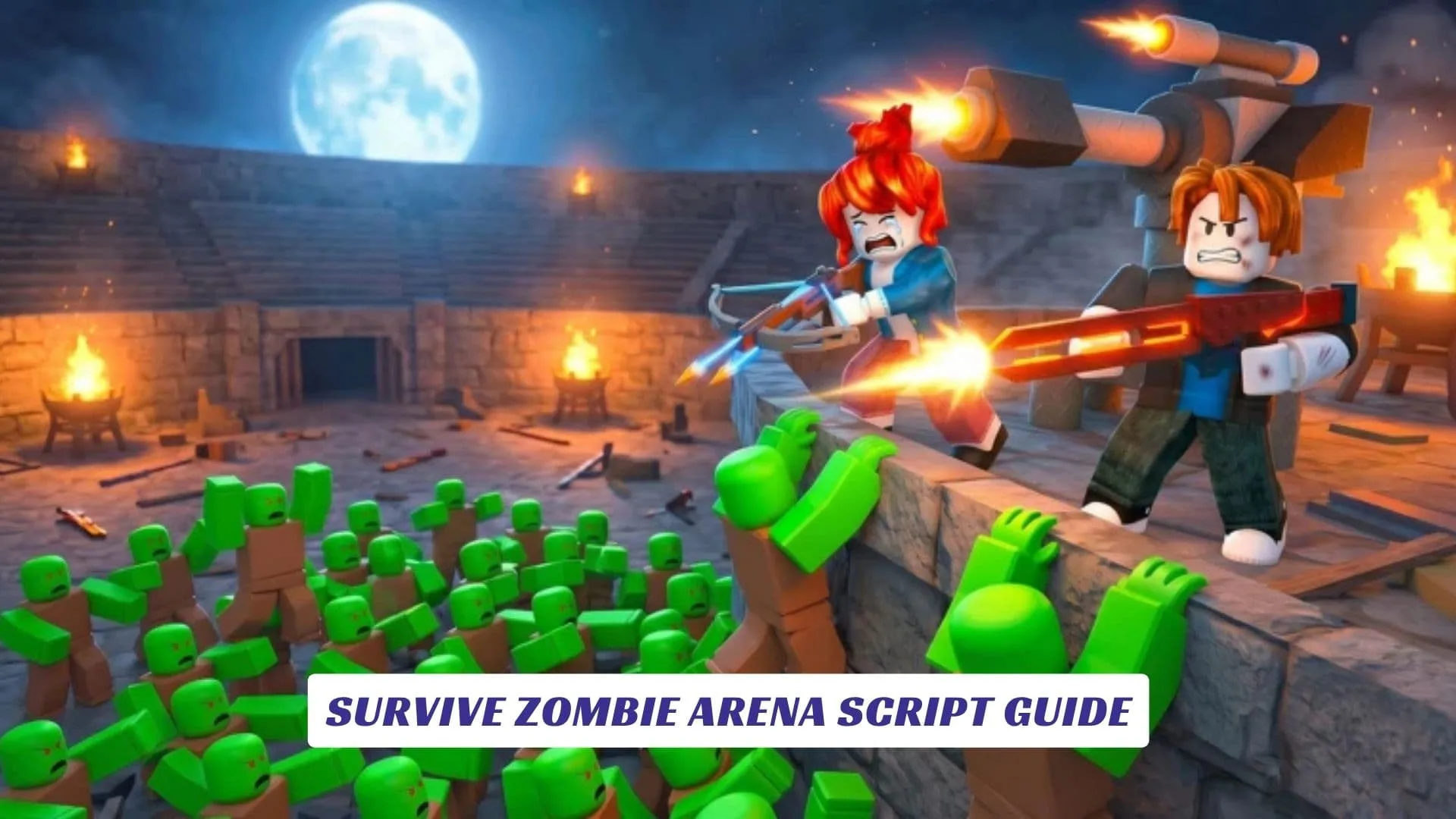
If you have been searching for a thorough Survive Zombie Arena Script Guide, you just landed in the right place. This guide covers everything the Survive Zombie Arena scripting community has put out so far in 2026, including Auto Farm builds, Kill Aura tools, God Mode setups, Auto Skip functions, and much more, all organized clearly so you know what you are getting before you commit to anything. Survive Zombie Arena, developed by Nectarforge Studios on Roblox, is a high-intensity zombie wave survival game that throws 500 or more enemies at you inside a single arena, and it expects you to handle all of them. Players fight through endless escalating waves, spend Credits on stronger weapons and class unlocks, and push leaderboards as high as their loadout and strategy will carry them. That loop attracts a passionate audience, and a big part of that audience is constantly looking for script tools that automate the grind, give players an edge in harder waves, or simply let them experiment with mechanics in ways the base game does not normally allow. Our website also includes an earlier post covering Survive Zombie Arena Codes, so if you are looking for free Credits through official channels, that page has you covered. This guide, on the other hand, is focused entirely on scripts, what they do, which ones are being used in 2026, how the executor side of things works, and where Roblox Studio fits into the picture for players who want to understand the scripting side from a developer angle.
What Makes Survive Zombie Arena A Hotspot For Scripts
The short answer is: the grind. Survive Zombie Arena is fun, but it is also a Credits economy. To unlock the best classes, you need thousands of Credits. Uncommon classes run around 3,000, while Rare options like Ninja cost closer to 10,000. The Epic classes, Demolitionist and Tactician, sit at 50,000 and 75,000 Credits respectively. Farming that manually means a lot of sessions, a lot of waves, and a lot of repetition.
Scripts exist precisely to compress that loop. Auto Farm automation handles wave clearing without active input. Kill Aura eliminates the manual aim requirement entirely. God Mode removes the survival threat so players can push later waves without losing a run. When the game’s own progression wall is steep enough, players will always look for scripting solutions.

Scripts Currently In Circulation
The Survive Zombie Arena scripting community has been active and productive. Multiple Lua-based script hubs and standalone scripts have been documented and verified for the 2026 version of the game. Below is a breakdown of what is out there.
Aeonic Hub Script (Kill Aura, Auto Gears, ESP)
Aeonic Hub is one of the more recently added script options for Survive Zombie Arena, documented as updated in late April 2026. It includes Kill Aura, Auto Gears, and ESP, making it a strong all-in-one choice for players who want both combat automation and awareness features.
lualoadstring(game:HttpGet("https://raw.githubusercontent.com/mazino45/main/refs/heads/main/MainScript.lua"))()
Tora Hub Script
Tora Hub has a long track record in the Survive Zombie Arena script community, with multiple versions credited to the developer “Tora IsMe” and documented across pastebin, video showcases, and script-sharing platforms.
lualoadstring(game:HttpGet("https://raw.githubusercontent.com/gumanba/Scripts/main/SurviveZombieArena"))()
SFY Script V2 (God Mode, Auto Skip, Auto Plant Mine)
This is one of the most widely circulated scripts for Survive Zombie Arena, originally published by SFY and updated through version 1.0.3 as of April 2026. Features include God Mode, Auto Skip Round, and Auto Plant Mine, all controlled through an in-game GUI. The developer has pushed consistent updates and the script is documented as compatible across PC and mobile.
lua--[[Early Access: V2.0 by SFY]]
loadstring(game:HttpGet("https://pastebin.com/raw/We4rTXGN"))()
Nova Scripts Build (Auto Farm, Kill Aura, Auto Skip)
Another well-documented script, credited to Tora IsMe and published by Nova Scripts, this one focuses on the three core automation features most players look for: Auto Farm, Kill Aura, and Auto Skip. It was confirmed working as of April 2026.
lualoadstring(game:HttpGet("https://pastebin.com/raw/hF3aEpus"))()
Custom Weapons + Fly + Speed Script (February 2026)
This earlier script from February offers a slightly different feature set. In addition to Kill All, it includes Custom Weapons, Speed adjustments, and Fly. It functions well as a utility script for players who want movement-based options rather than pure combat automation.
lualoadstring(game:HttpGet("https://pastebin.com/raw/NjZtibLa"))()

Script Features Explained
Not every player picking up a script for the first time knows exactly what each feature does inside Survive Zombie Arena. Here is a clear breakdown.
Kill Aura is probably the most searched feature. It automatically deals damage to all zombies within a set radius around your character, removing the need to aim or shoot manually. In a game where 500+ enemies flood the arena, Kill Aura effectively handles crowd clearing on its own.
Auto Farm works alongside Kill Aura in most builds. It automates the full wave loop, from engaging enemies to triggering wave completions, so your character earns Credits passively while you are not actively playing.
God Mode disables incoming damage or makes your health effectively infinite. Combined with Kill Aura, it turns even the most overwhelming zombie waves into a non-issue.
Auto Skip sends a vote or triggers a skip to advance past the current wave faster. For Credit farming, this can significantly speed up runs when combined with the other automation features.
ESP gives you a visual overlay showing enemy positions through walls or at a distance, which is more useful in competitive or team-based contexts where awareness matters.
Auto Plant Mine and Auto Upgrade are quality-of-life additions that handle the defensive placement and gear upgrade steps that would otherwise require manual attention every round.
What You Need To Run These Scripts
Scripts for Survive Zombie Arena are written in Lua and require a Roblox executor to run. Executors are third-party software that inject Lua code into a running Roblox session. Well-known executors mentioned across script communities include Delta, Arceus X, Hydrogen, Xeno, and Swift, all of which are referenced in connection with Survive Zombie Arena scripts.
The execution process is generally the same across tools. You open your executor, paste the Lua script into the code window, launch Survive Zombie Arena through Roblox, and then inject or execute the script while the game is running. A GUI panel typically appears in-game once the script loads, allowing you to toggle individual features on or off.
It is worth noting that Roblox itself does not support or permit third-party executors. Using cheats or cheat tools in a live game carries account risk, and that is something every player needs to weigh personally before using any of these scripts. Running them in a private environment or through Roblox Studio for testing purposes is a much lower-risk approach for players who want to study the mechanics without affecting public servers.
Staying Updated On New Scripts
Script availability for Survive Zombie Arena changes frequently. Roblox updates can break existing scripts, and developers like SFY, Tora, and the Aeonic Hub team typically push patches within a few days when that happens. The most reliable places to find current working versions are the Roblox scripting community on Discord, pastebin repositories linked in YouTube showcases, and script-sharing platforms that track game-specific Lua tools.
This post will be updated as new verified scripts for Survive Zombie Arena are documented and confirmed working.