Contents
- What Terminal 13: Not Human Is About (Official Premise)
- Why Players Search Scripts For Terminal 13: Not Human
- Gameplay Systems To Build In Roblox Studio
- A Safe “Script Guide” Blueprint (Example Architecture)
- “Cheat” And “Cheats” Claims: What To Know Before You Click
- Tips For Content Creators Covering Terminal 13: Not Human
- Official Roblox Link
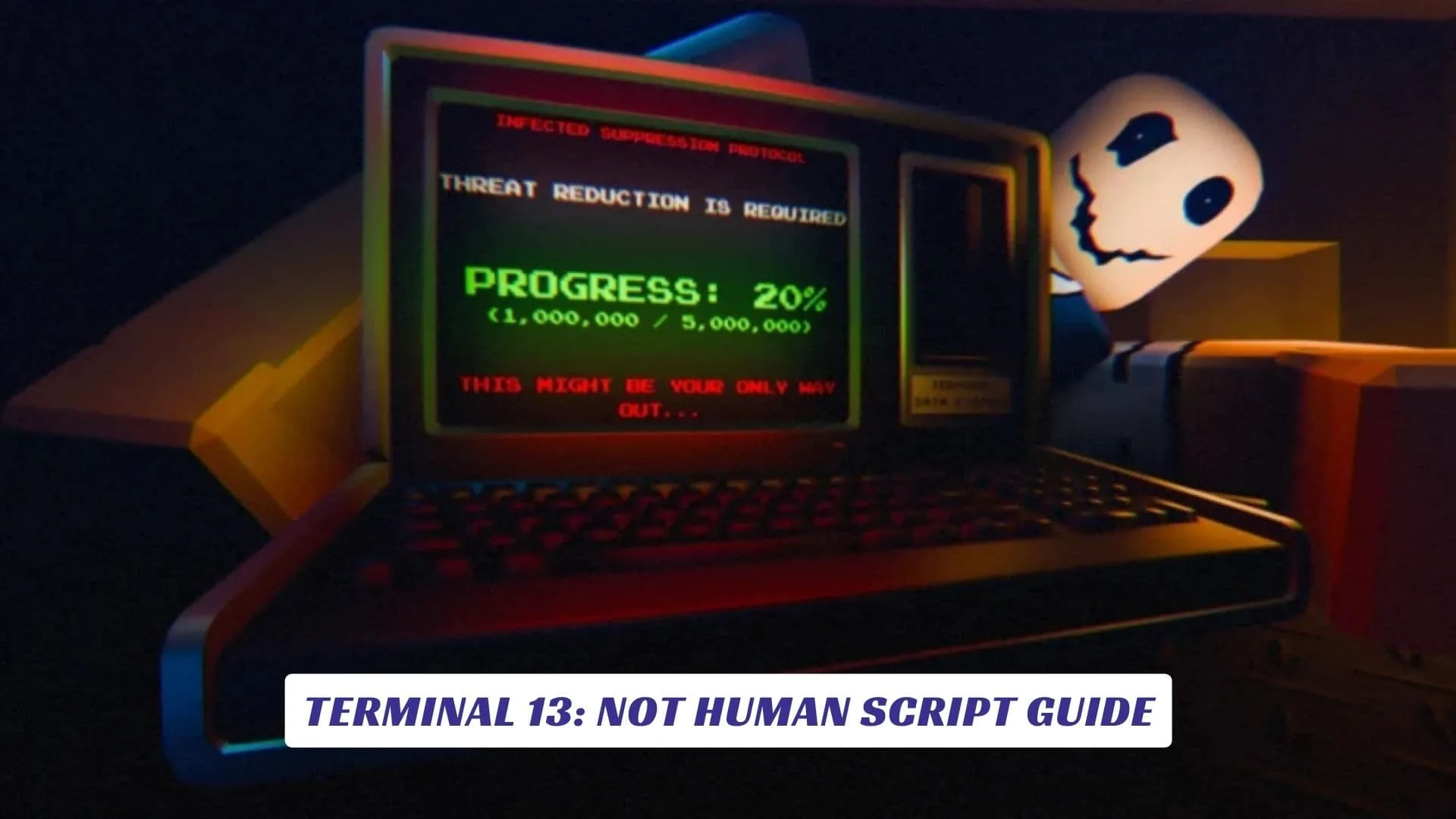
If you’re searching for a Terminal 13: Not Human script guide, you’re probably trying to understand how this Roblox horror experience pulls off its signature loop: scan passports, question travelers, decide who gets through, follow protocol, and don’t let the wrong ones in. In this article, we’ll treat “script” the right way: as Roblox Studio scripting (Lua) for gameplay systems like a passport scanner UI, a traveler/NPC spawner, an “impostor vs human” detection mechanic, objective flow, and tension-building audio triggers—plus what to avoid when people advertise “cheat” tools and “cheats” that can risk your account or device. Also, if you’re hunting freebies, our site already has an earlier post titled “Terminal 13: Not Human Codes”—consider it your quick detour for code-related updates, while this guide stays focused on scripting and systems.
What Terminal 13: Not Human Is About (Official Premise)
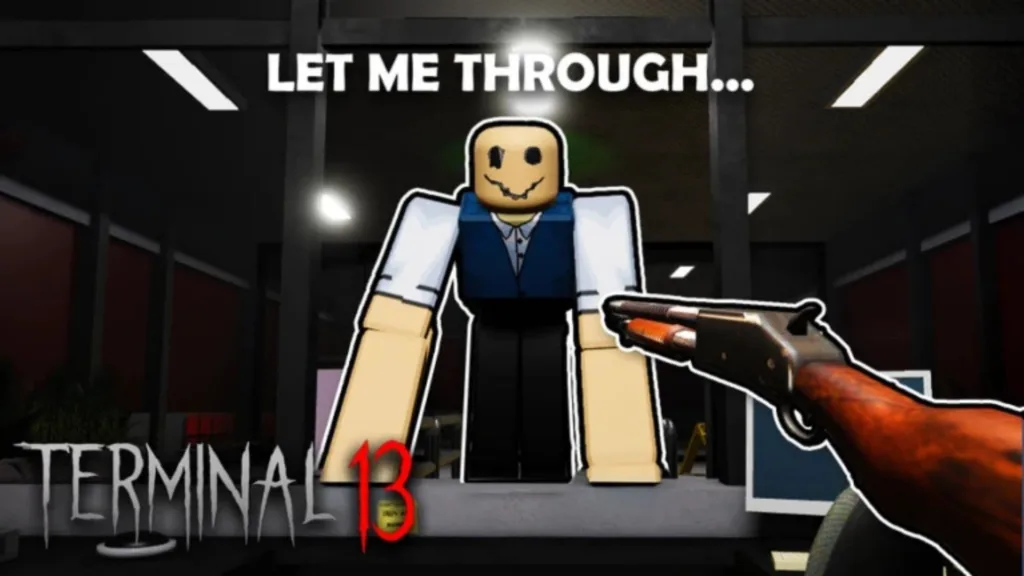
On the official Roblox experience page for Terminal 13: Not Human, the core setup is straightforward: you’re assigned to the night shift and your job is to scan passports, question travelers, and decide who gets through, while keeping the terminal clean and following protocol. The page also warns the experience contains horror elements (disturbing visuals, tension, loud sounds), which is a helpful clue for what kinds of scripted events and pacing tools the developers rely on.

Why Players Search Scripts For Terminal 13: Not Human
A lot of players type “Terminal 13: Not Human script” because the game’s structure invites system thinking: there’s a checkpoint loop, a detection mechanic, escalating pressure, and multiple “tools” (like scanners) that feel very script-driven. Others search because they want a “cheat” or “cheats,” often promoted as ESP/speed/automation—those are commonly tied to third-party executors and risky downloads, so treat them as a red-flag category rather than a shortcut.
If your goal is learning, the fun path is recreating similar mechanics in Roblox Studio for your own practice project (or for a private prototype), not copying exploit code.
Gameplay Systems To Build In Roblox Studio
Below are the most “Terminal 13: Not Human-style” systems you can script in Roblox Studio, based on the official loop (travelers arrive, you check them, you decide).
- Traveler queue system: spawn NPCs in waves, path them to a counter, and hold them in a line with simple state machines (Arriving → Waiting → BeingChecked → Approved/Denied).
- Passport UI + data model: generate a “passport” table per NPC (name, age, origin, photo ID, flags), then show it in a ScreenGui when the NPC reaches the desk.
- Scanner interaction: a ProximityPrompt or ClickDetector that triggers scanning animations and a results panel; cooldowns can create tension and force decision-making.
- “Human vs impostor” logic: create rules (matching biometrics, skeleton pattern, anomalies), then randomize deviations so players must pay attention.
- Protocol + objective scripting: use a quest-like system (e.g., “Clean area,” “Process first traveler,” “Unlock scanner”) with a simple objective manager module.
- Horror pacing tools: timed audio cues, lighting changes, emergency lock events, and “false alarm” sequences—these are classic scripted tension levers.
A Safe “Script Guide” Blueprint (Example Architecture)
If you want your project to feel like Terminal 13: Not Human, structure it like a small framework instead of one giant Script.
Recommended Roblox Studio layout:
- ServerScriptService: TravelerService (spawns/paths NPCs), DecisionService (approve/deny outcomes), RoundService (day/night shifts).
- ReplicatedStorage: Modules (PassportGenerator, AnomalyRules, ObjectiveDefinitions), RemoteEvents for UI updates.
- StarterGui: Passport UI, scanner UI, decision buttons, objective tracker.
This approach keeps your code maintainable and makes it easier to expand into “Shift 2” style variations (new location, new rules, more tools) without rewriting everything.
“Cheat” And “Cheats” Claims: What To Know Before You Click
Some sites advertise a Terminal 13: Not Human “script” with features like ESP, speed boost, and auto tasks—this is cheat tooling, usually requiring executors and off-platform code injection. Those downloads can expose you to account penalties and security risks, and they’re not the same thing as learning Roblox Studio scripting.
If you’re building content for a website, a smart angle is: help players understand the game’s systems and help creators build similar mechanics—without distributing cheats.
Tips For Content Creators Covering Terminal 13: Not Human
If your audience is gamers and Roblox dev learners, these sections tend to rank and keep readers engaged:
- “How The Passport Check Works” breakdown (mechanics, UI, decision pressure).
- “Scanner Tools Explained” (e.g., the X-ray scanner concept and why it’s a double-check tool).
- “Roblox Studio Implementation Notes” (RemoteEvents for UI, server authority for decisions, anti-exploit basics).
- “Common Bugs” (NPC pathing stuck, UI desync, cooldown spam).
That mix reads like a real game guide while also serving dev-curious readers.