Contents
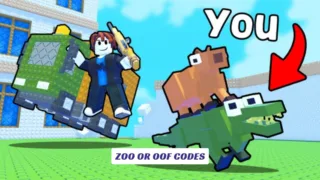
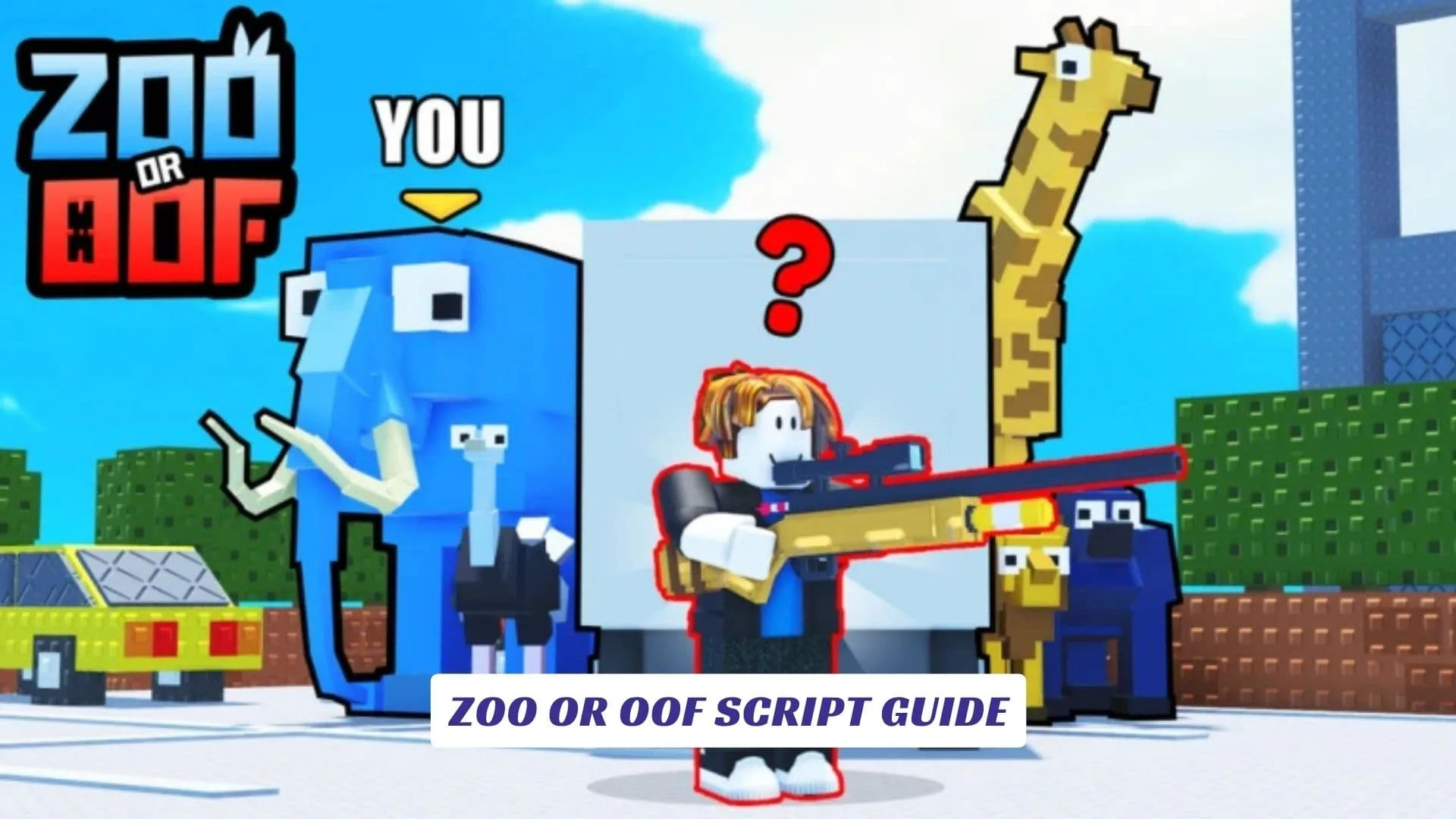
If you have been hunting for a complete ZOO or OOF Script Guide, you have landed in the right place. ZOO or OOF is one of Roblox’s most entertaining hide-and-seek experiences, created by Dropping a Banger, and it has already racked up over 105 million visits since its launch in May 2025. The game pits sneaky zoo animals against sharp-eyed zookeepers in fast, chaotic rounds that are endlessly replayable. But for players who want a deeper layer of control, whether you are looking to outsmart opponents with ESP, move faster than anyone on the map, or find safe spots that others simply cannot reach, Roblox scripts are the way in. This ZOO or OOF script guide covers the best available scripts, what features they unlock, how to run them safely, and what to watch out for as a first-time user. We have also published a separate post covering ZOO or OOF Codes, so if free in-game rewards are what you are after, that post has you covered.
What Are Roblox Scripts?
Roblox scripts are pieces of Lua code that run inside the Roblox game engine, often through a third-party script executor. They interact with the game’s internal logic to unlock features or automate actions that would otherwise require manual effort or simply would not exist in normal gameplay. Developers use Roblox Studio to build and test these scripts before deploying them into live games, which is also why many script creators have a background in Roblox Studio development.
The term “script” in this context covers everything from simple speed boosts to full cheat menus with multiple toggleable features. In the ZOO or OOF community, scripts are mostly used to gain a positional or informational advantage during rounds.
Available ZOO or OOF Scripts
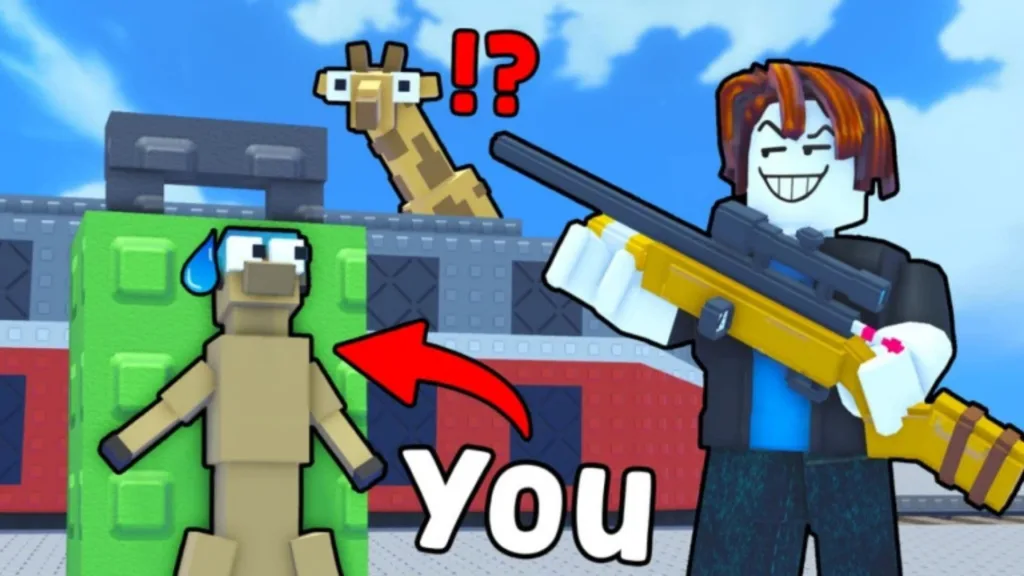
Several working scripts have been shared across Roblox scripting communities for ZOO or OOF. Below are the confirmed scripts with their features and sources.
Script 1: Auto Taunt and Teleport Script by Kadd
This script is one of the most shared in the ZOO or OOF community. It was developed by a creator known as kadd and is available through a Pastebin raw link. The key required to run it is kaddhubtop.
lualoadstring(game:HttpGet("https://pastebin.com/raw/2i28aD7e"))()
Features include:
- Auto Taunt
- Teleport behind the Zookeeper
- Speed modifications
- General cheat enhancements
Script 2: ESP, Teleports, NoClip, and Anti-AFK by Silentscripts
This one comes from a developer known as Silentscripts and is hosted on GitHub. It is keyless, meaning no token or verification is required to run it. It is considered one of the cleaner scripts available for the game right now.
lualoadstring(game:HttpGet("https://raw.githubusercontent.com/ecrxks271/zoo/main/Zoo_or_off.lua"))()
Features include:
- ESP (Enemy and Animal tracking)
- Teleports to key map locations
- NoClip (pass through walls)
- Anti-AFK
Script 3: Auto Farm, Kill Aura, and ESP by Scriptyyz
This script is the most recent addition to the list, updated and confirmed working as of April 2026. Credited to Scriptyyz, it is hosted on Pastebin and loaded through a standard loadstring call. According to the source, it gives players full farming automation, instant-hit kill aura, and real-time player tracking.
lualoadstring(game:HttpGet("https://pastebin.com/raw/hF3aEpus"))()
Features include:
- Auto Farm
- Kill Aura
- ESP
What Each Feature Actually Does
Understanding what you are activating before running a script is worth a moment of your time.
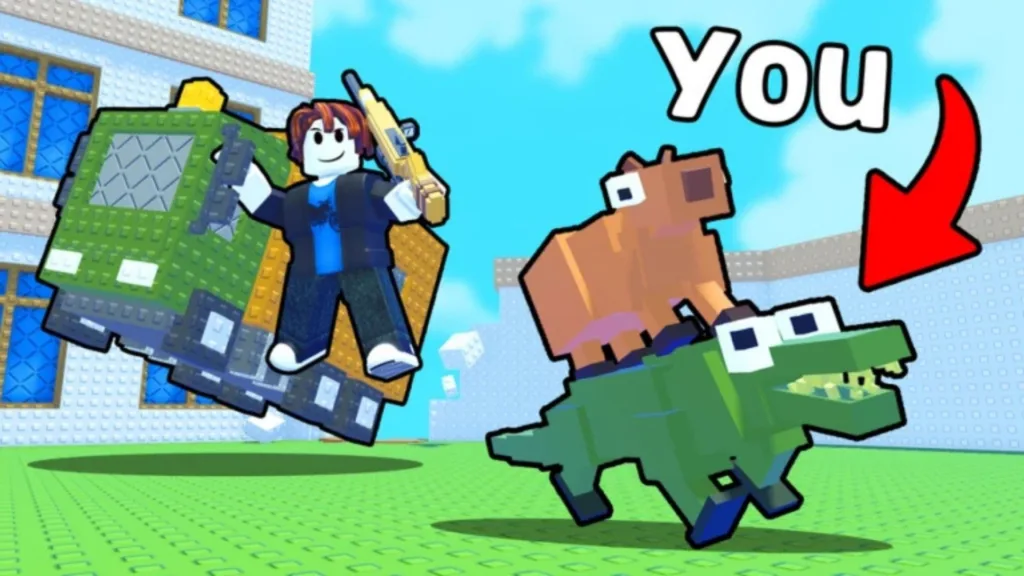
ESP stands for Extra Sensory Perception. In Roblox games, it draws outlines or labels on other players through walls, so you can see exactly where everyone is at all times. In ZOO or OOF, this gives you a massive edge as either the animal or the zookeeper.
NoClip disables the collision detection on your character, letting you walk through walls, floors, and any solid surface in the map. It is one of the most popular cheats in hide-and-seek style Roblox games for obvious reasons.
Auto Taunt automatically triggers the in-game taunt action, which can serve as a distraction or just a flex move depending on how you play. The Teleport feature moves your character to predefined coordinates on the map instantly, often to spots that are difficult to reach under normal gameplay conditions.
Auto Farm handles repetitive in-game tasks without manual input, while Kill Aura registers hits on nearby players automatically. These two are more aggressive cheats and are more likely to be flagged by any anti-cheat system the game may introduce over time.
How to Run These Scripts
To execute any of the scripts above, you need a Roblox script executor. Popular options in 2026 include executors like Synapse X, Fluxus, and Delta, though availability changes over time as Roblox updates its anti-cheat measures.
Here is the general process:
- Open Roblox and join a ZOO or OOF session
- Open your preferred executor
- Paste the
loadstringscript into the executor’s script box - Hit Execute
- The script GUI or feature set will load in-game
If a script requires a key, enter it when prompted. For the Kadd script above, the key is kaddhubtop.
AshLabs Script: Auto Taunt, Animal ESP, and More
The AshLabs script for ZOO or OOF is another well-documented option, listed across multiple Roblox script databases. It includes a key system, where you press a “Key Link” button to get your free token. Its feature list overlaps with others but has a few unique additions.
Features include:
- Auto Taunt
- Animal ESP
- No Clip
- Speed Modifier
This script is a good pick for players who want a cleaner cheat interface with labeled toggles rather than a raw script that activates everything at once.
A Word on Roblox Studio and Script Safety
Every script listed in this article was originally built and tested using Roblox Studio, the official game development environment provided by Roblox Corporation. Roblox Studio gives developers and scripters access to the same tools used to build ZOO or OOF itself, which is why skilled community members are often able to build surprisingly sophisticated cheats and modifications.
That said, using third-party cheats outside of Roblox Studio in a live game is a violation of Roblox’s Terms of Service. Running exploit scripts can result in account warnings or permanent bans, especially as games grow and developers begin adding server-side anti-cheat protections. ZOO or OOF is still in alpha, so its anti-cheat setup may evolve as the game matures. Use any script at your own risk, and consider running them on alternate accounts if ban risk is a concern.
Tips for Getting the Most Out of These Scripts
A few practical notes for anyone running these scripts in ZOO or OOF for the first time.
- Start with NoClip or ESP before anything else. These are lower-profile cheats and less likely to trigger suspicion from other players or any emerging detection systems.
- Do not stack all scripts at once. Running multiple executors or layered scripts can cause the game to crash or behave unexpectedly. Load one at a time.
- Update regularly. ZOO or OOF is in active development. Scripts that worked in August 2025 may need updates by April 2026, so always check the source page for any newer versions before running older pastes.
- Use a key manager if needed. Some scripts require fresh keys on each session. Keep the key source bookmarked rather than storing the key itself, since keys often rotate.
About ZOO or OOF
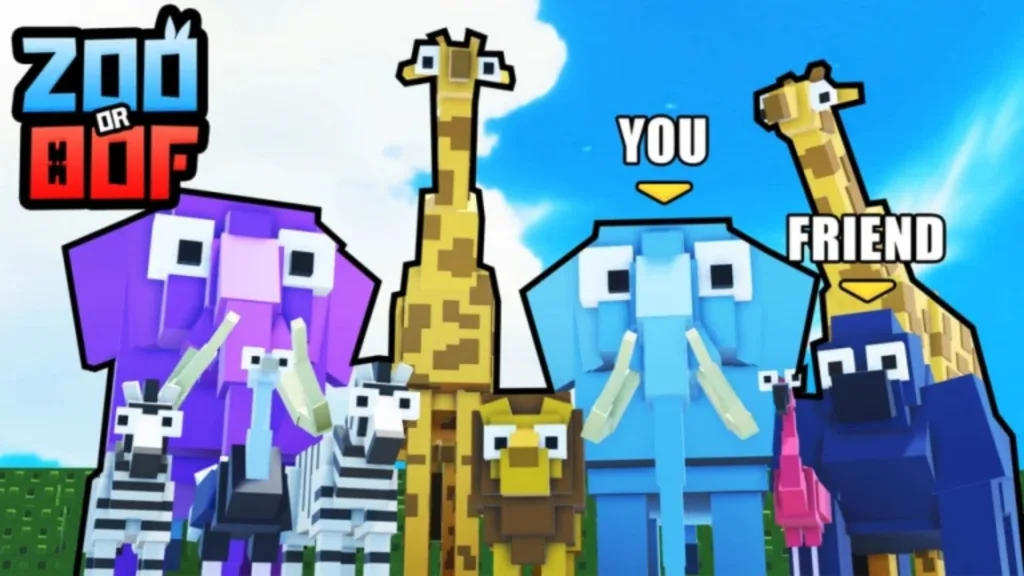
For those who are new to the game entirely, ZOO or OOF is a Roblox alpha experience where players are randomly assigned to either the animal team or the zookeeper team at the start of each round. Animals try to blend in, hide, and escape; the zookeeper tries to track them down with a tranquilizer. Maps are voted on before each round, keeping the environment fresh.
The game crossed 105 million visits in 2026 with thousands of concurrent players, making it one of the more impressive growth stories among newer Roblox titles. Its rapid rise also means the scripting community around it is active and growing, which is a big reason why so many working scripts are already available.