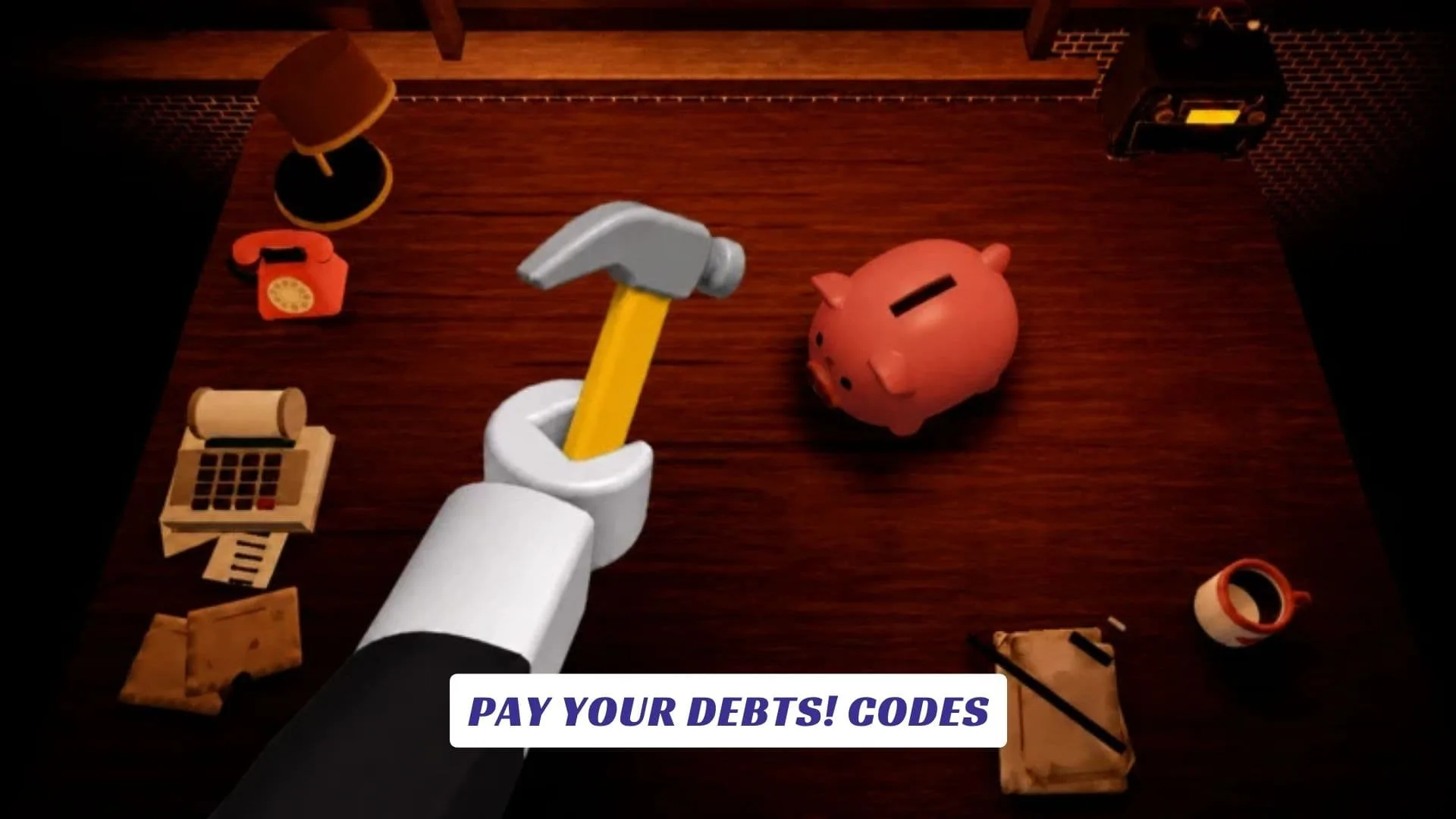
Welcome to our Pay Your Debts! Codes guide, your place to check for free rewards while working through one of Roblox‘s more unusual money-making simulators. In Pay Your Debts!, the basic idea is wonderfully stressful: work hard, earn money, smash piggy banks, upgrade your hammers, pay your bills, and eventually take on the final boss. Missing a payment can send you bankrupt, while efficient players can race friends and other players to see who can finish fastest. The developers also lean into a cozy presentation with relaxing music and satisfying breaking and money sounds, giving the frantic financial objective a surprisingly chilled-out atmosphere. We’ll update this Pay Your Debts! Codes page whenever the developers introduce new rewards. You can also check our previously published Pay Your Debts! Script Guide if you are looking for our related game coverage.
Active Pay Your Debts! Codes
| Code | Reward |
|---|---|
| PAYTHATBILL | Cash |
| PIGGYSMASH | Money Boost |
| HAMMERTIME | Hammer Boost |
| DEBTFREE | Bonus Cash |
What Is Pay Your Debts!?
Pay Your Debts! is created by LightBULB Creates! and revolves around earning enough money to keep your financial obligations under control. Players break piggy banks, improve their hammers and work toward defeating the final boss. The game also supports competition with friends, adding a speed-running element to its incremental progression.
It is a simple loop, but the threat of bankruptcy gives every upgrade and payment a little urgency.
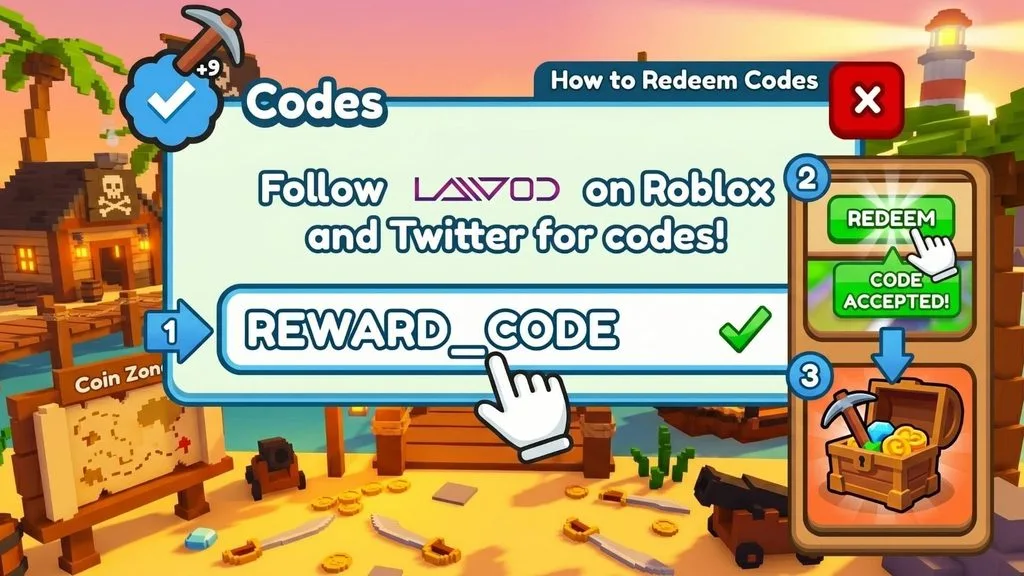
How To Redeem Pay Your Debts! Codes
- Launch Pay Your Debts! on Roblox.
- Check the main HUD, Shop, Settings and other menu buttons for a Codes option.
- Open the code entry box.
- Copy and paste the code exactly as published.
- Press Redeem, Claim, or the equivalent confirmation button.
- Check your balance or inventory for the reward.
Do not confuse experience-specific codes with general roblox promo codes, as those are separate systems.
Why Is My Code Not Working?
Check capitalization and spelling first. Codes can be case-sensitive, and accidental spaces are another common source of errors.
If everything is entered correctly, the code may have expired or already been redeemed on your account. Always use developer-confirmed codes when possible rather than random code lists.
How To Get More Codes
The official Roblox page encourages players to join the LightBULB Creates! group for sneak peeks at upcoming updates. Updates and milestones are therefore sensible times to check for future giveaways.
We’ll also update this page when verifiable codes arrive.
Play Pay Your Debts! Now
Keep the money flowing, improve your hammer, and do not forget the bills.