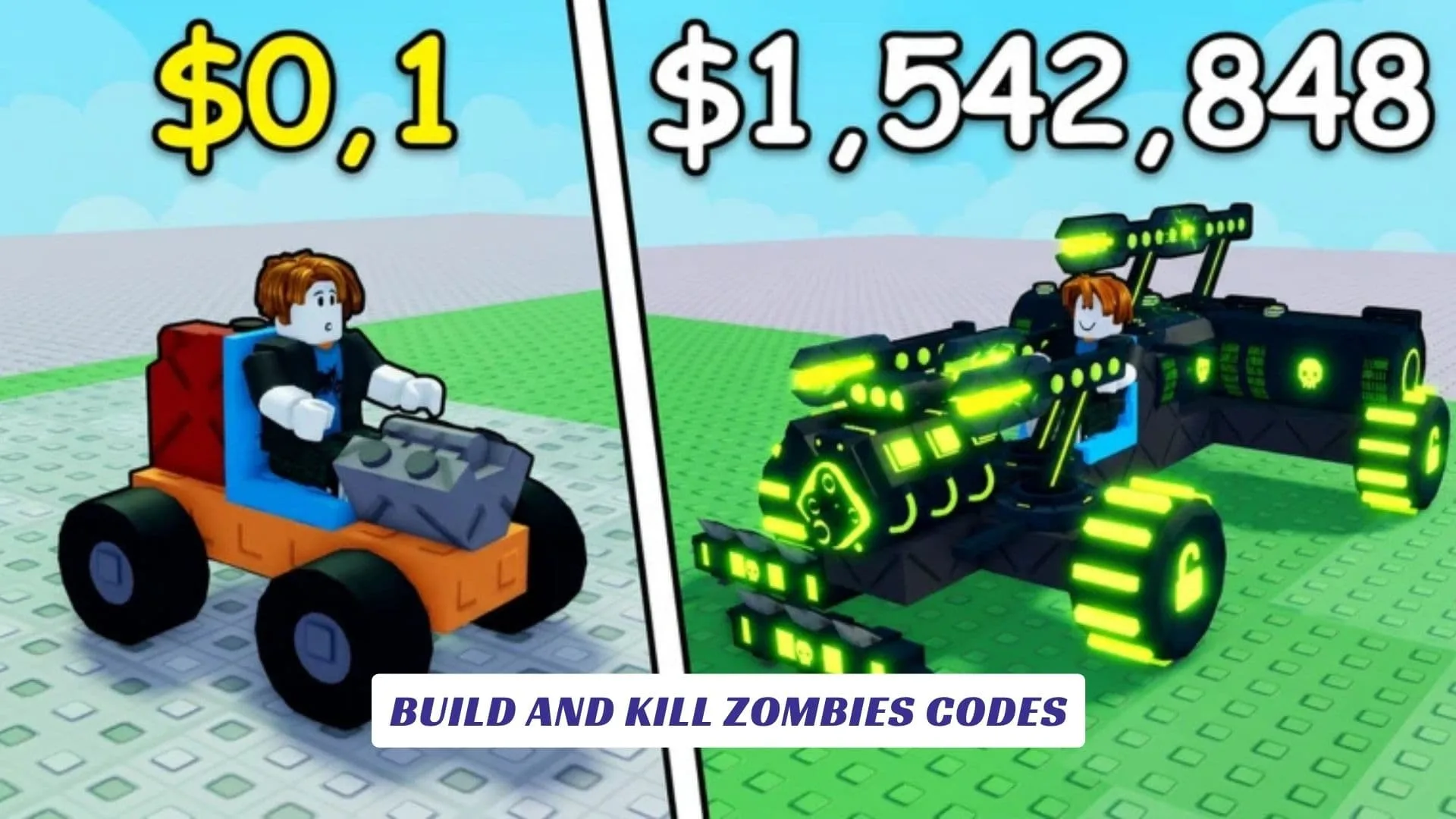
Welcome to our Build and Kill Zombies Codes guide, where survivors can check for reward updates while learning what this vehicle-building Roblox adventure is all about. Created by Zombie Car Crusher, Build and Kill Zombies challenges you to assemble a custom car, equip it with crazy weapons and defensive components, and send it crashing through waves of zombies. Successful runs earn cash that can be invested in further upgrades, letting you refine your design and discover how long your creation can survive. This post will be updated with new codes whenever the developers release them, so bookmark it and return while experimenting with stronger defenses, deadlier weapons, and new vehicle builds. Our website also features an earlier Build and Kill Zombies Script Guide for readers searching for the related script resource.
Active Build And Kill Zombies Codes
| Code | Reward |
|---|---|
ZEUS | 50 Lightning Tokens |
IAMPRO | 5k Cash (needs 1k studs) |
COMMUNITY | 1k Cash, Small Engine, Small Tank |
CashDrop | 500 Cash |
MOREFRIENDS | Two Passenger Seats |
Last checked: September 30, 2026. These codes were verified against multiple up-to-date code trackers. Codes are case-sensitive, so enter them exactly as shown.
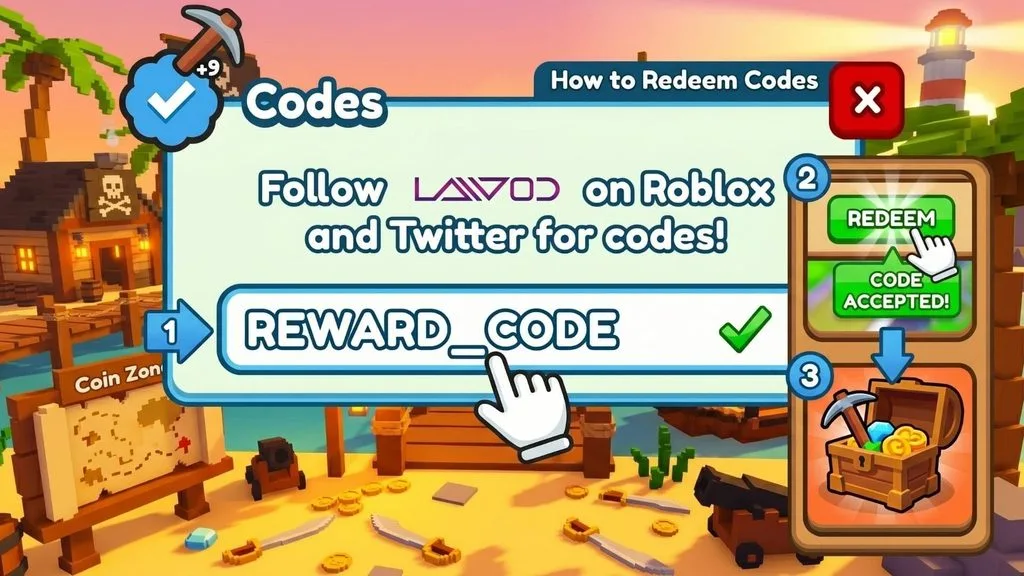
How To Redeem Build and Kill Zombies Codes
Most Roblox experiences use a straightforward redemption process. If a code feature appears in Build and Kill Zombies, try these steps:
- Open Build and Kill Zombies on Roblox.
- Wait for the main menu or garage area to load.
- Look for a Codes button, gift icon, Twitter-style bird icon, or settings menu.
- Select the button to open the code entry field.
- Copy a working code from this guide.
- Paste it into the box without adding spaces.
- Press Redeem, Claim, or Submit.
- Check your cash balance, inventory, or garage for the reward.
Codes are often case-sensitive, so preserve every capital letter and number. If a valid code fails, rejoin the game, use a fresh server, and try it again.
What Is Build And Kill Zombies?
The official Roblox page describes a simple but satisfying survival loop: build a car, attach unusual weapons and defenses, crush incoming zombies, earn cash, and improve the vehicle. Instead of relying only on direct character combat, players turn their creations into mobile anti-zombie machines.
The most interesting part is the freedom to adjust your build. Extra protection may help the car endure a longer assault, while a weapon-focused setup could clear enemies faster. Cash connects each attempt to the next, giving you an incentive to survive another wave and return to the garage with a better plan.
The official page currently displays the message “There are currently no running experiences,” so availability may be temporarily limited or changed by the creator. The experience remains listed under the Zombie Car Crusher community.
How To Find Future Codes
Watch the official Roblox description first, as developers commonly place announcements and update notes there. Community pages, in-game notices, and developer social channels may also reveal rewards tied to likes, visits, seasonal events, or major content releases.
Avoid random code lists that fail to distinguish confirmed rewards from guesses. A legitimate code should come from the developer or be successfully tested inside the game.
Play Build and Kill Zombies now