Contents
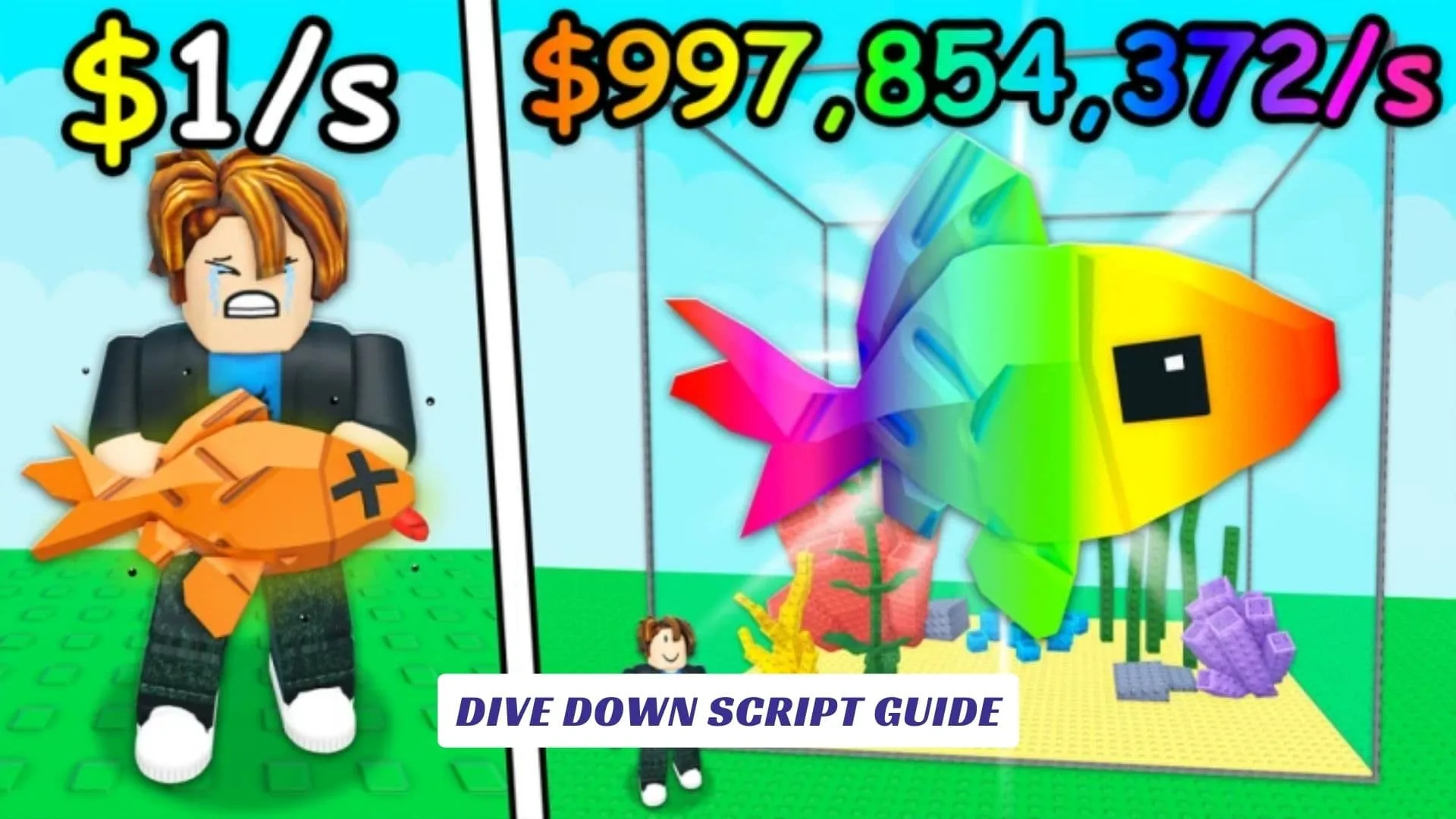
Welcome to the ultimate Dive Down Script Guide, your dedicated deep-sea companion for conquering the mysterious and treasure-filled waters of one of the most captivating exploration games on the Roblox platform. If you are tired of constantly running out of oxygen or endlessly swimming in shallow waters while searching for elusive mythic catches, you have definitely come to the right place. Dive Down is an incredibly exciting underwater adventure that challenges players to descend into the abyss, collect extremely rare items, and uncover hidden aquatic secrets. However, surviving the crushing depths and navigating the sprawling map requires strategy, precision, and sometimes a little extra help. That is exactly what this Dive Down Script Guide provides, offering you an exclusive, inside look at how to automate your entire diving experience, instantly locate the best treasures, and completely dominate the player leaderboards without the usual tedious grind. Whether you are actively using Roblox Studio to understand the underlying game mechanics or you are simply looking for the most reliable cheat available right now, these powerful scripts will entirely change how you approach the ocean depths. Furthermore, if you are also hunting for official in-game freebies to boost your progress legitimately before using any external tools, make sure to briefly check out our earlier post covering Dive Down Codes to claim your developer rewards! So, strap on your virtual oxygen tank, prepare your exploit executor, and let’s explore the incredible coding that will instantly transform you into the ultimate oceanic explorer.
What Is Dive Down All About?
Created by the talented developers over at Dive Down Games, Dive Down is a massively popular Roblox experience that plunges you directly into a vast, uncharted ocean environment. The core gameplay loop requires players to carefully manage their oxygen levels as they dive deeper into the abyss. The golden rule of the game is simple: the deeper you go, the riskier the environment becomes, but the better the rewards. Players are tasked with exploring various underwater zones to find and collect high-value items, ranging from common loot to highly coveted Mythic, Secret, and Divine rarities. As you gather more resources and cash, you can upgrade your gear, increase your oxygen tank capacity, and eventually reach the fabled Last Zone. The game is highly praised for its relaxing yet addictive progression system, drawing in tens of thousands of players who just want to see what lies at the very bottom of the ocean floor.
Why Use Cheats And Explore With Roblox Studio?
Understanding the architecture and world-building of massive games often starts directly in Roblox Studio, where developers meticulously craft these expansive underwater maps and script the item-spawning mechanics. For players looking to analyze how the game generates its rarest loot, playing around in Roblox Studio can be incredibly educational. However, for standard players who just want to bypass the repetitive swimming animations and agonizing cooldowns, utilizing a working cheat is a total game-changer. These cheats interact with the game’s client-side data, giving you digital authority over your character’s position and actions. By using properly coded cheats, you can automatically teleport to the best fishing spots, instantly detect Secret rarity items, and farm resources completely AFK while you step away from your keyboard.
The Ultimate Dive Down Auto Farm Script
If you are ready to take your gameplay to the next level, we have sourced one of the most effective and lightweight GUI scripts currently working for the game. This script features Auto Find, Auto Mythic, Auto Secret, and a convenient teleport that takes you straight to the Last Zone or the Aquarium.
Below is the raw HTML/Lua script code you will need to execute in your preferred executor:
<pre><code class="language-lua">
-- Dive Down Auto Farm & Auto Find GUI Script
-- Features: Auto Secret, Mythic, Go To LastZone
-- Status: UNDETECTED & WORKING (2026)

loadstring(game:HttpGet("https://raw.githubusercontent.com/gumanba/Scripts/main/DiveDown"))()
</code></pre>
For those who want a simpler, universal cheat for adjusting their character’s swimming speed and jump power while exploring the ocean, here is a secondary movement script:
-- Universal Player Modification Script for Dive Down
local player = game.Players.LocalPlayer
local character = player.Character or player.CharacterAdded:Wait()
local humanoid = character:WaitForChild("Humanoid")

-- Adjust these values to swim faster and avoid oxygen depletion
humanoid.WalkSpeed = 50
humanoid.JumpPower = 100
How To Execute Your Scripts Safely
To actually use the Dive Down scripts provided above, you will need a reliable Roblox script executor (such as Delta, Solara, or CodeX). First, launch Dive Down on your device. Once your character has loaded into the lobby, open your executor and attach it to the game. Copy the Lua code from the HTML boxes above, paste it directly into the execution window, and press the “Run” or “Execute” button. A brand-new graphical user interface (GUI) should pop up on your screen, allowing you to toggle on the Auto Farm, adjust your target rarities, and instantly teleport to the deepest zones without swimming a single inch.