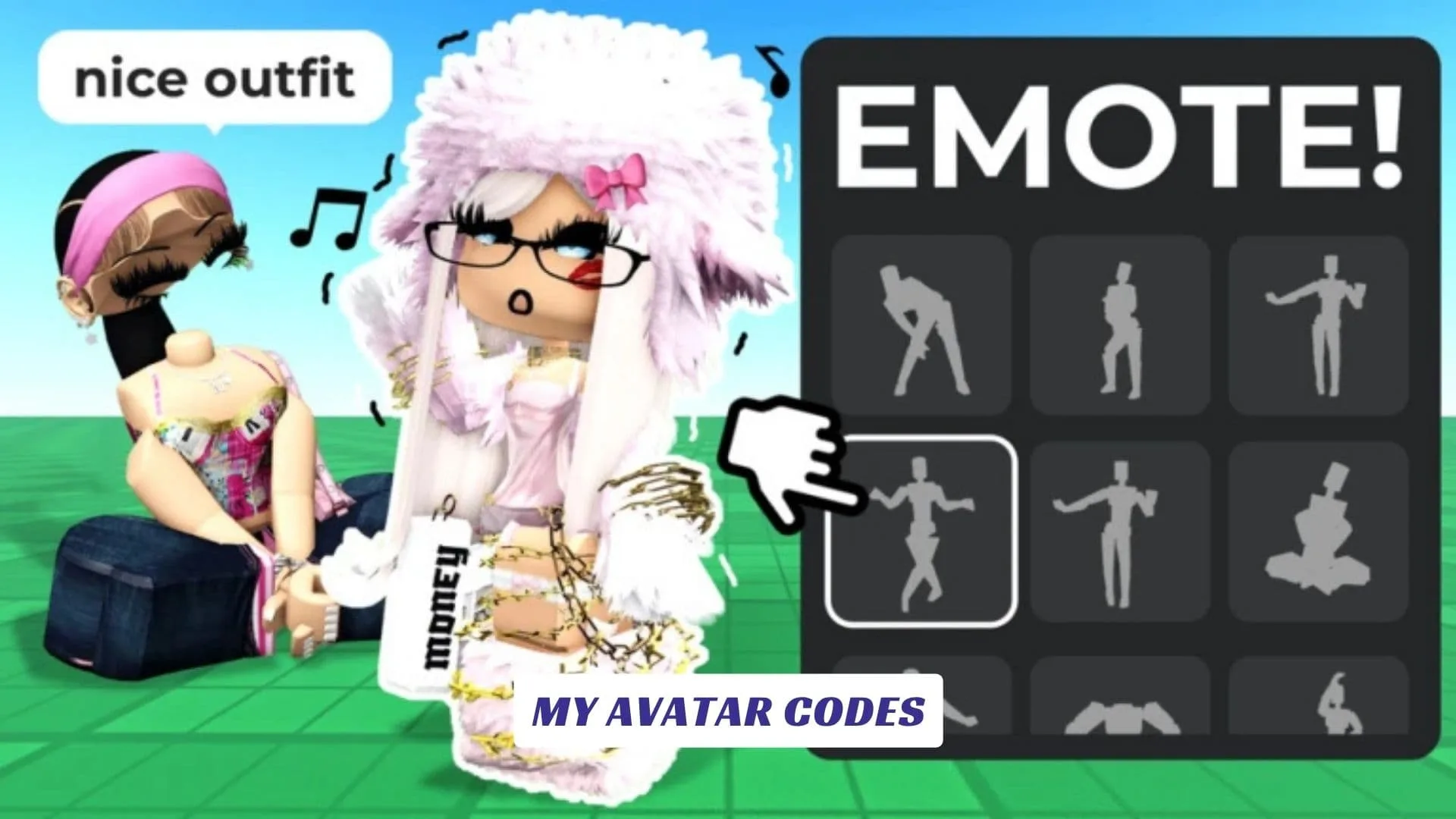
Welcome to our My Avatar Codes guide, made for Roblox players who love avatar customization, outfit building, catalog browsing, free items, Points, style testing, and reward codes. In My Avatar!, players can explore the Roblox catalog, try different outfits for free, discover community-made looks, earn Points, and spend them in the Point Store for avatar items. It is a simple but fun experience for anyone who likes changing their Roblox style without jumping between pages or guessing how items will look together. This page will be updated whenever the developers release new My Avatar codes, so players can return for fresh rewards while testing outfits, collecting Points, and creating a better look. Our website also includes an earlier published My Avatar Script Guide for players who want related game information.
What Is My Avatar!?
My Avatar! is a Roblox avatar customization game by THINK DIFFERENT. It lets players browse the Roblox catalog and build avatars for free inside the experience.
The official game page says you can explore community-made outfits, earn Points when you make in-game purchases, and spend Points in the Point Store to claim free avatar items. Items bought in-game are added to your Roblox inventory and can be used in other Roblox games.
That makes the game useful for players who like fashion, UGC items, outfit previews, and quick avatar experiments.
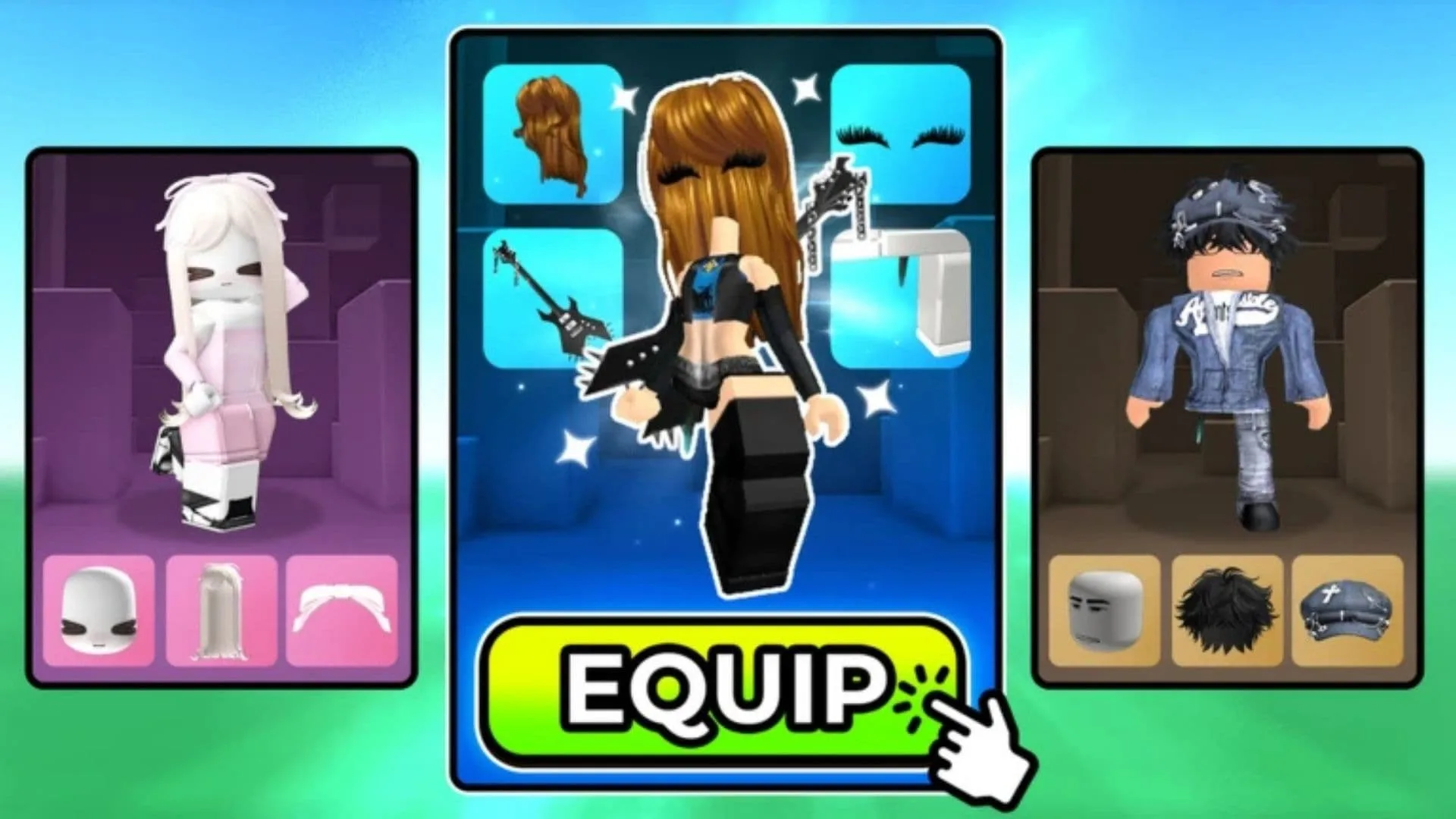
Active My Avatar Codes
Here is the currently reported working My Avatar code:
| Code | Reward |
|---|---|
| 50Points | 50 Points |
Some code trackers also mention 100POINTS, but other sources list it as expired. Because of that, try 50Points first, then test 100POINTS only if you want to check whether it still works in your server.
Expired Or Unconfirmed My Avatar Codes
| Code | Status |
|---|---|
| 100POINTS | Reported as expired by some trackers |
Roblox game codes can expire fast, especially when they are tied to milestones, updates, or limited events. If a code does not work, it may be expired, already used, or typed incorrectly.
How To Redeem My Avatar Codes
Redeeming codes in My Avatar! can be a little hidden if you are new.
- Open Roblox.
- Launch My Avatar!.
- Click the yellow Pts button at the bottom of the screen.
- Click Buy Points.
- Scroll down to the code box.
- Enter the code exactly as shown.
- Press Enter to claim your reward.
Codes may be case-sensitive, so copy 50Points exactly.
Where To Find New My Avatar Codes
The best place to check first is the official Roblox page for My Avatar!. The game description may update when new Point items, shop rewards, or codes are added.
You can also watch developer updates, community posts, and this guide. We will update the list when new working My Avatar codes become available.