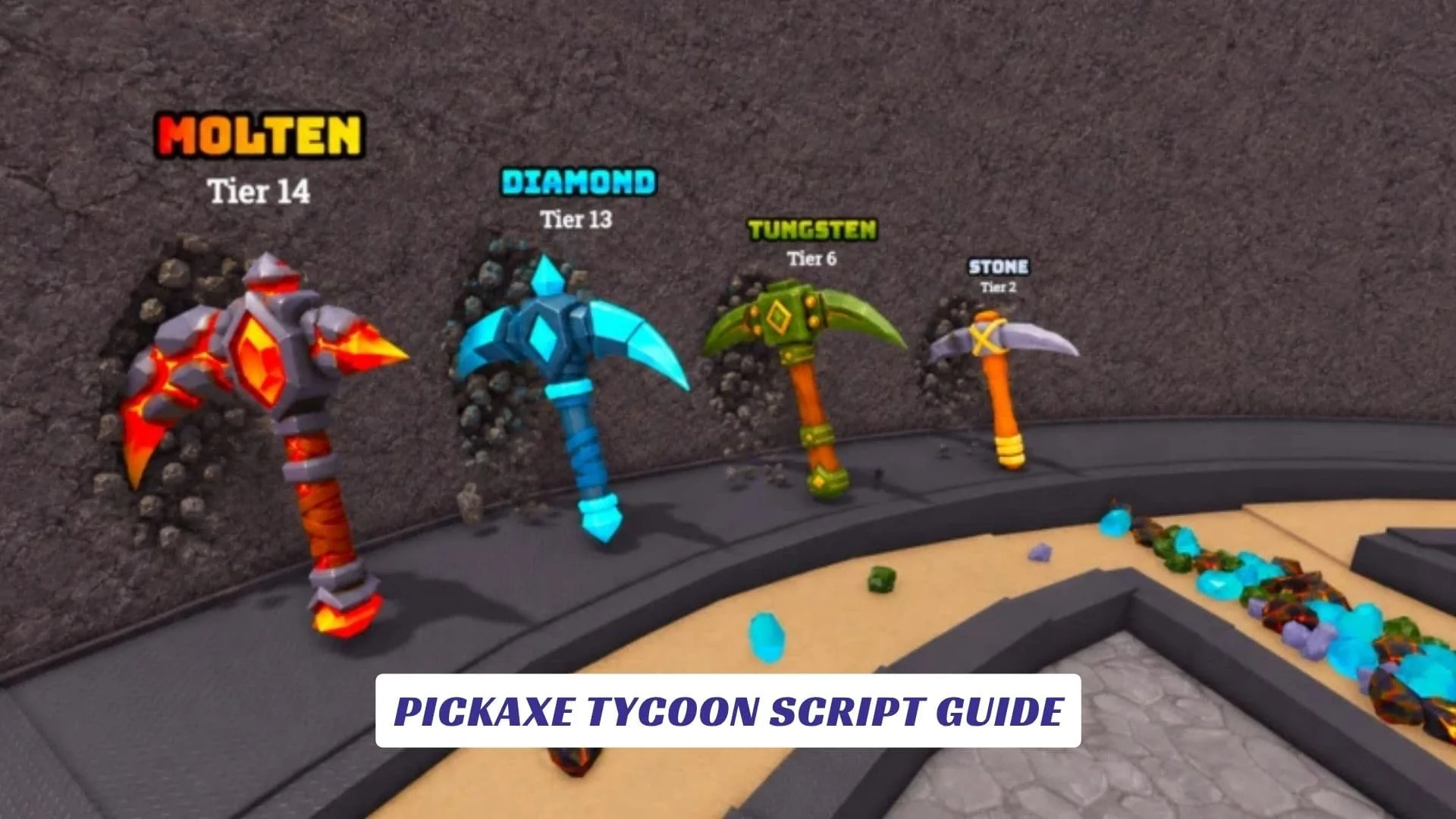
Pickaxe Tycoon Script Guide is a safe, player-friendly and developer-friendly article for Roblox fans who want to understand how Pickaxe Tycoon works, what script-style features players usually search for, and how similar mining, merging, cash, and pickaxe systems can be studied inside Roblox Studio without using unsafe exploit scripts, cheat tools, or cheats that break the rules of a live game. Pickaxe Tycoon is a Roblox mining tycoon experience by Popular Marketplace where players buy a pickaxe, mine ores, convert ores into money, buy more pickaxes, merge them into stronger tools, build a giant mining tower, and try to collect every pickaxe. Our website also includes an earlier post called Pickaxe Tycoon Codes, but this guide focuses on script concepts, safe learning, gameplay systems, and official game details rather than code redemption.
What Is Pickaxe Tycoon?
Pickaxe Tycoon is a Roblox tycoon game with a clear mining loop. You start by buying a pickaxe, then mine ores, turn those ores into money, and use that money to buy more pickaxes. The official Roblox page also mentions merging pickaxes to get better ones and building a giant mining tower as a long-term goal.
That makes the game feel simple at first, but satisfying as you keep growing. The more you mine, the more you earn. The more you earn, the better your tools become. The better your tools become, the faster your tycoon grows.
Important Note About Scripts And Cheats
Many players search for a Pickaxe Tycoon script because they want auto farm, auto mine, auto merge, free money, infinite ores, or instant tower progress. However, using exploit scripts in a public Roblox game can be unsafe and unfair. Roblox’s Creator Third Party App Terms say apps may not participate in cheating or exploits, and they may not misuse or bypass Roblox systems.
So this article does not provide exploit code, cheat loaders, executor scripts, or anything designed to manipulate Pickaxe Tycoon without permission. Instead, it gives safe Roblox Studio examples that show how similar mechanics can work in your own game project.
Safe Roblox Studio Mining Script Example
The script below is not a cheat for Pickaxe Tycoon. It is a basic Roblox Studio example that shows how a mining reward system could work in a personal project.
-- Safe Roblox Studio Example
-- Basic ore reward system for your own mining game

local Players = game:GetService("Players")

local ORE_REWARD = 10

Players.PlayerAdded:Connect(function(player)
    local leaderstats = Instance.new("Folder")
    leaderstats.Name = "leaderstats"
    leaderstats.Parent = player

    local cash = Instance.new("IntValue")
    cash.Name = "Cash"
    cash.Value = 0
    cash.Parent = leaderstats
end)

local function giveMiningReward(player)
    local leaderstats = player:FindFirstChild("leaderstats")
    if not leaderstats then return end

    local cash = leaderstats:FindFirstChild("Cash")
    if not cash then return end

    cash.Value += ORE_REWARD
end

-- Example use:
-- Call giveMiningReward(player) when the player mines an ore in your own game.
This kind of script is useful for learning how cash systems work in tycoon games. It does not unlock anything inside Pickaxe Tycoon, and it should only be used in a place you own or have permission to edit.
Safe Pickaxe Upgrade Script Example
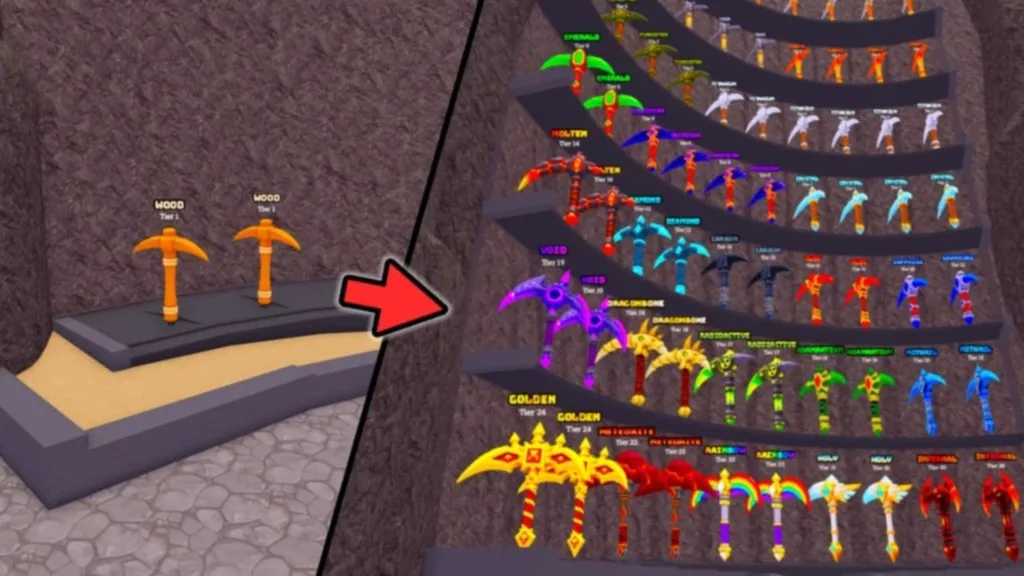
Pickaxe upgrades are one of the main ideas behind Pickaxe Tycoon. The official page says players can buy more pickaxes and merge them to get better ones. That gives the game a collector feel, because every upgrade can make mining feel more powerful.
Here is a safe Roblox Studio example for a simple pickaxe level system:
-- Safe Roblox Studio Example
-- Simple pickaxe level system for your own Roblox game

local function upgradePickaxe(player)
    local pickaxeLevel = player:FindFirstChild("PickaxeLevel")

    if not pickaxeLevel then
        pickaxeLevel = Instance.new("IntValue")
        pickaxeLevel.Name = "PickaxeLevel"
        pickaxeLevel.Value = 1
        pickaxeLevel.Parent = player
    end

    pickaxeLevel.Value += 1
    print(player.Name .. " upgraded to Pickaxe Level " .. pickaxeLevel.Value)
end