If you are tired of missing your shots or getting outplayed in intense 1v1 duels, this Murderers vs Sheriffs 2 Script Guide is your golden ticket to dominating the leaderboards. In the high-stakes world of Murderers vs Sheriffs 2, precision is everything, and having access to powerful cheats like Silent Aim, ESP (Extrasensory Perception), and Hitbox Expanders can turn a frustrating losing streak into an effortless victory lap. While many players rely on raw skill, smart users know that utilizing a well-optimized Roblox script can enhance gameplay by revealing enemy locations through walls or ensuring every knife throw connects with its target. Before we dive into the technical wizardry of Roblox Studio executors and Lua code, don’t forget that our website also hosts a dedicated resource for freebies in our Murderers vs Sheriffs 2 Codes post, perfect for grabbing those cosmetic skins legally. Whether you are looking to troll your friends with “Spinbot” or just grind wins efficiently, this guide covers the essential tools you need to become the sheriff (or murderer) everyone fears.
What Is Murderers vs Sheriffs 2?
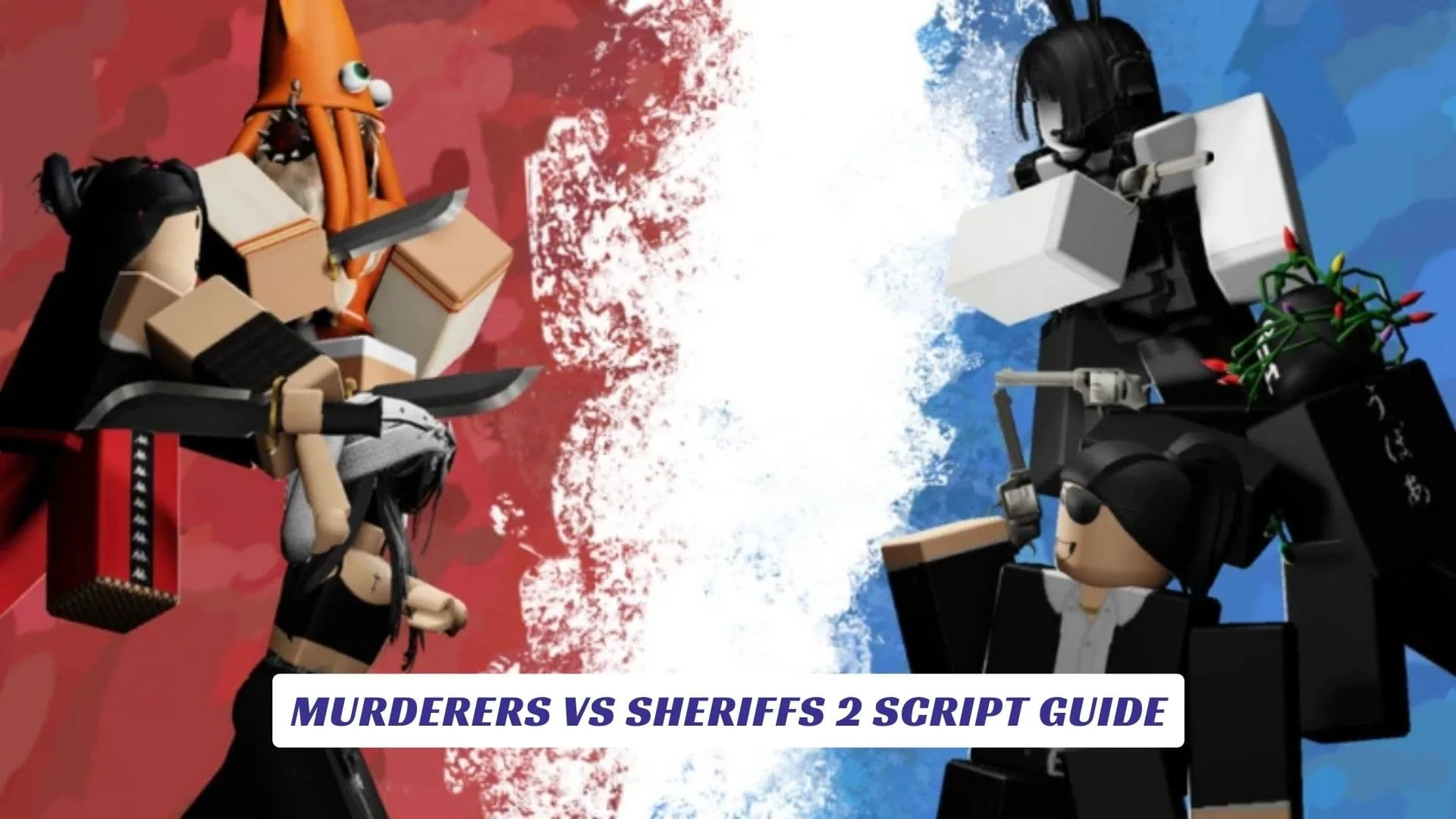
Murderers vs Sheriffs 2 (often styled as Murderers VS Sheriffs Duels) is a fast-paced combat game on Roblox that pits two teams against each other in deadly shootouts. Unlike traditional murder mystery games where stealth is key, this title focuses heavily on combat mechanics, aiming, and reflex speed. Players are divided into teams—Murderers (armed with knives) and Sheriffs (armed with revolvers)—and must eliminate the opposing side to win rounds. The game features various modes like Team Deathmatch, Capture the Flag, and Kill Confirmed, making it a versatile playground for competitive players.

Top Script Features To Look For
When searching for a reliable cheat script for this game, you will typically encounter a “Hub” or GUI (Graphical User Interface) packed with features. Here are the most popular ones found in scripts like “Ranxware” or “Imp Hub”:
- Silent Aim: This allows you to shoot near an enemy and still hit them without your crosshair being perfectly on target. It is subtler than a “hard lock” aimbot, making it harder for other players to detect you are cheating.
- ESP (Wallhacks): Highlights players with bright boxes or outlines (Chams) through walls, so you never get surprised by a camper around a corner.
- Hitbox Expander: A favorite among legit-looking cheaters, this increases the size of enemy hitboxes (often visualized as giant transparent cubes), making it nearly impossible to miss your shots.youtube
- Kill All / Knife Aura: For those who want chaos, this feature instantly teleports you to enemies or teleports enemies to you for instant elimination.
Murderers vs Sheriffs 2 Script
Below is a widely circulated script loader that grants access to these advanced features. To use this, you will need a script executor (like Synapse X, Krnl, or Fluxus) to inject the code into the game engine.
Warning: Using scripts involves risk. Always use a secondary account to protect your main progress from potential bans.
lualoadstring(game:HttpGet("https://raw.githubusercontent.com/TheRealAvrwm/Projects/main/Xeno%20MVSD%20script.lua", true))()
Alternatively, for a hub that includes Auto Win features:
lualoadstring(game:HttpGet("https://raw.githubusercontent.com/alan11ago/Hub/refs/heads/main/ImpHub.lua"))()
How To Use Scripts In Roblox
- Download an Executor: You need a third-party program (exploit) that allows you to run custom Lua scripts. Popular free options often include Delta or Fluxus.
- Launch the Game: Open Murderers vs Sheriffs 2 through the official Roblox launcher.
- Inject: Open your executor and click the “Attach” or “Inject” button to hook it into the Roblox client.
- Execute: Copy one of the script lines above, paste it into the executor’s text box, and hit “Execute.” A menu should appear on your screen allowing you to toggle your cheats.
A Note On Roblox Studio And Fair Play
While using scripts can be fun, it is important to understand how they work. These scripts manipulate the “RemoteEvents” that Roblox Studio developers use to communicate between your client and the game server. By intercepting these signals, scripts can tell the server “I hit this player” even if you missed. However, developers are constantly updating their anti-cheat systems. If you find yourself banned, remember that Roblox Studio gives creators the power to log suspicious activity, so always be careful and respectful of the community’s experience.